How to Set Up, Clean, and Maintain Your GemLightbox Pro

Quick Answer

The GemLightbox Pro arrives fully assembled — just plug it in and start shooting. Clean it regularly with a mild, non-toxic cleaner applied to a microfiber cloth, and contact GemIQ support to order replacement accessories if anything is damaged.

Before You Start

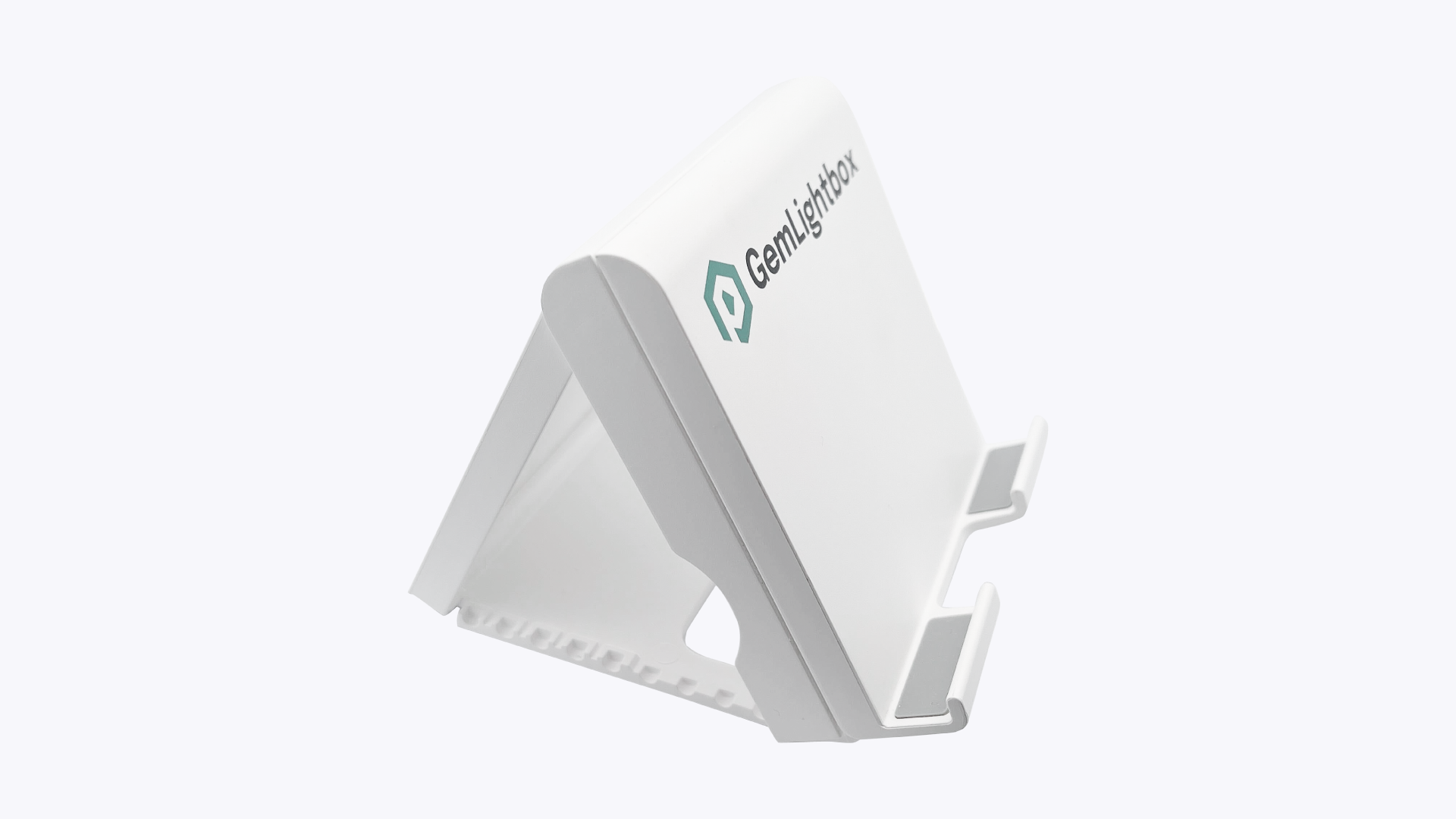
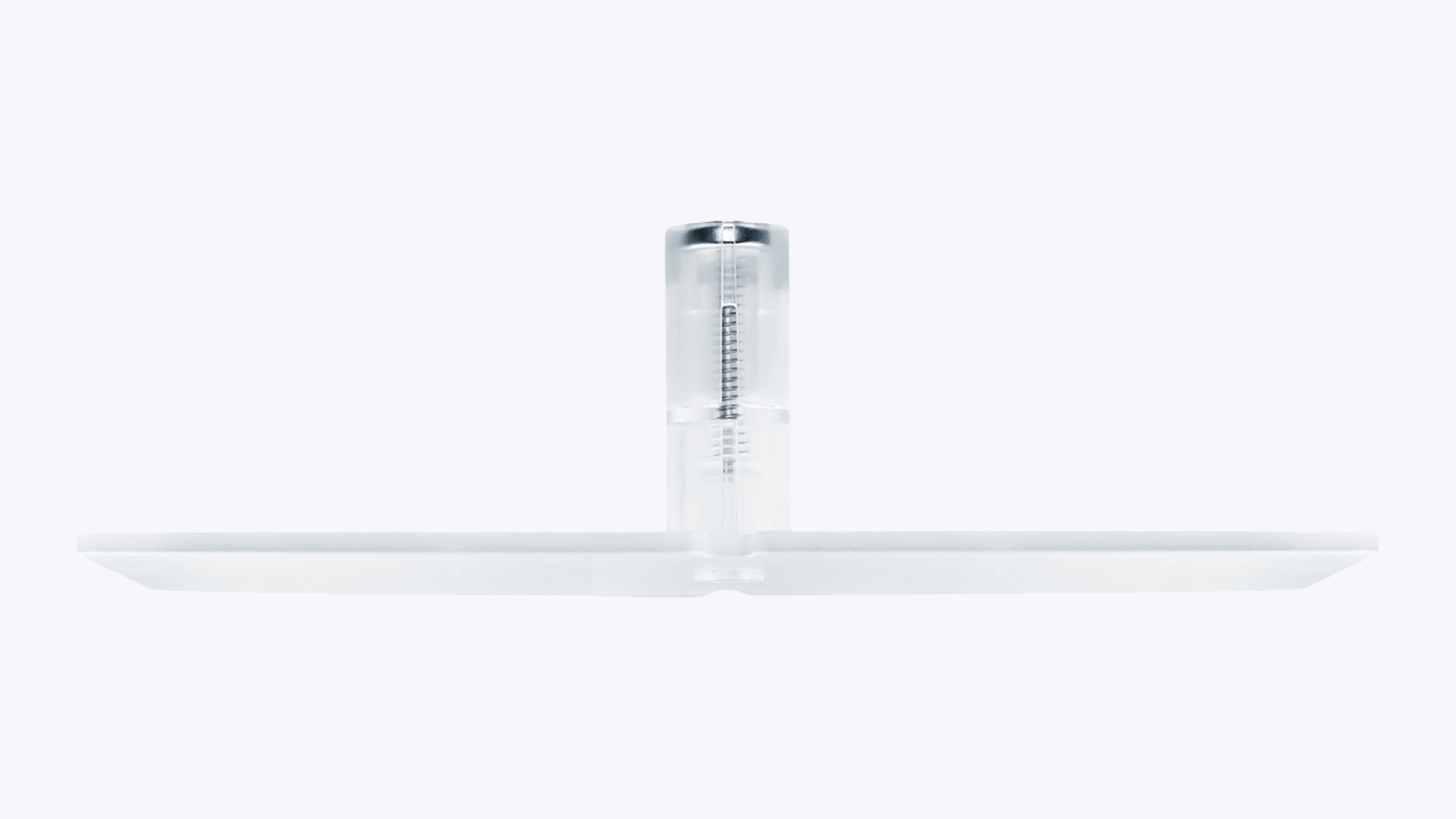
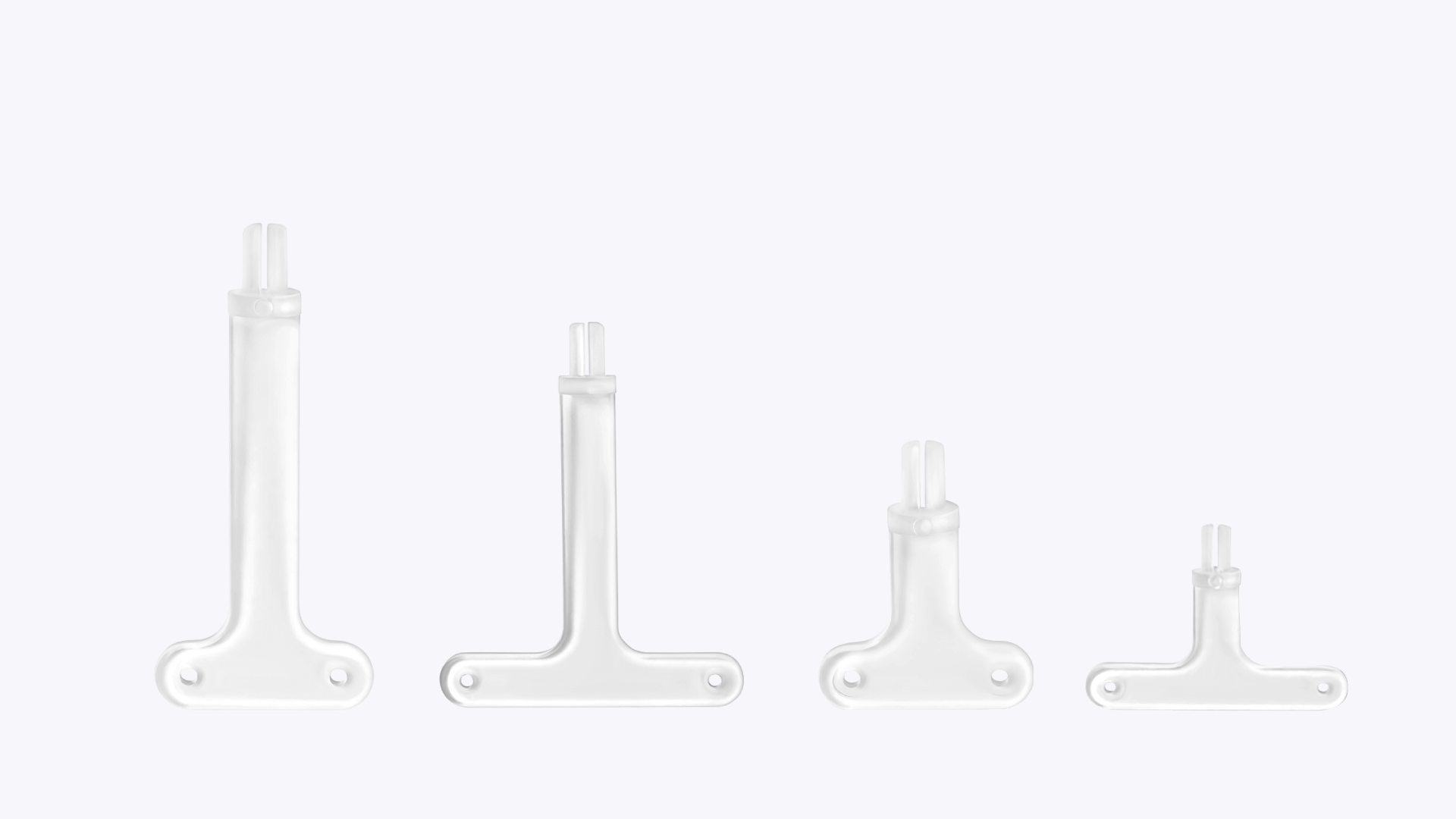
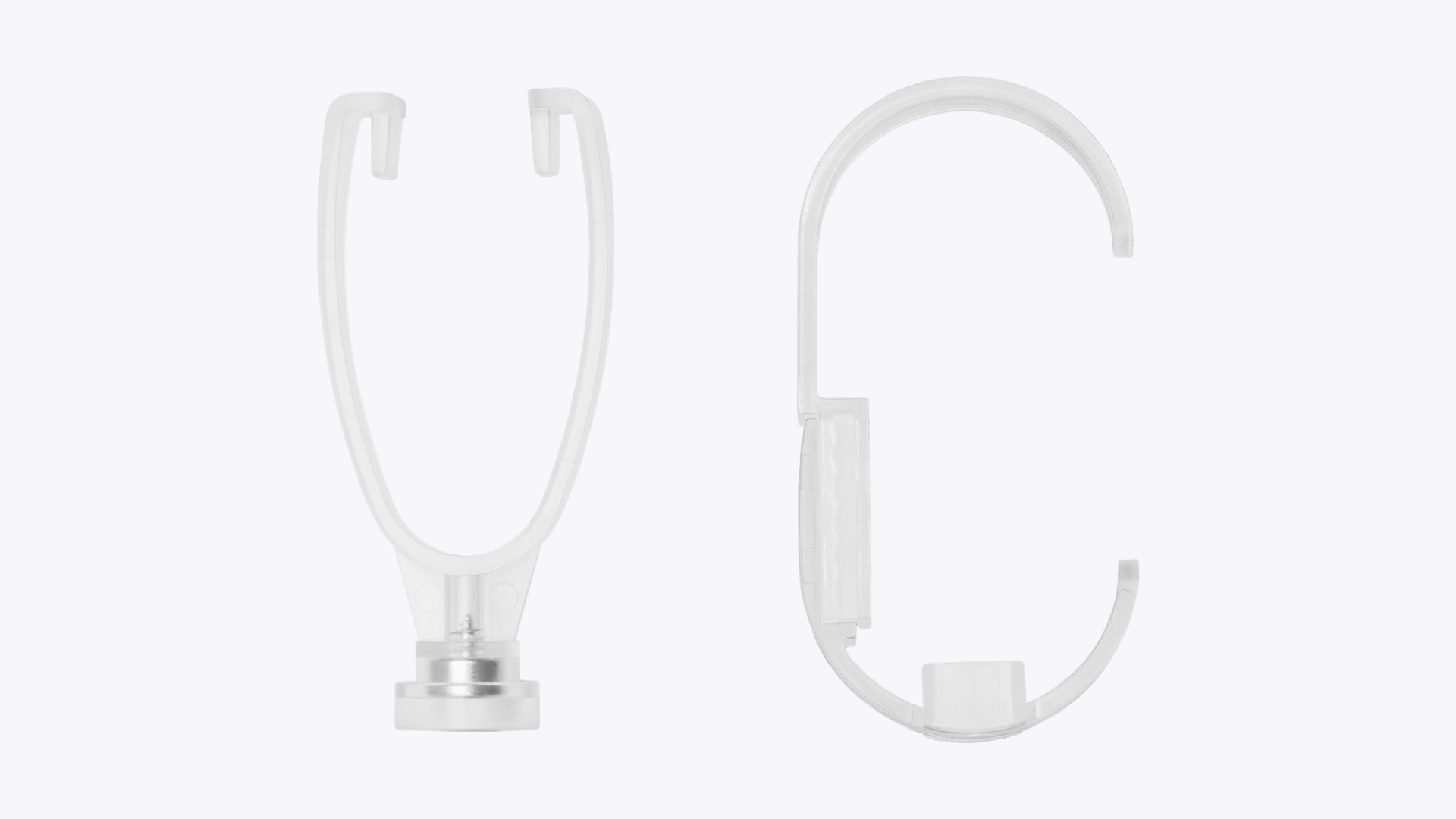
  • Check that all accessories are included: Pro Smartphone Stand, Necklace Stand, T-Bar Earring Stand, and Small & Large Adjustable Watch Holder.

  • Have a clean, dry microfiber cloth ready for cleaning.

  • Unplug the GemLightbox Pro before cleaning.
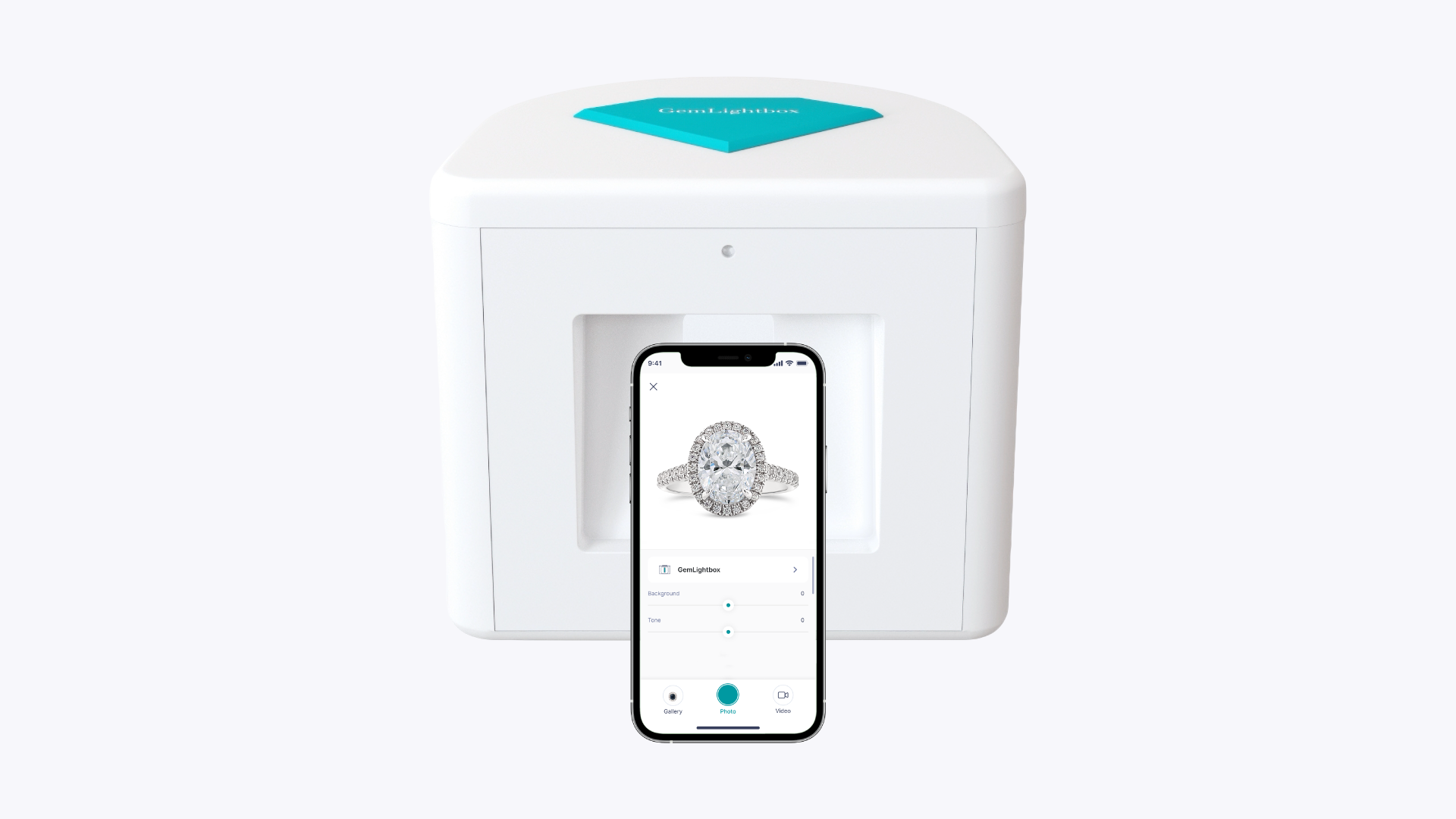
Setup

Assembly

No assembly required. The GemLightbox Pro is fully assembled and ready to use straight out of the box. Place it on your workbench, plug it in, and start shooting.

GemLightbox Pro Fully Assembled

Shooting Environment

The GemLightbox Pro creates a fully controlled lighting environment inside the box. Whether your room is bright or dark, ambient light will not affect your photo quality. You can shoot confidently in any conditions.

How to Clean Your GemLightbox Pro

The GemLightbox Pro is built from durable materials and easy to maintain.

Do

  1. Use a mild, non-toxic cleaner for regular cleaning.

  2. Spray the cleaner onto a microfiber cloth first — never directly onto the device.