Setting Up Your GemLightbox Pro#
Quick Answer#
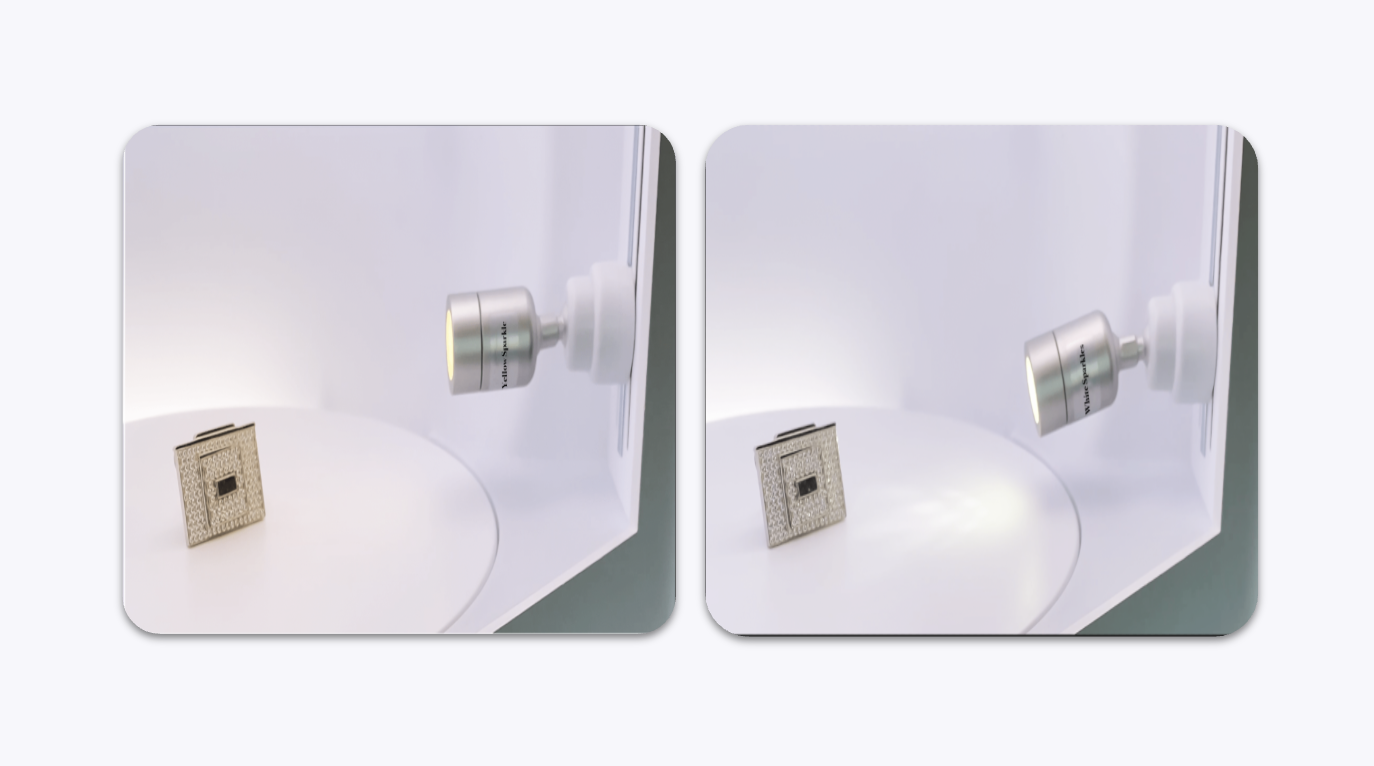
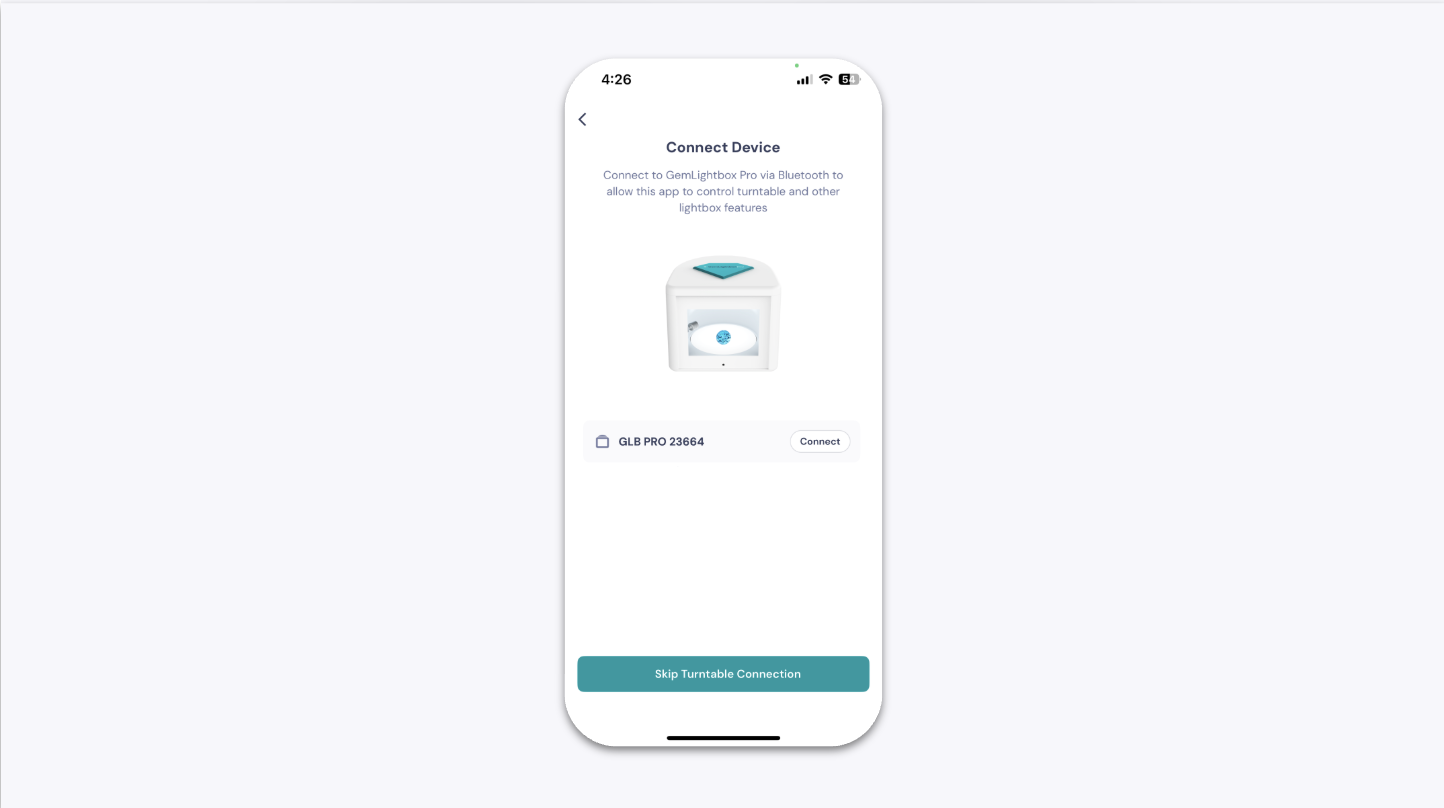
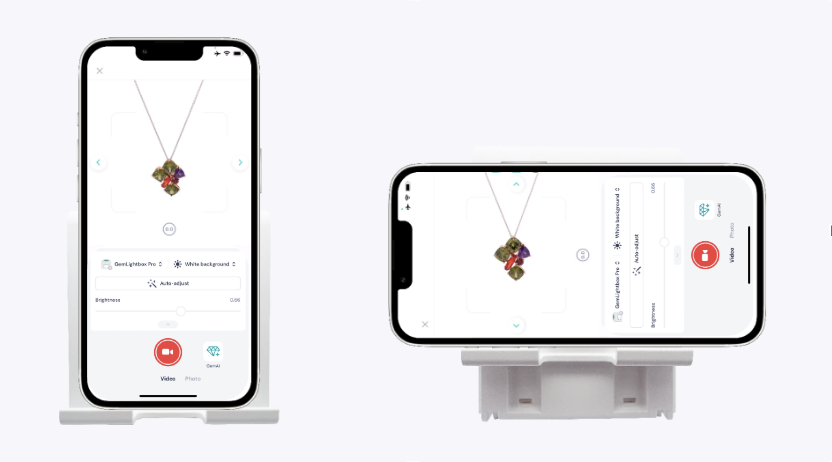
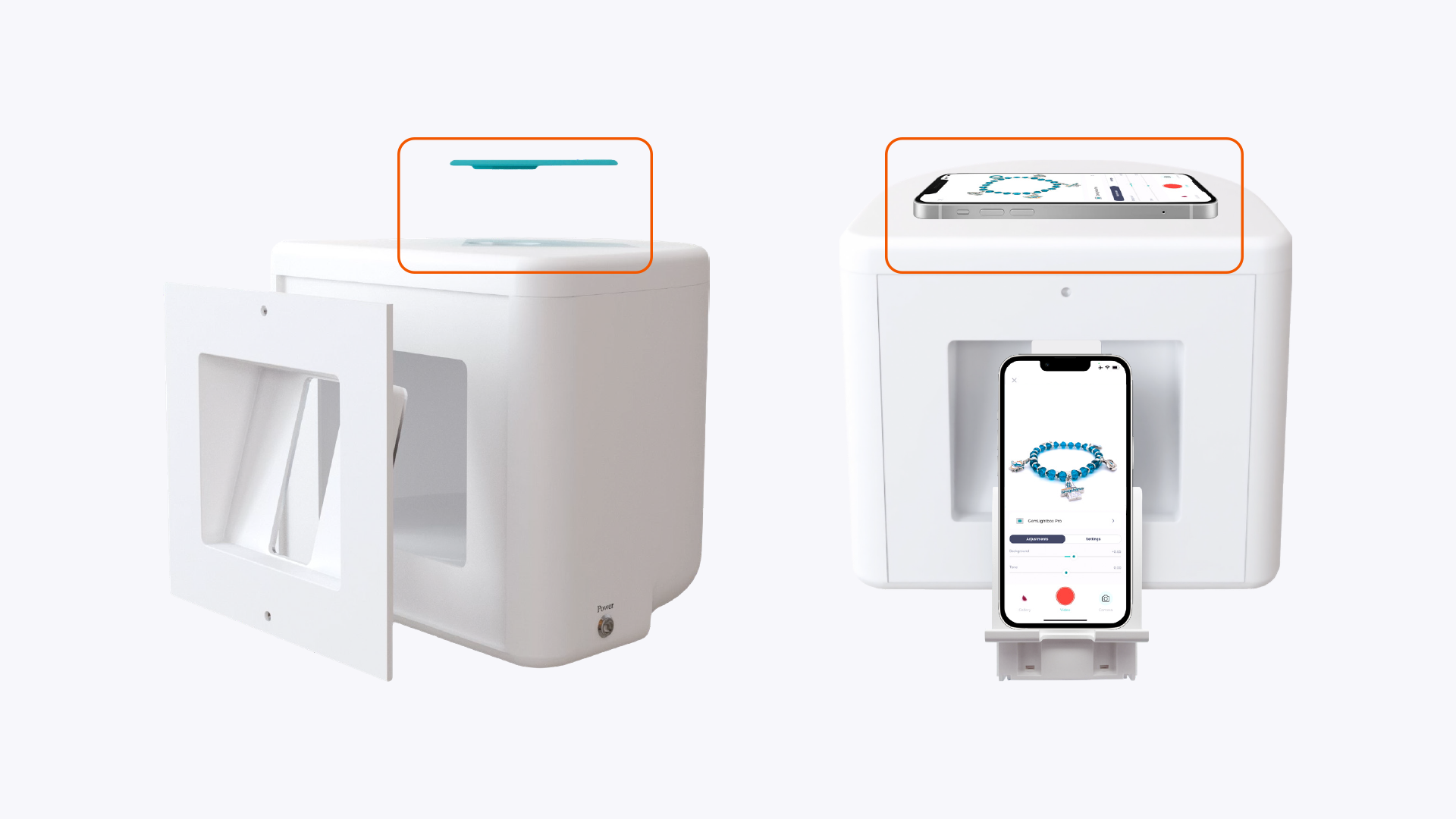
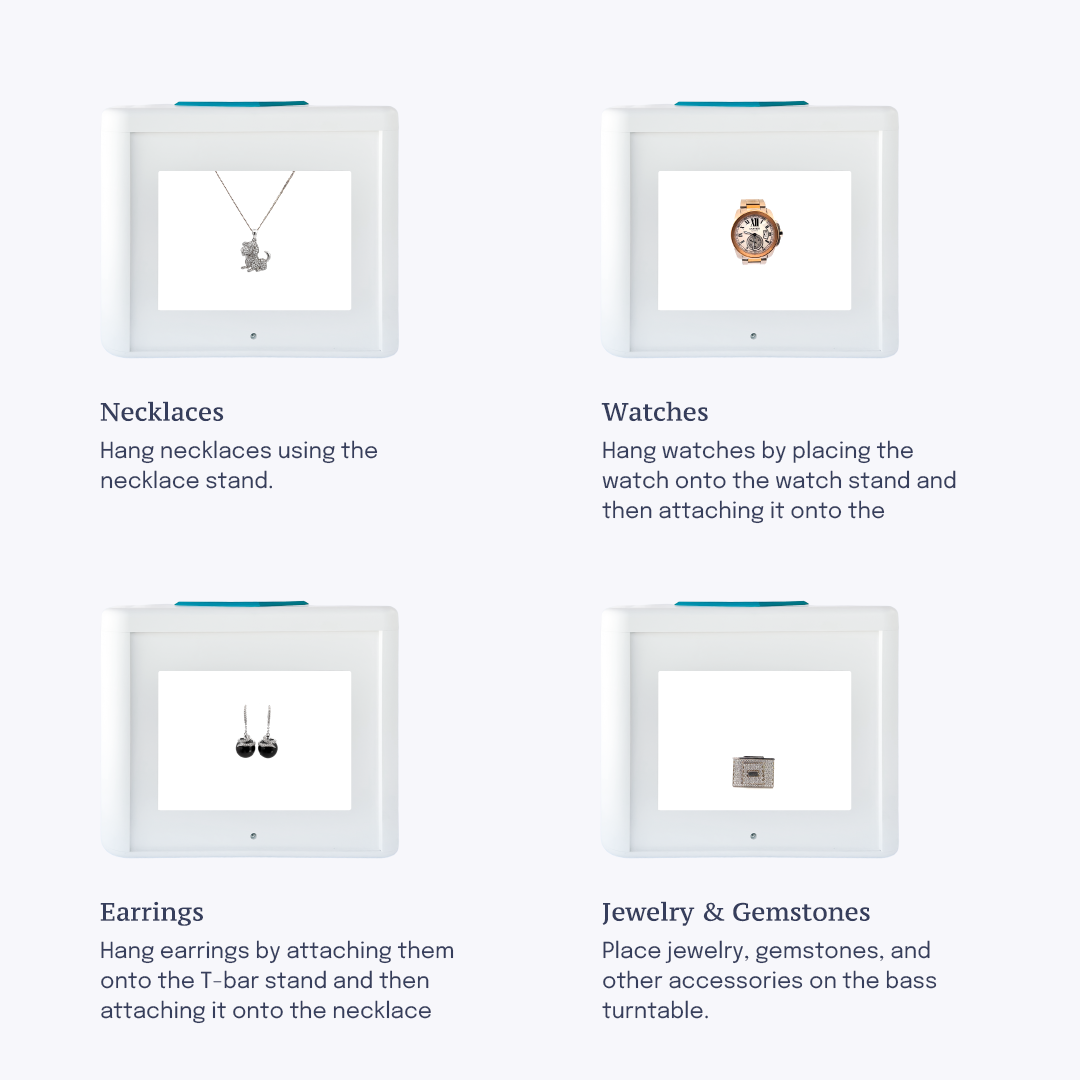
Download the GemIQ, power on your GemLightbox Pro, attach the adjustable side lights to the magnetic strips, connect your smartphone via Bluetooth, position your phone on the front stand or top mount, then place your jewelry inside and start shooting.
Before You Start#
Download the GemIQ on your smartphone before beginning setup:
iPhone: Download on the App Store
Android: Download on Google Play
Confirm all accessories are removed from the box and ready to use.
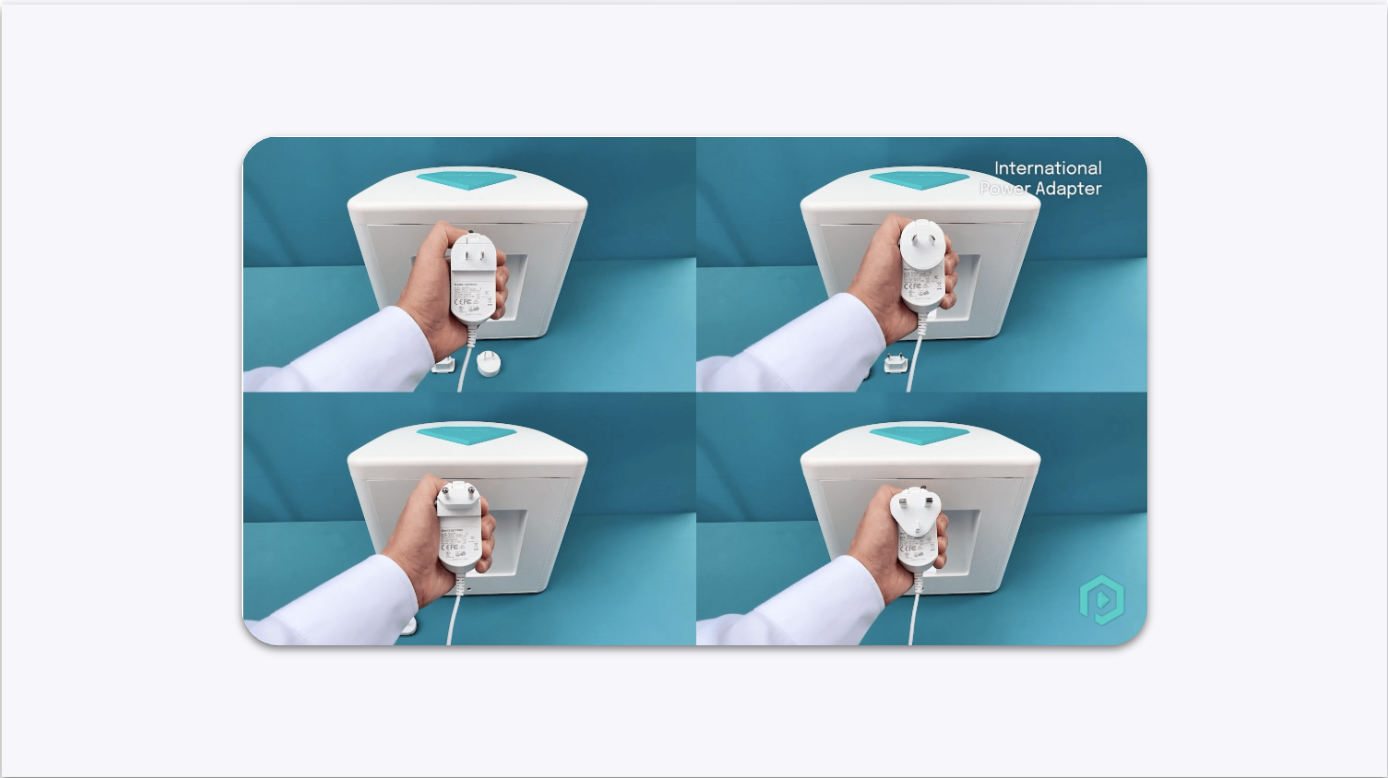
Have a power outlet nearby.