

How to Use the GemLightbox Pro Top Viewing Panel#
Quick Answer#
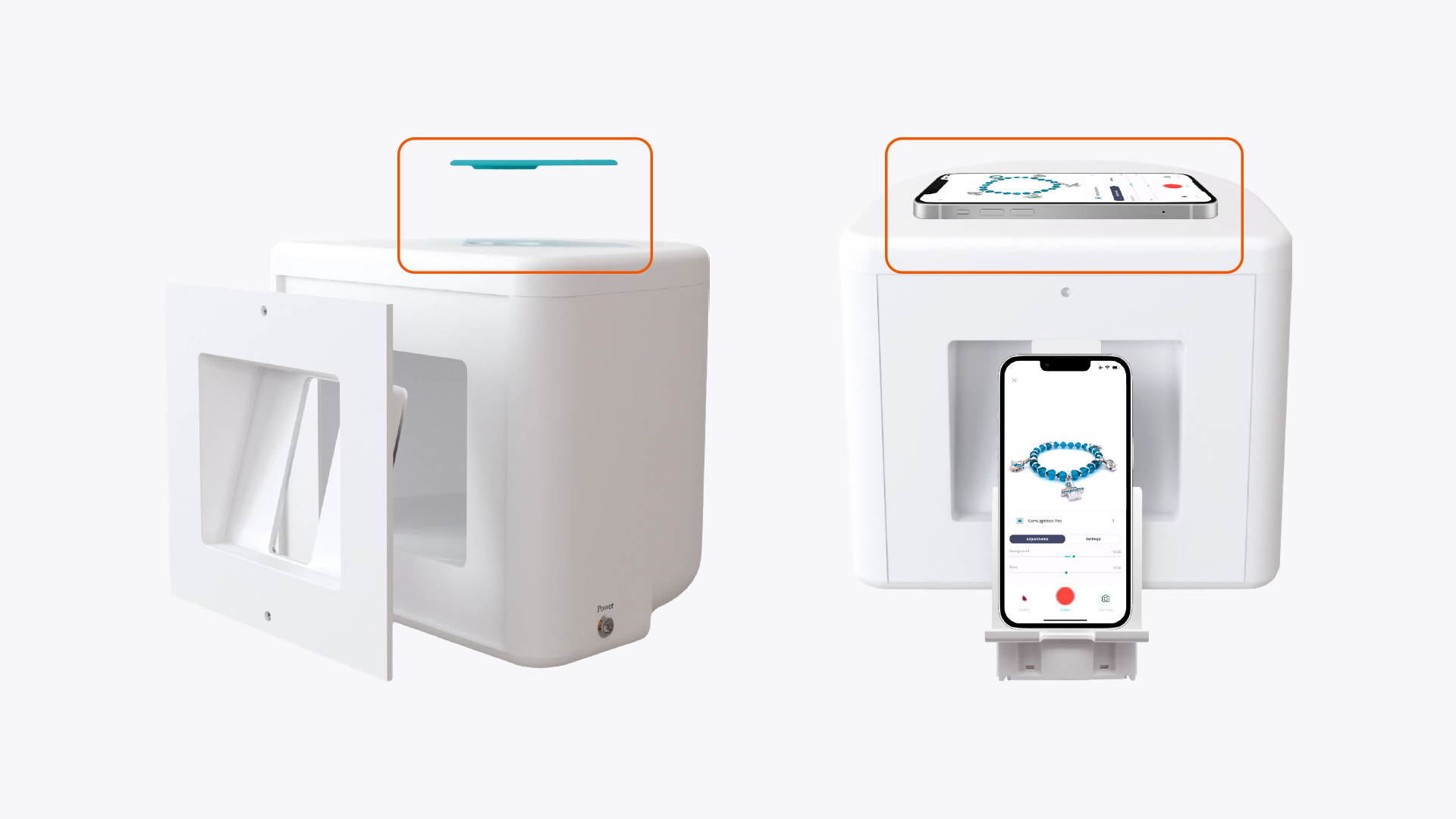
To take photos from the top down, remove the magnetic diamond cover from your GemLightbox Pro. Then, find the latch on the side of the top panel, slide it to unlock, and lift the panel open. This allows you to position your camera directly above your jewelry or gemstones.
Before You Start#
You will need your GemLightbox Pro.
Have the jewelry or gemstones you wish to photograph ready.
Steps#
Begin by lifting the magnetic, diamond-shaped cover off the top of the GemLightbox Pro.
Locate the small sliding latch on the side of the top panel.
Slide the latch to the side to release the mechanism. The panel will now be unlocked.
Lift the panel open to access the top viewing window.
Place your item inside the GemLightbox Pro on the turntable or a prop.
Position your camera or smartphone over the open window to capture your top-down photo or video.
Once you are finished, close the panel and slide the latch back into its original position to lock it securely.
Gently place the diamond cover back on top, ensuring it aligns with the edges.
Expected Result#
You can easily open and close the top panel to take high-quality, top-down photos of your jewelry and gemstones. The panel should lock securely when you are finished.
If This Does Not Work#
If the latch is stuck or will not slide, check for any obstructions. Do not force the latch. If it still won't move, it may be damaged. Please contact the GemIQ support team for assistance.
Common Mistakes#
Forgetting to slide the latch back to lock the panel after use.
Not placing back the magnetic diamond cover, which can allow dust to enter the lightbox.
Applying excessive force to the latch mechanism.