

The Apply Models Template feature provides a simple yet powerful solution to create lifelike model images of your jewelry pieces — all without the need for professional photoshoots.
Using advanced image processing, this feature seamlessly places your selected jewelry onto model images or customer photos, allowing shoppers to visualize how the pieces look when worn.
-1.gif)
From Within the Product
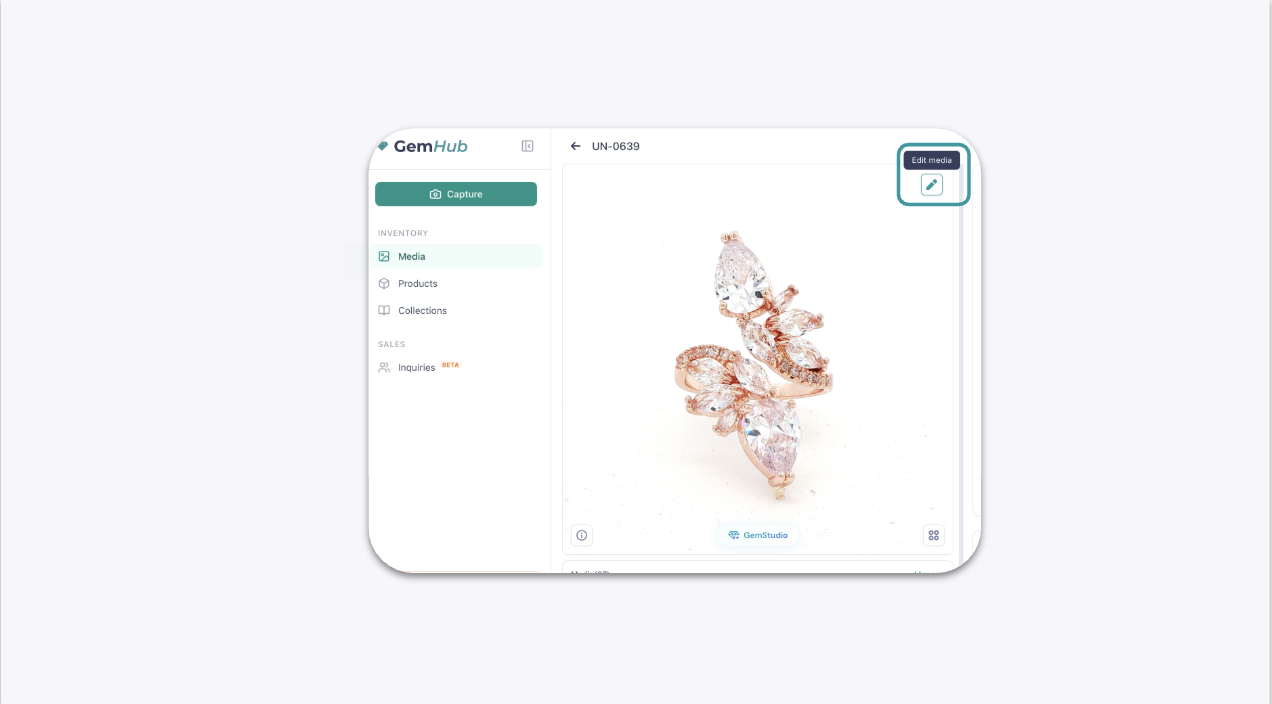
Open the product image.
Tap the pencil button on the top-right corner of the image.
This will bring you to the Edit Media function within the GemIQ.
Creating the Model Image#
Once in the model image editor, select background and go to the Apply model template.
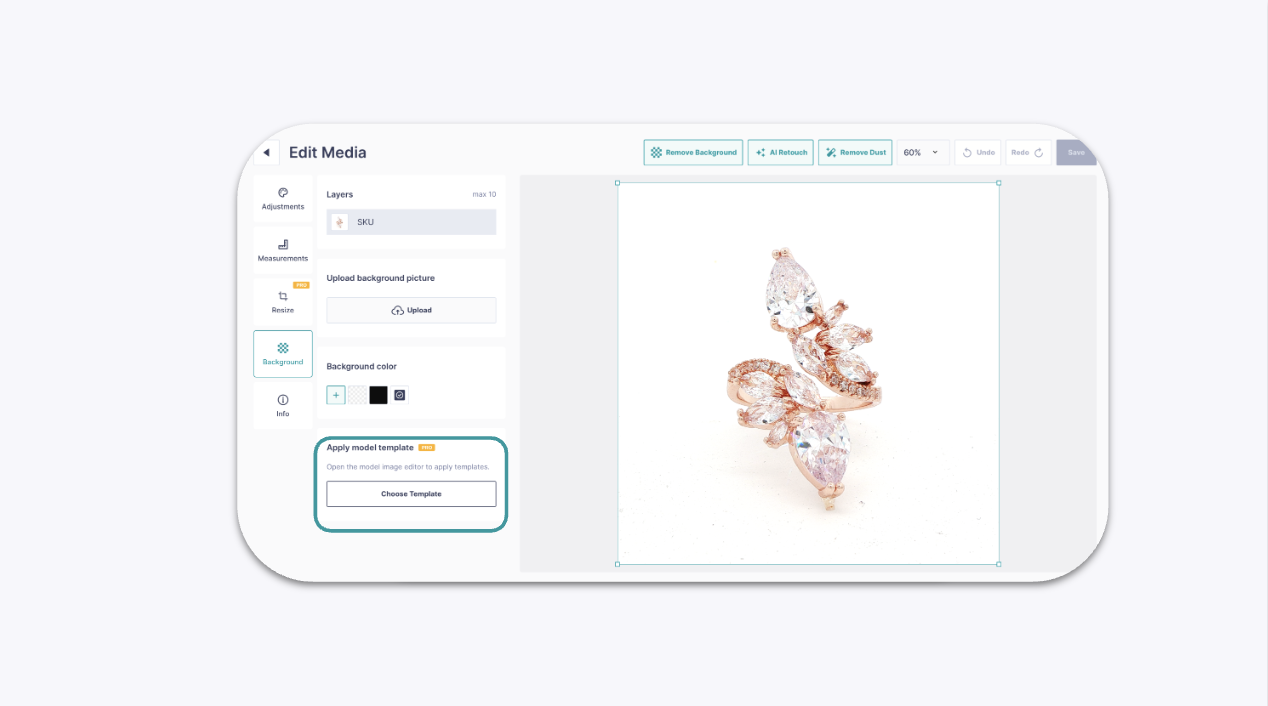
Your selected jewelry piece will automatically be placed onto the model template for editing and adjustment.
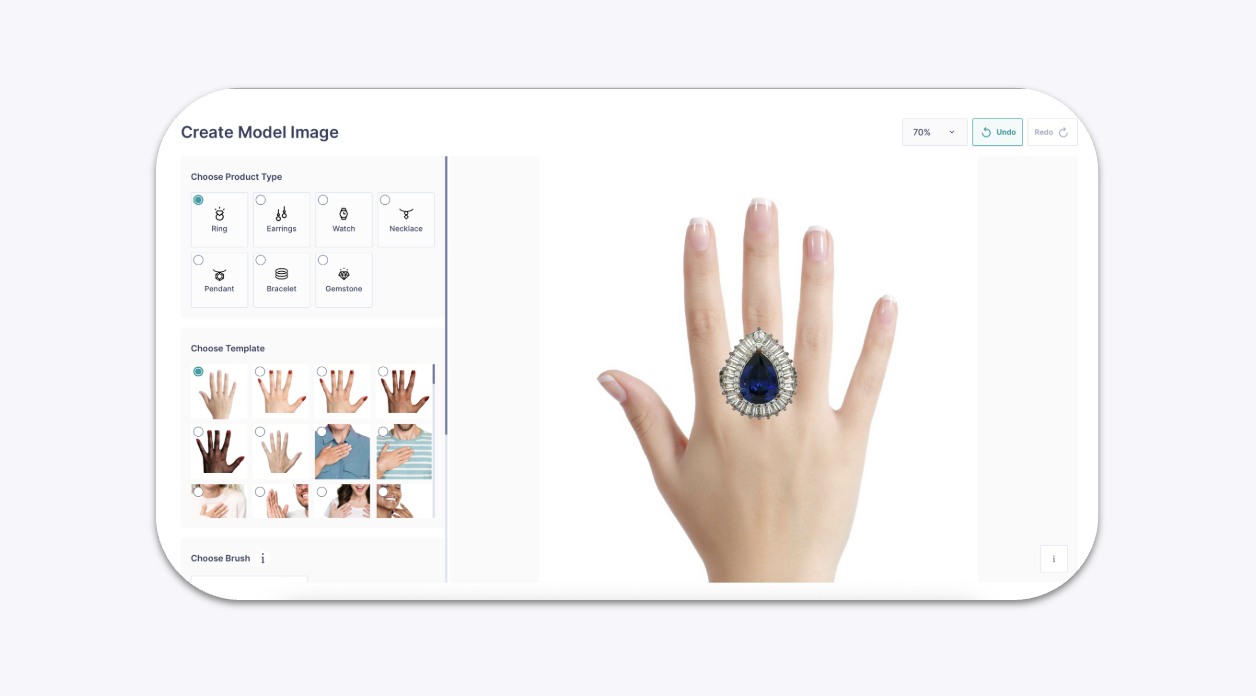
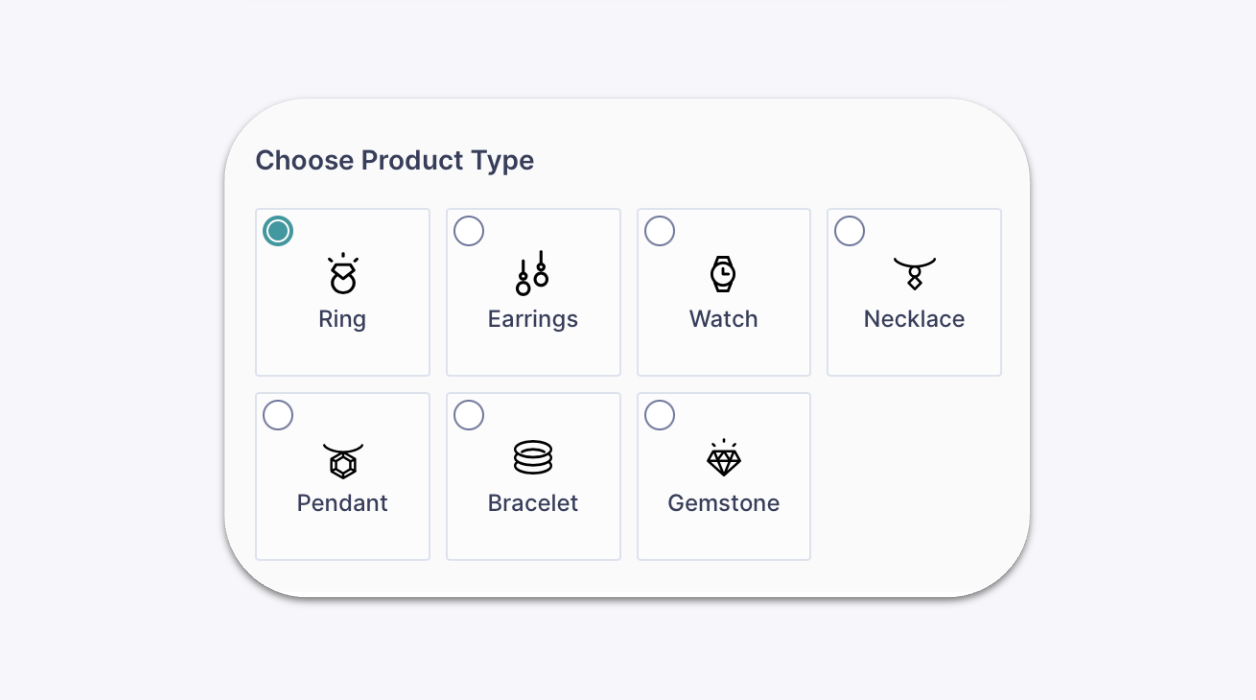
Ensure that you have selected the correct product type.
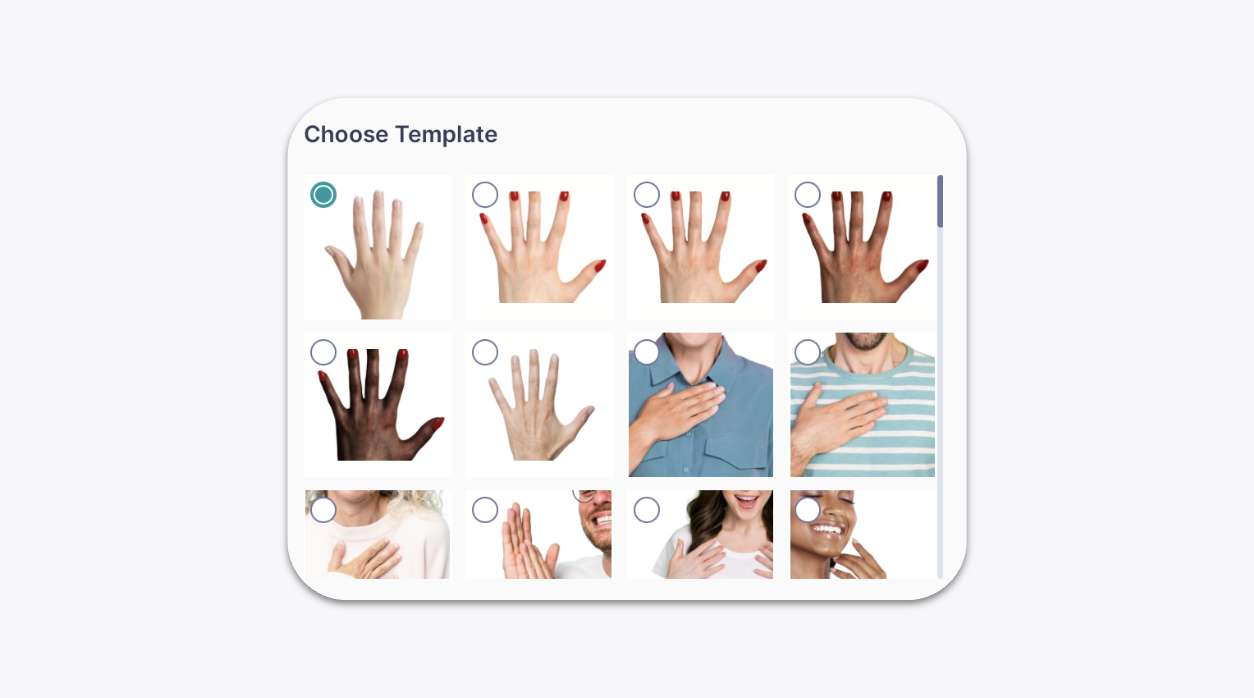
There are various templates within each product type that you can choose from.
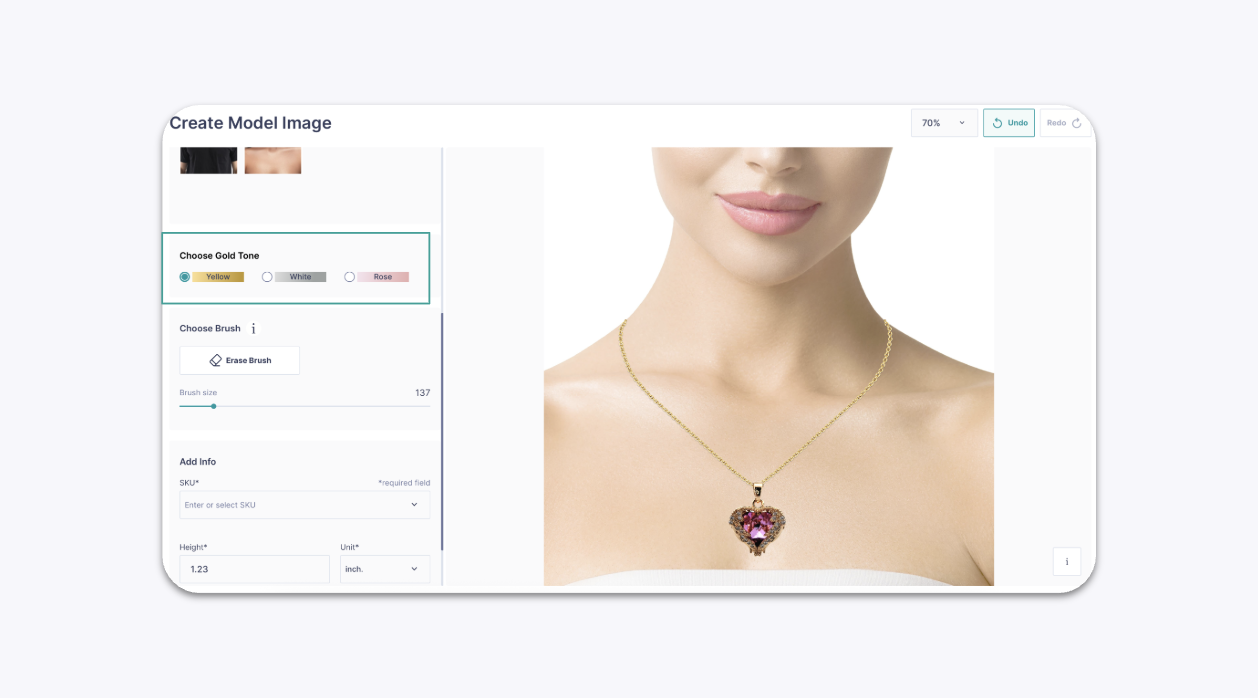
For the pendant product type, you will be able to select the chain type that you wish to apply as well.
Once you have selected the template you wish to use, you can then adjust the jewelry so it fits on the template.
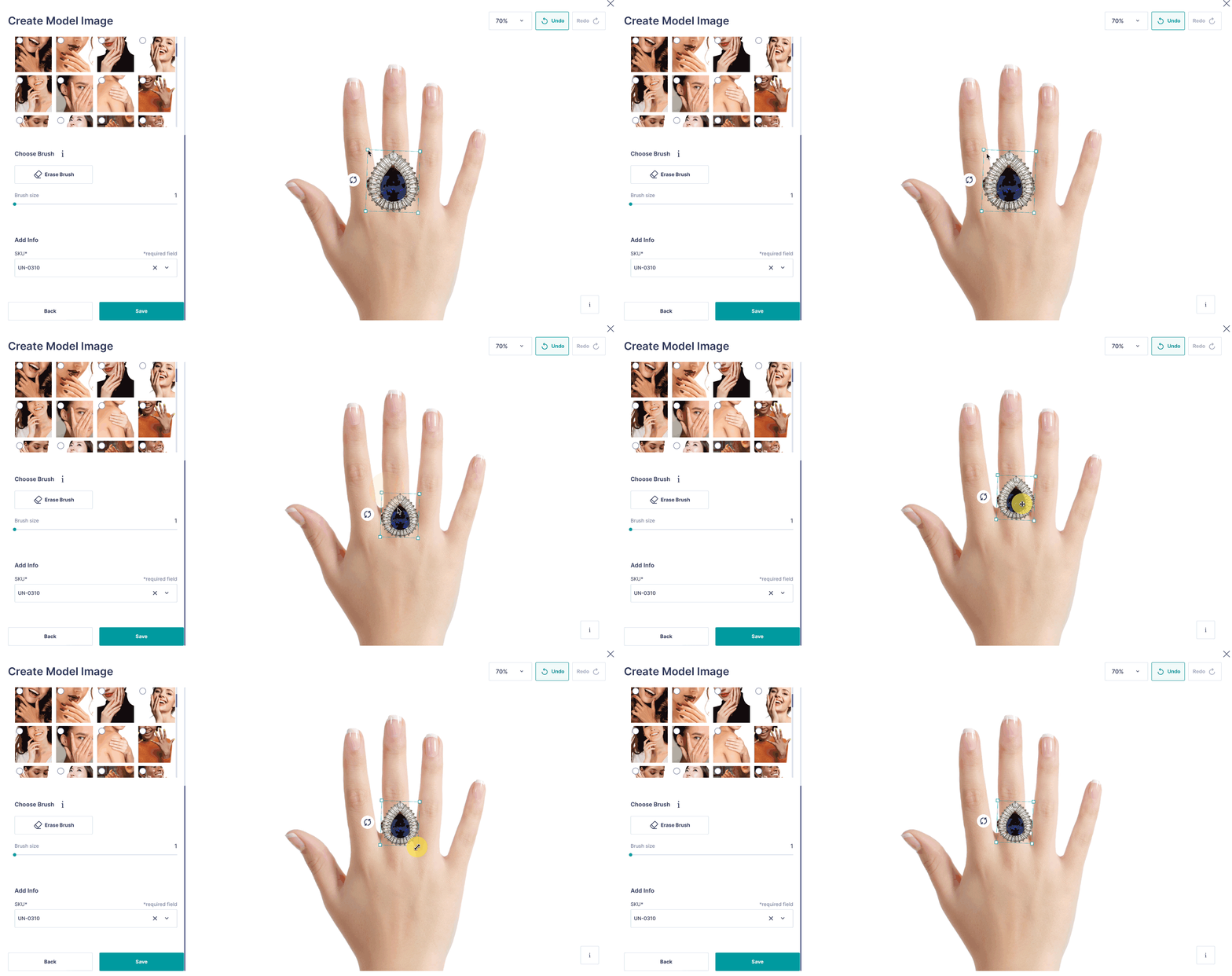
Once you are satisfied with the positioning, proceed to save the image. It will then be available in your Gallery and can be used for sharing or product display.
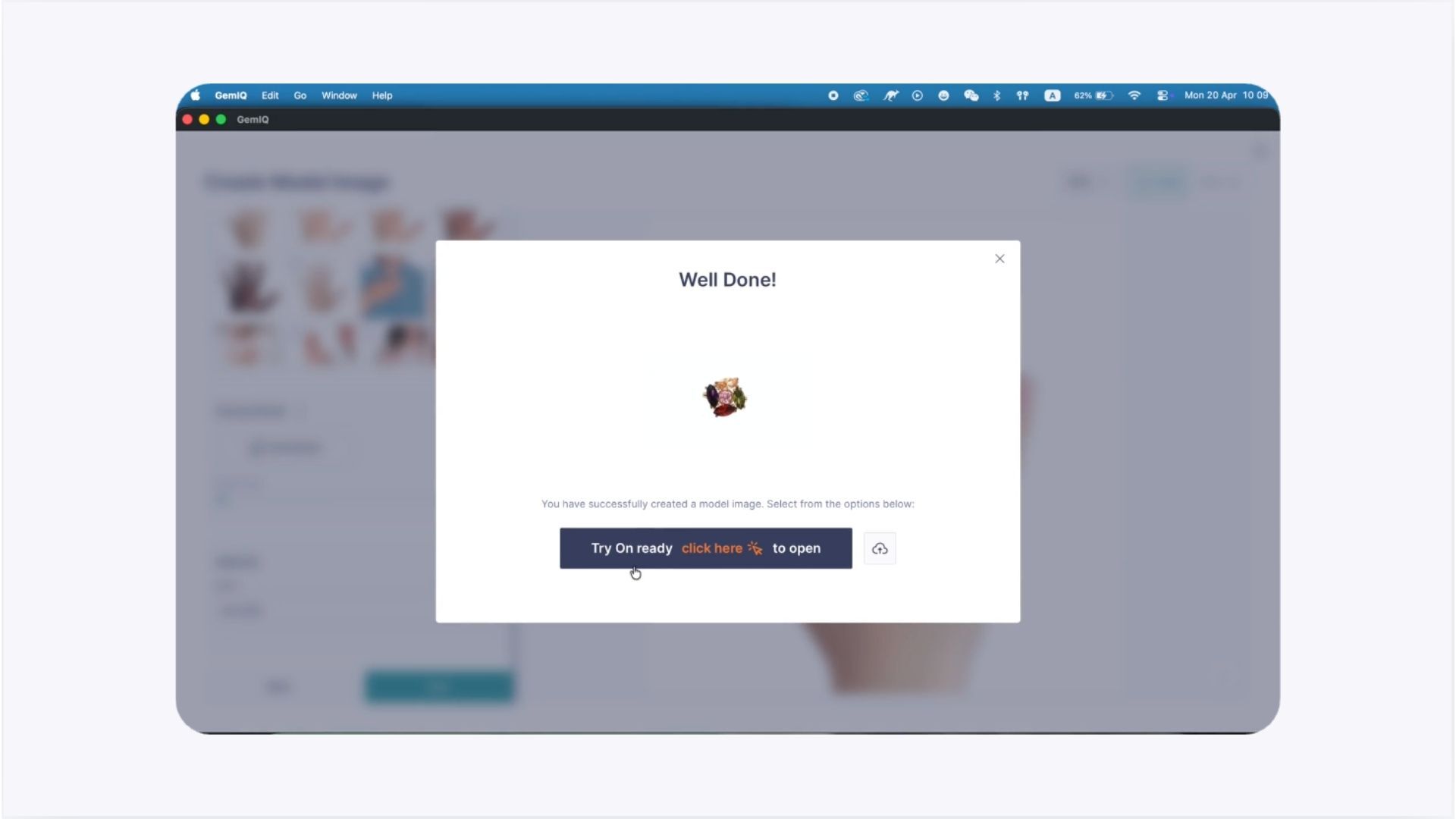
After the image has been saved successfully, a model try on template will be created.
Common Questions#
How do I create a model with the virtual try-on template?
Open theGemIQ editor, select Background, choose Apply Model Template, adjust the fit, and save — the result appears in your Gallery.
Can I choose different templates for different jewelry types?
Yes, available templates vary by product type; pendants, for example, also let you pick a chain style.
What does the erase brush do in the model template editor?
It removes unwanted parts of the original jewelry image, like background remnants, so the piece sits cleanly on the model.
Where does my finished model image go after saving?
It's saved to your GemIQ media gallery, where you can share it, embed it, or use it as a virtual try-on link.
Can I use my own background or model photo instead of a template?
Yes — use the Upload option in the same editor to bring in a custom background or model photo instead of a built-in template.