Quick answer#
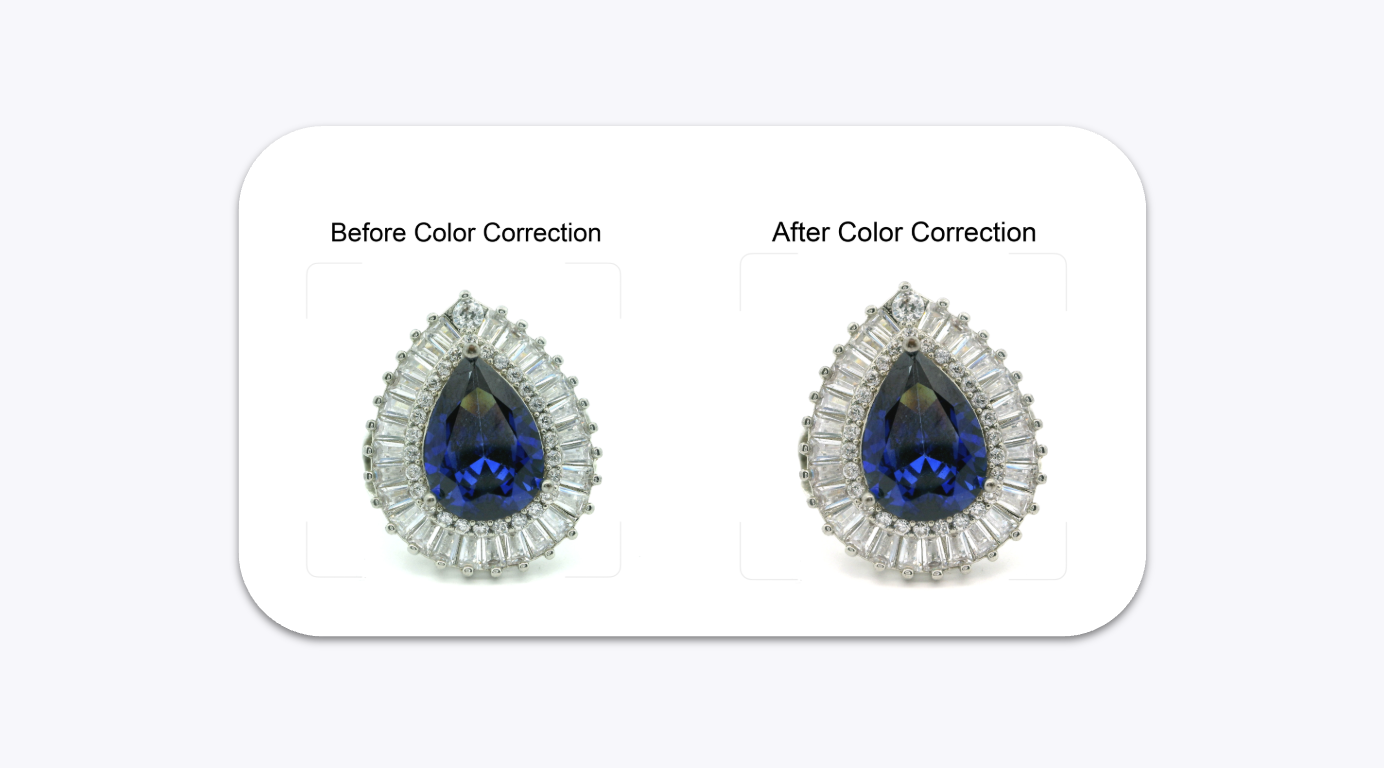
If your GemCam photos show a yellow, blue, or green background tint, use the Color Correction tool in GemIQ. One click corrects the white balance and restores accurate jewelry colors.
Before You Start#
GemCam is connected and recognized in the GemIQ.
GemIQ is open on your computer.
Steps#
Open GemIQ and click GemCam to access the camera controls.

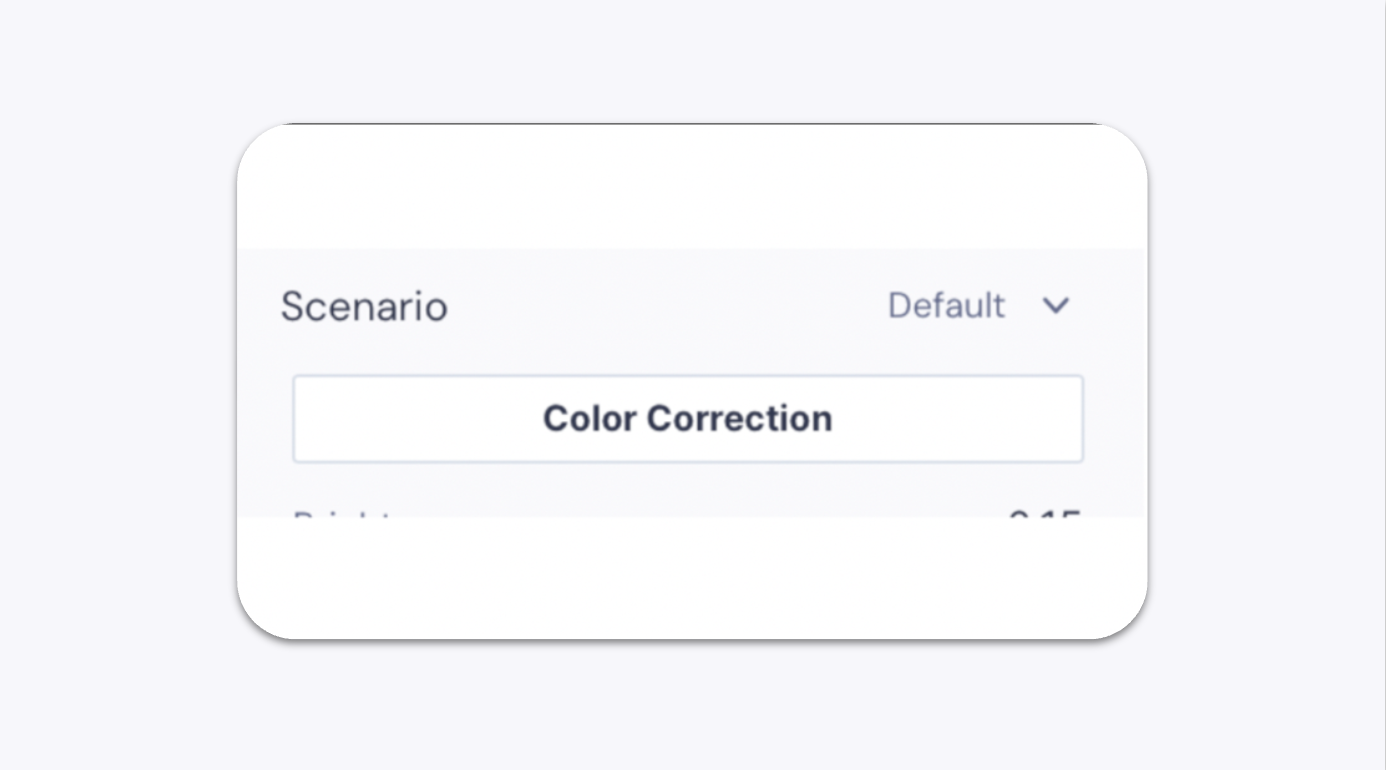
In the GemCam control panel, scroll down to the Color Correction button and click it.