Quick Answer#
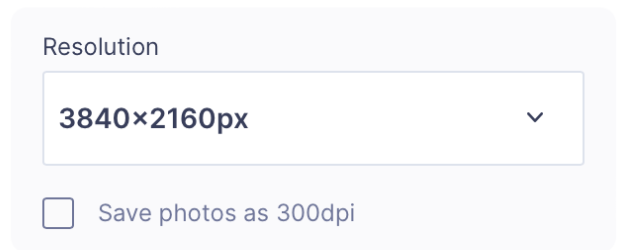
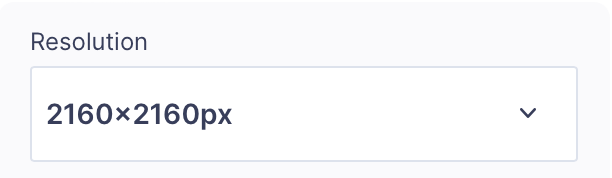
GemCam captures still images at a maximum of 3840 × 2160 and records video at 2160 × 2160.
You can select the required resolution directly in the GemIQ desktop app before capturing your photos or videos.
GemCam is supported on both Windows and macOS when used with a compatible computer.
Before You Start#
Before using GemCam, make sure:
GemCam is properly connected to your computer
GemIQ is installed and up to date
You are logged in to your GemIQ account
Your computer meets the minimum system requirements below