Quick answer#
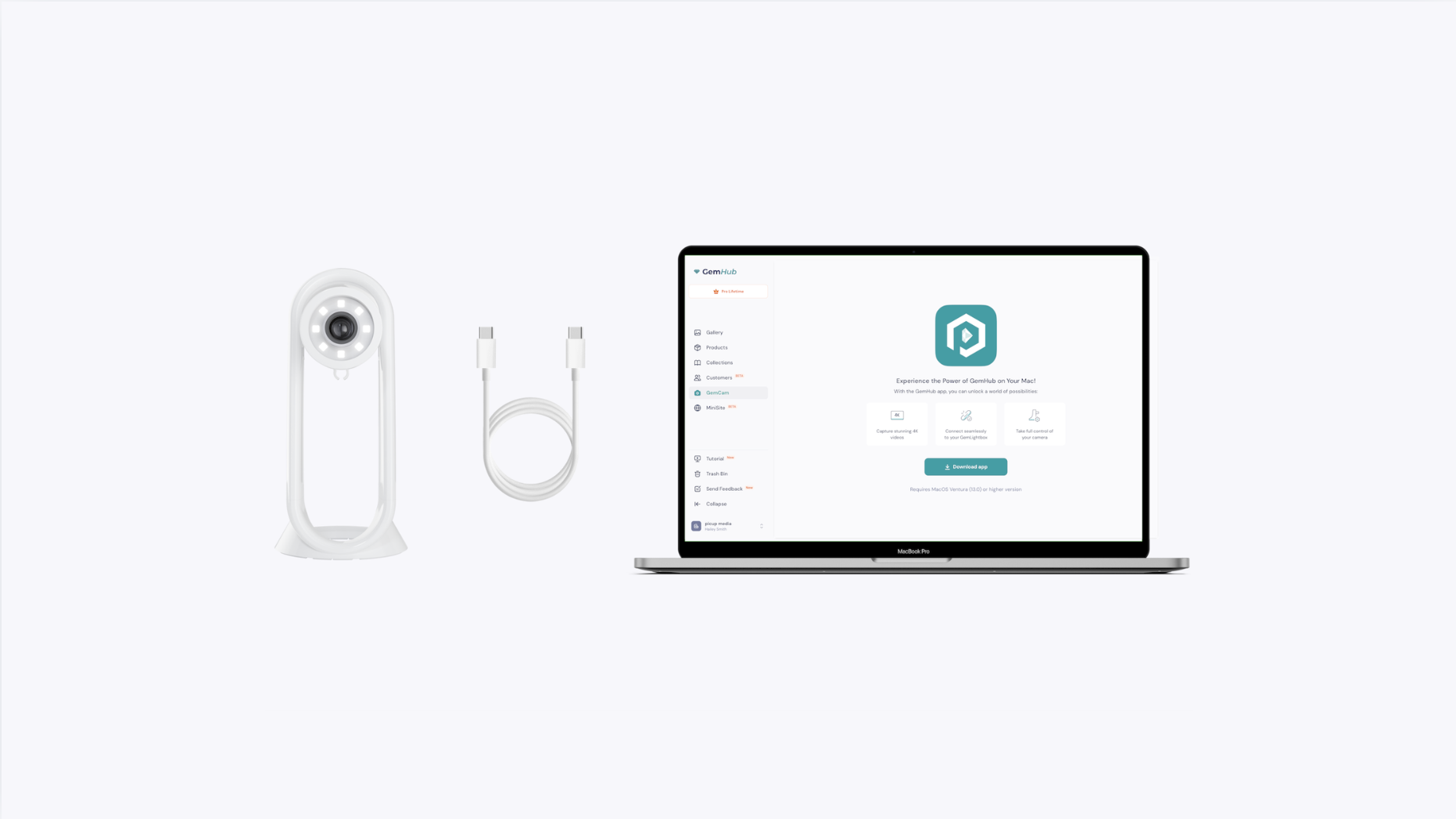
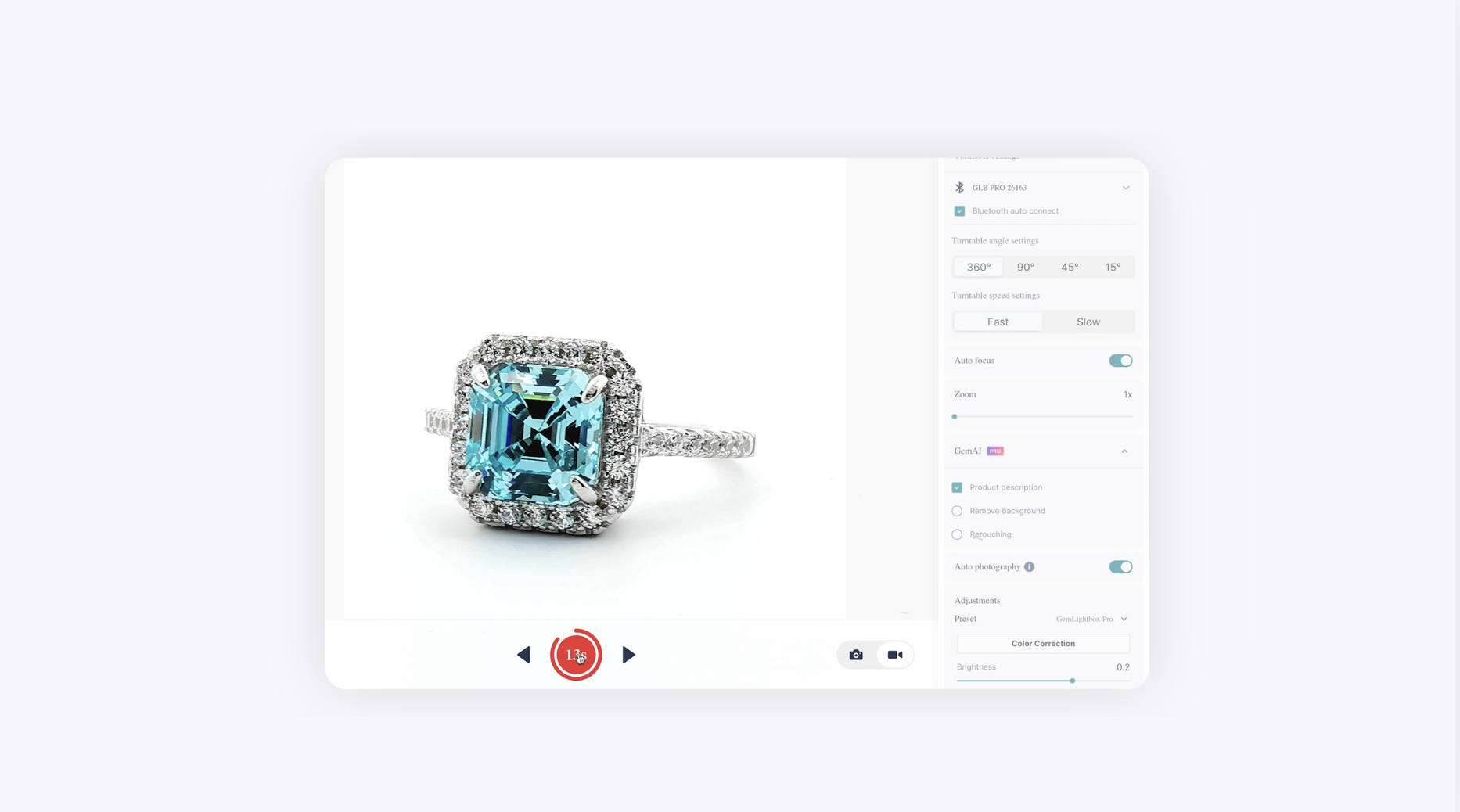
To set up your GemCam Pro, connect it to your computer using the included USB-C cable and download GemIQ. Once installed, launch the app and turn on your GemCam Pro. The camera will connect automatically, allowing you to start capturing photos and videos instantly.
Before you start#
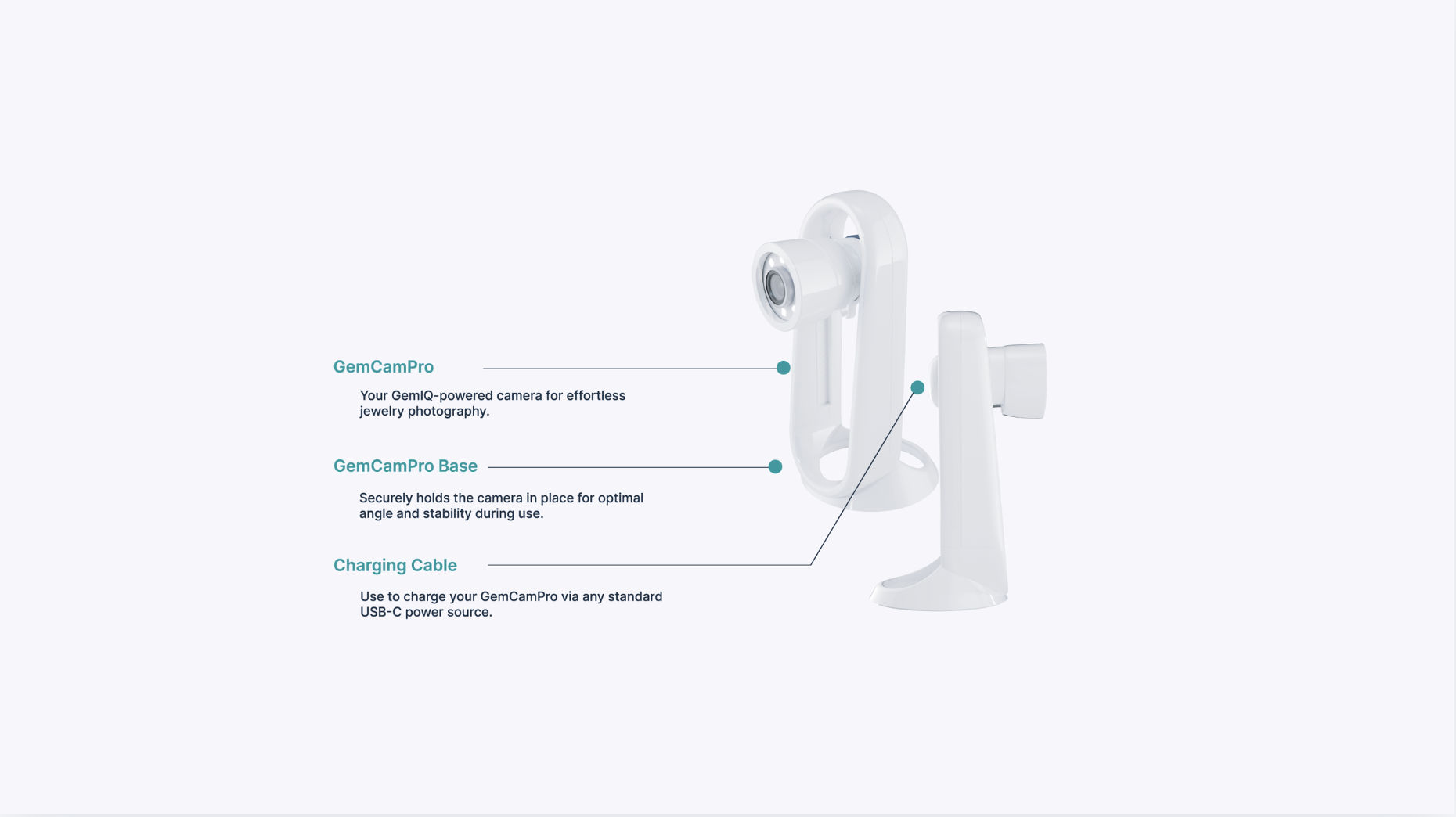
Your GemCam Pro box, which includes the GemCam Pro, base, and USB-C cable.
A compatible computer (Windows or macOS).
An internet connection to download software.
Steps#
Unbox Your GemCam Pro
Check the contents to ensure you have the GemCam Pro camera, the camera base, and the USB-C cable.