Distance and Focus#
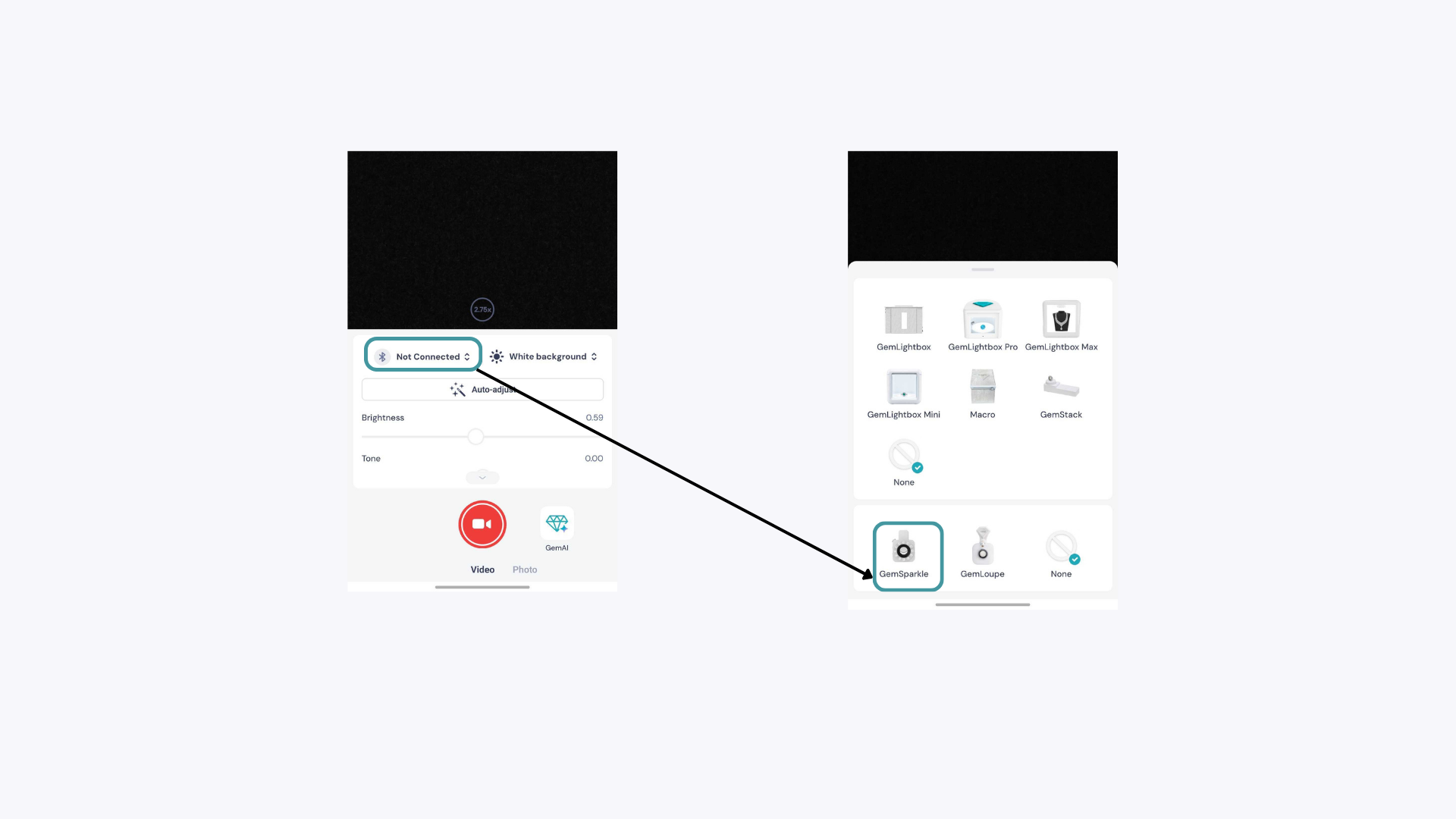
Hold your jewelry 5-10 cm away from the phone camera when the GemSparkle is attached. Once the piece is in focus, use the pinch gesture in the GemIQ app to zoom in or out. This gives you much more control than moving the jewelry closer, which risks throwing it out of focus.
Lighting Colours#
🟡 Yellow (3500K - Warm White): Adds warmth and depth. Best for red and green gemstones (rubies, garnets, emeralds, tsavorites), opals, and yellow or rose gold. Warm light intensifies colour saturation and brings out natural richness.
⚪ White (5500K - Neutral White): Your most versatile setting. Balanced, true-to-colour, and consistent. Use it for multi-stone pieces, mixed metals, large catalogue shoots, or any piece you haven't photographed before. When in doubt, start here.
🔵 Blue (6500K - Cool White): Enhances brilliance, fire, and perceived clarity. Best for colourless and near-colourless diamonds, blue gemstones (sapphires, aquamarines), white gold, platinum, and moissanite.
A note on rules: These are starting points, not hard rules. Try all three before committing to a shot, some pieces will surprise you. Trust your eye.