Quick Answer
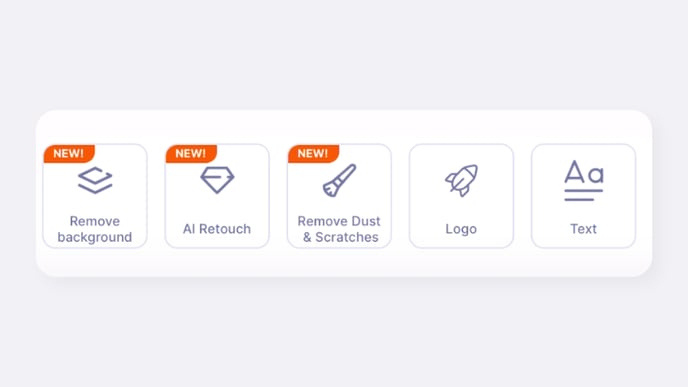
GemIQ includes an AI-powered tool that automatically detects and removes small dust particles, blemishes, and scratches from your jewelry photos. You can find this feature in the image editing menu for any photo in your GemIQ gallery.
Before You Start
Ensure you have GemIQ installed on your mobile device.
Have an image saved to your GemIQ gallery that you wish to edit.
Steps
Open GemIQ and navigate to your gallery.
Tap to open the image you want to clean.
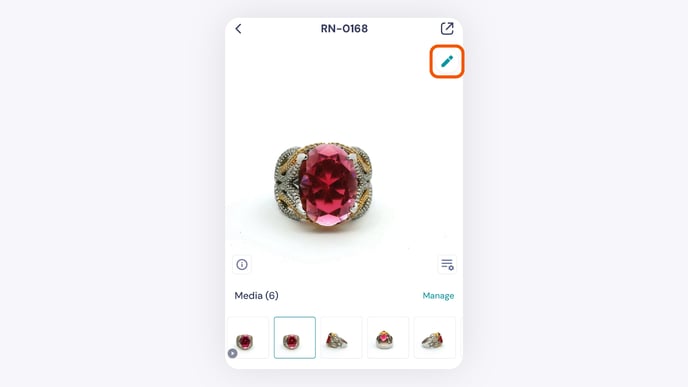
Tap the ellipsis icon (⋯) in the bottom right corner of the screen and tap Edit image.
From the editing options that appear, tap Remove Dust & Scratches.