Hardware Adjustments#
Reduce your light sources inside the GemLightbox Max
The GemLightbox Max has several light sources you can work with:
Infinity lighting — built into the machine and always on
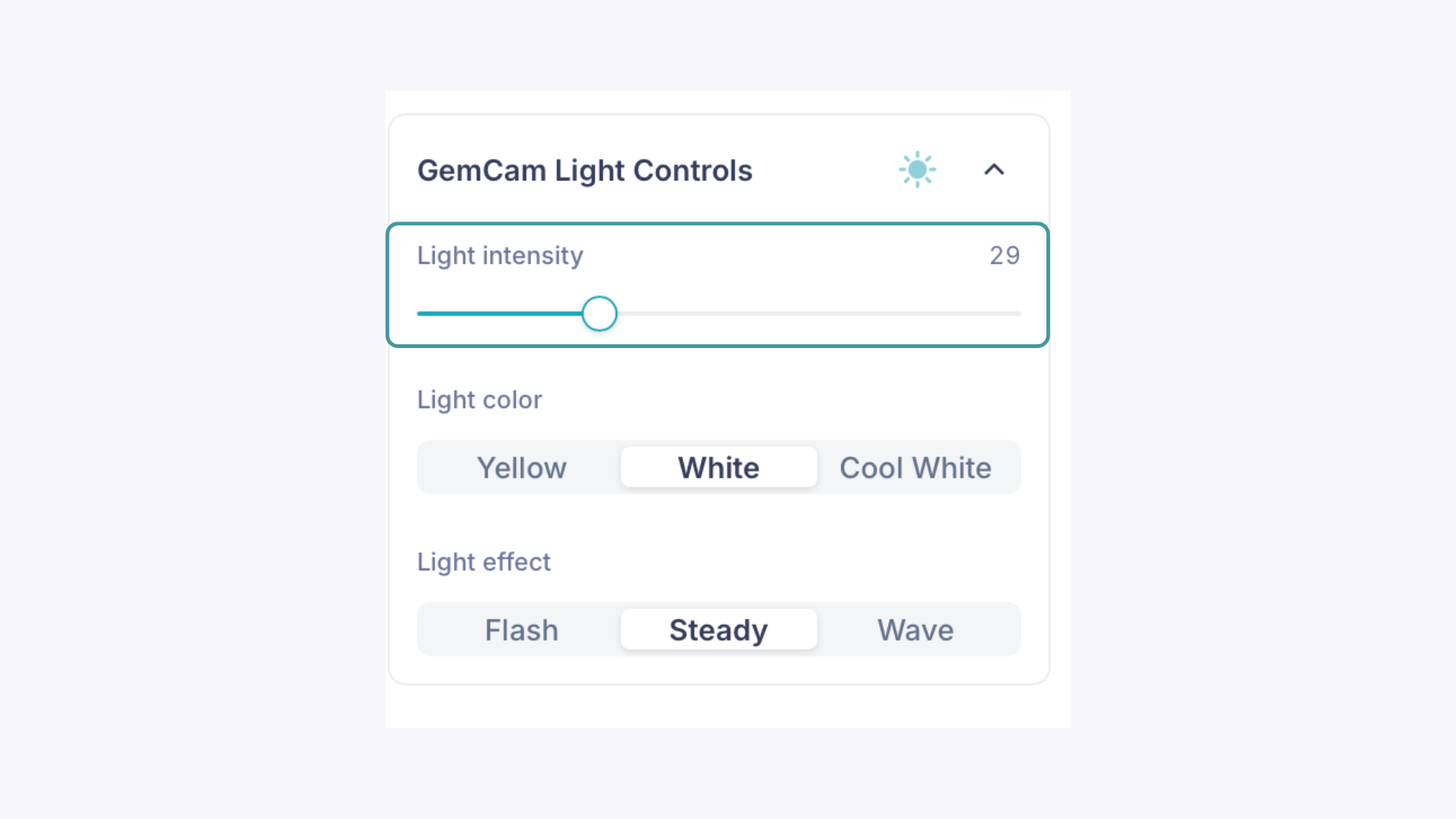
Rotating sparkle lights — powered by 12 LEDs (6 yellow, 6 white) on the ceiling of the GemLightbox Max. Turn these off by pressing the center button, or remove individual LEDs one at a time since they're magnetic
Attachable sparkle lights — two magnetic side lights (1 yellow for colored stones, 1 white for diamonds). Simply leave these detached to reduce overall light intensity
Start by removing the attachable sparkle lights first, then work from there if the exposure is still too high.
Skip the LumiPanels for certain pieces
If you're using LumiPanels, try removing them for pieces that are prone to overexposure. This allows more light to escape the GemLightbox Max rather than being reflected back onto the jewelry.
Software Adjustments#
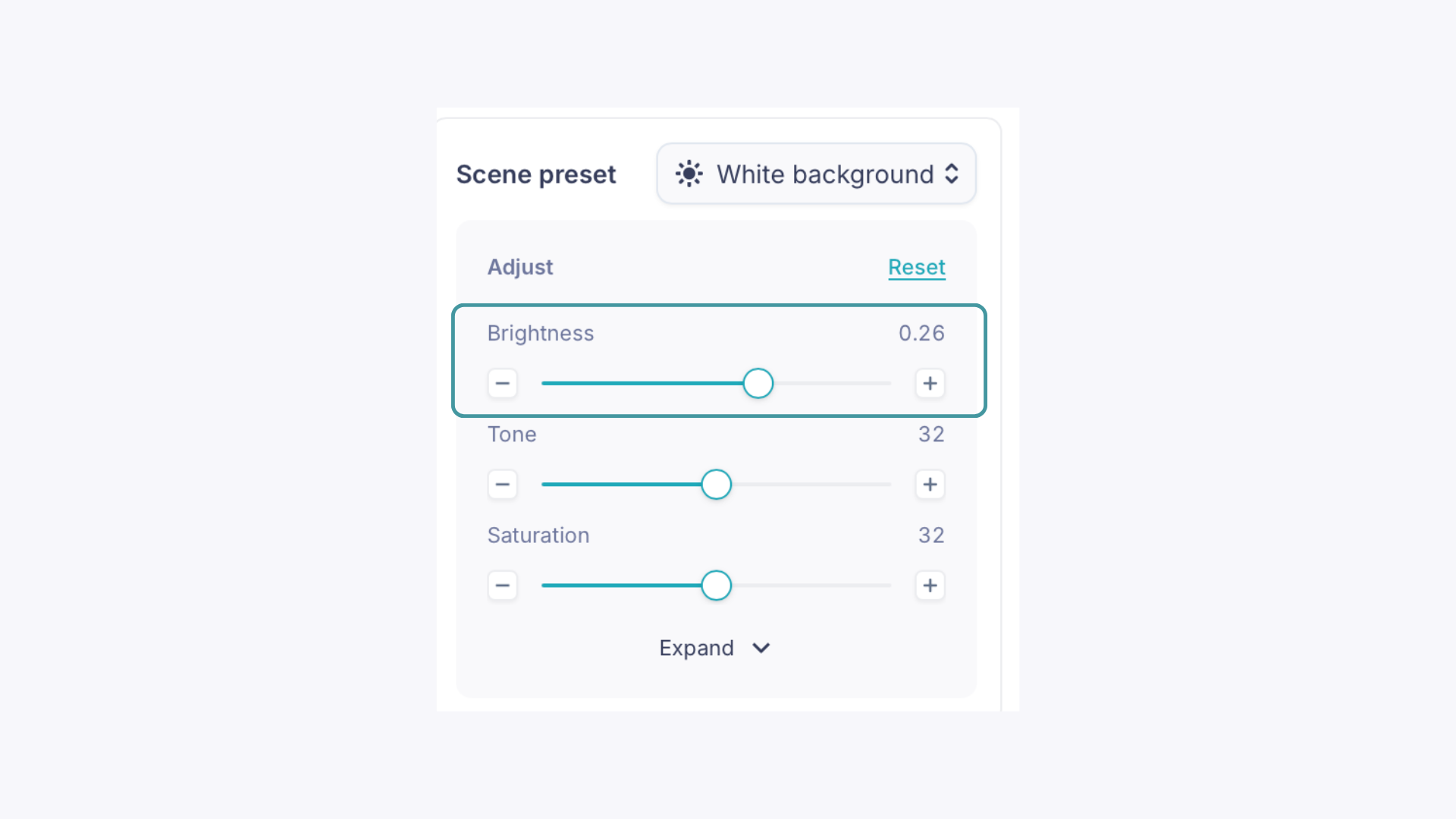
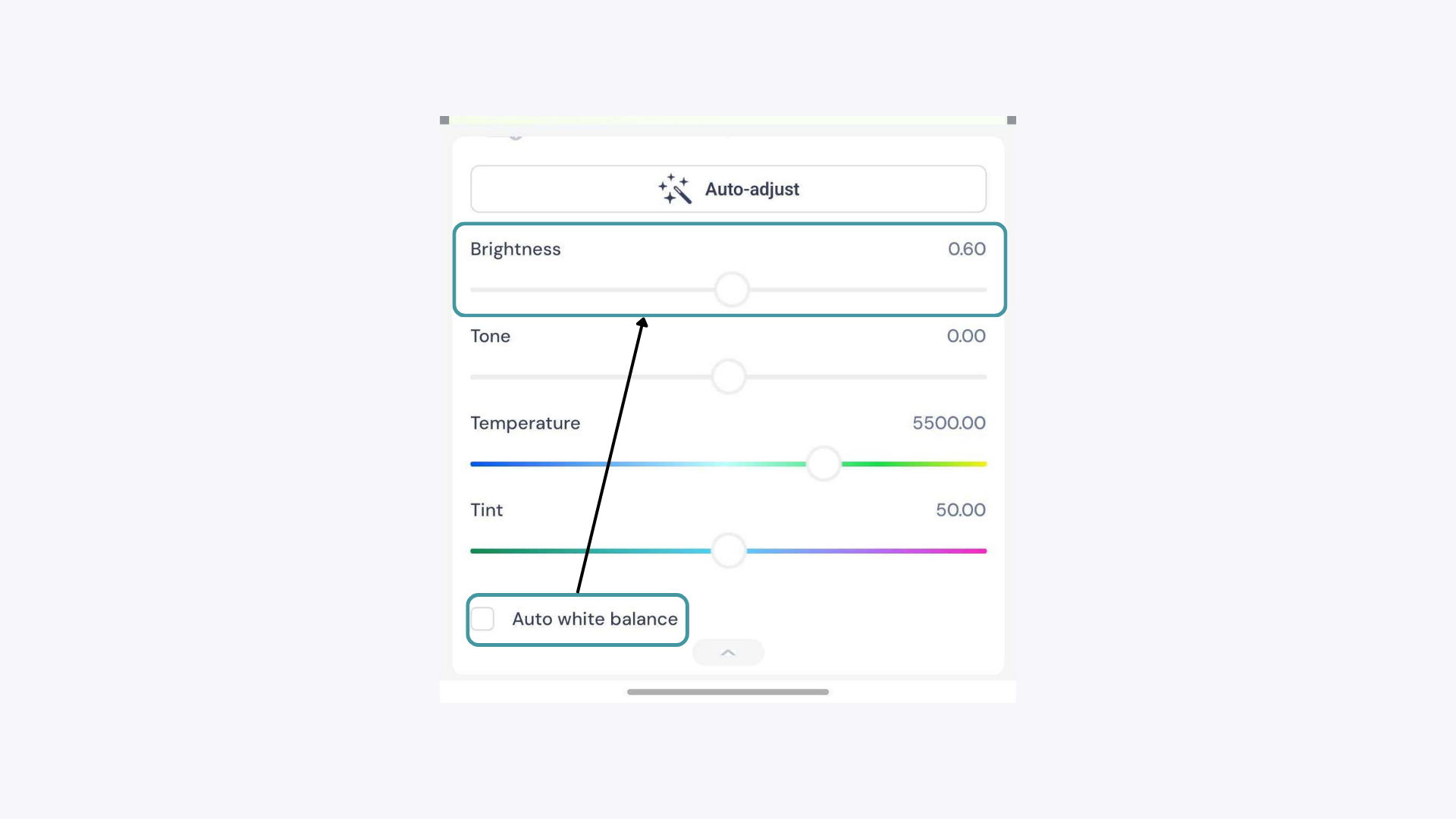
Adjust brightness in the app
Open the adjustment panel in the GemIQ app and lower the Brightness