How to Delete Your GemIQ Account#
Quick Answer#
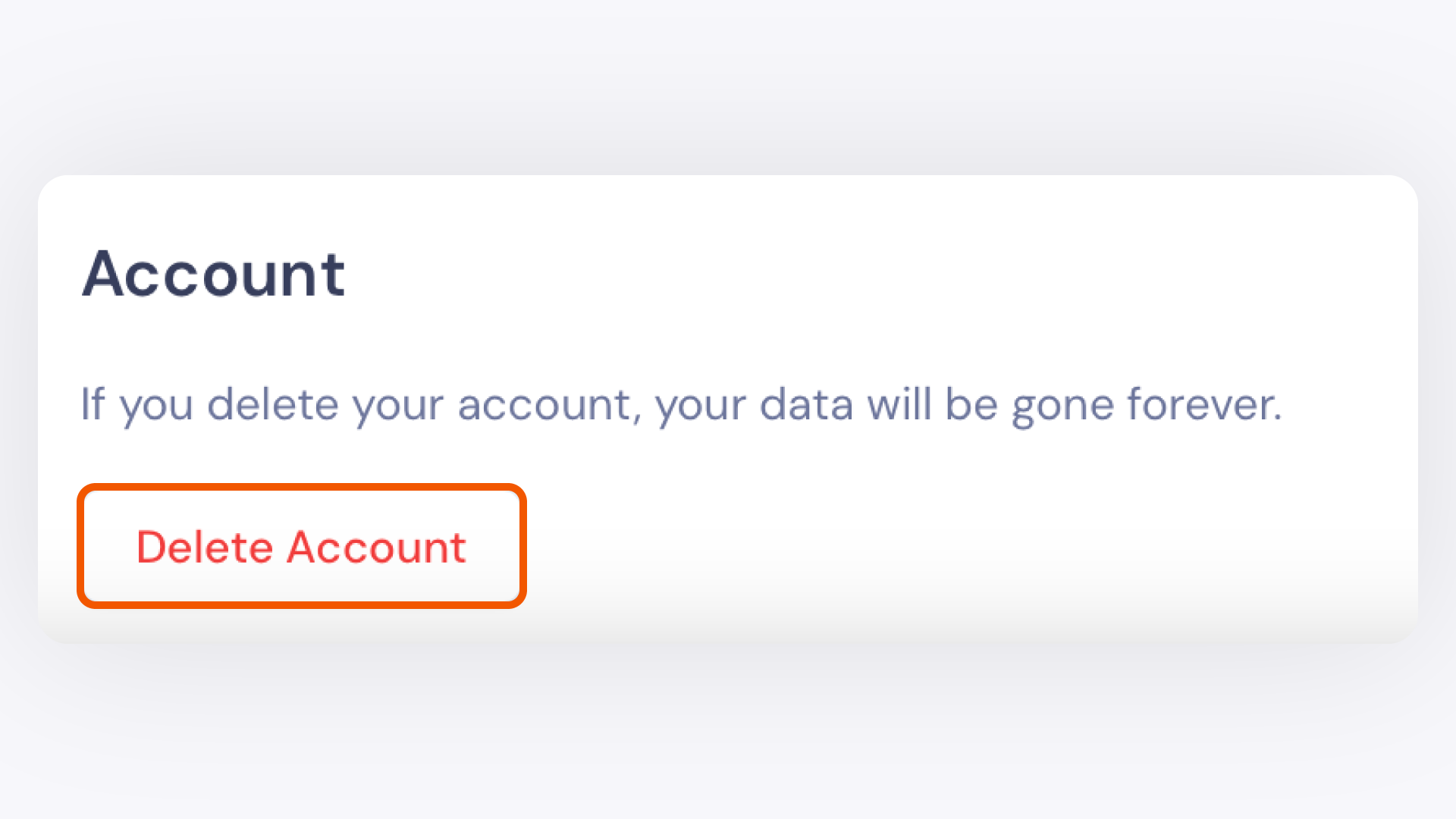
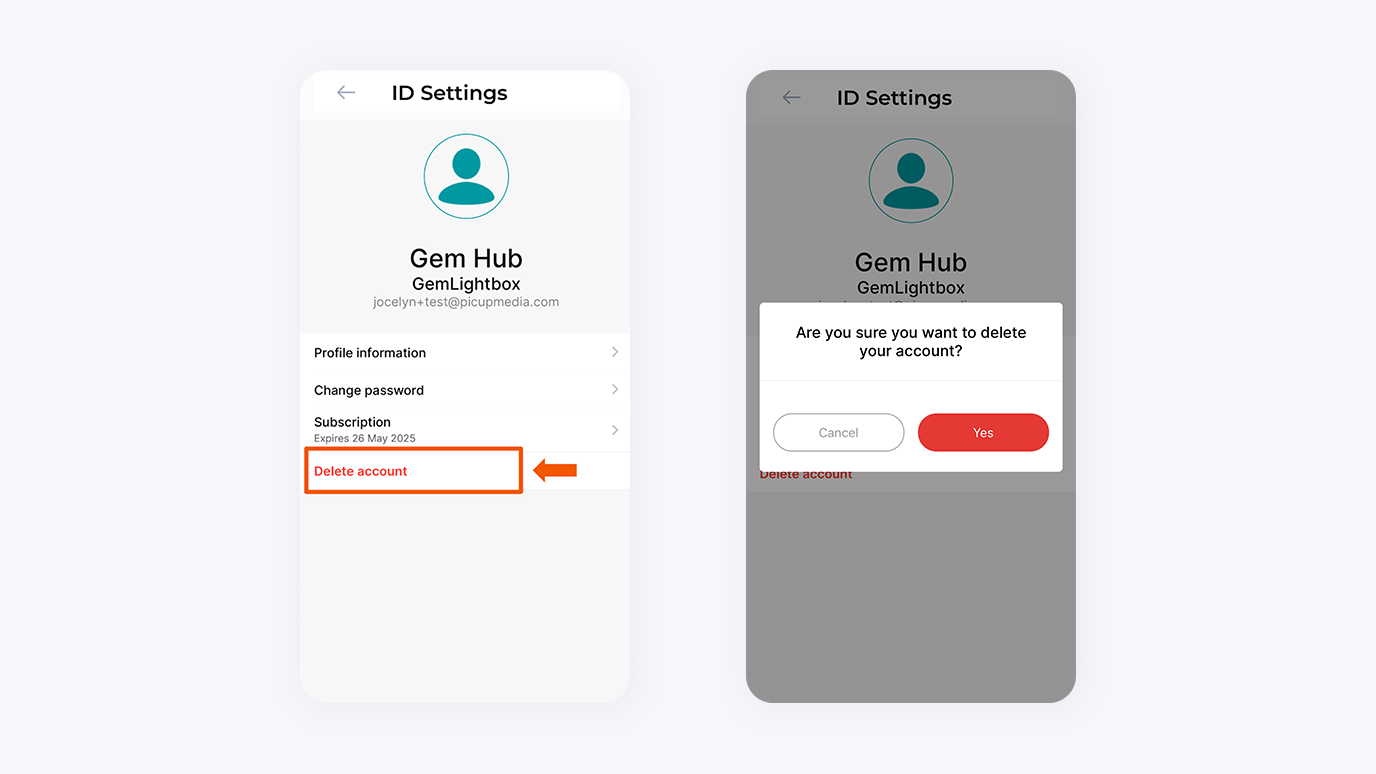
You can permanently delete your GemIQ account and all associated data from your profile settings within the GemIQ. This action is irreversible and will remove all your images, videos, catalogs, and account information.
Before You Start#
Warning: Deleting your account is permanent and cannot be undone. All your media and data will be permanently erased.
Back up any images, videos, or other data you wish to keep before proceeding.
You must be logged into the GemIQ account you intend to delete.
Steps#
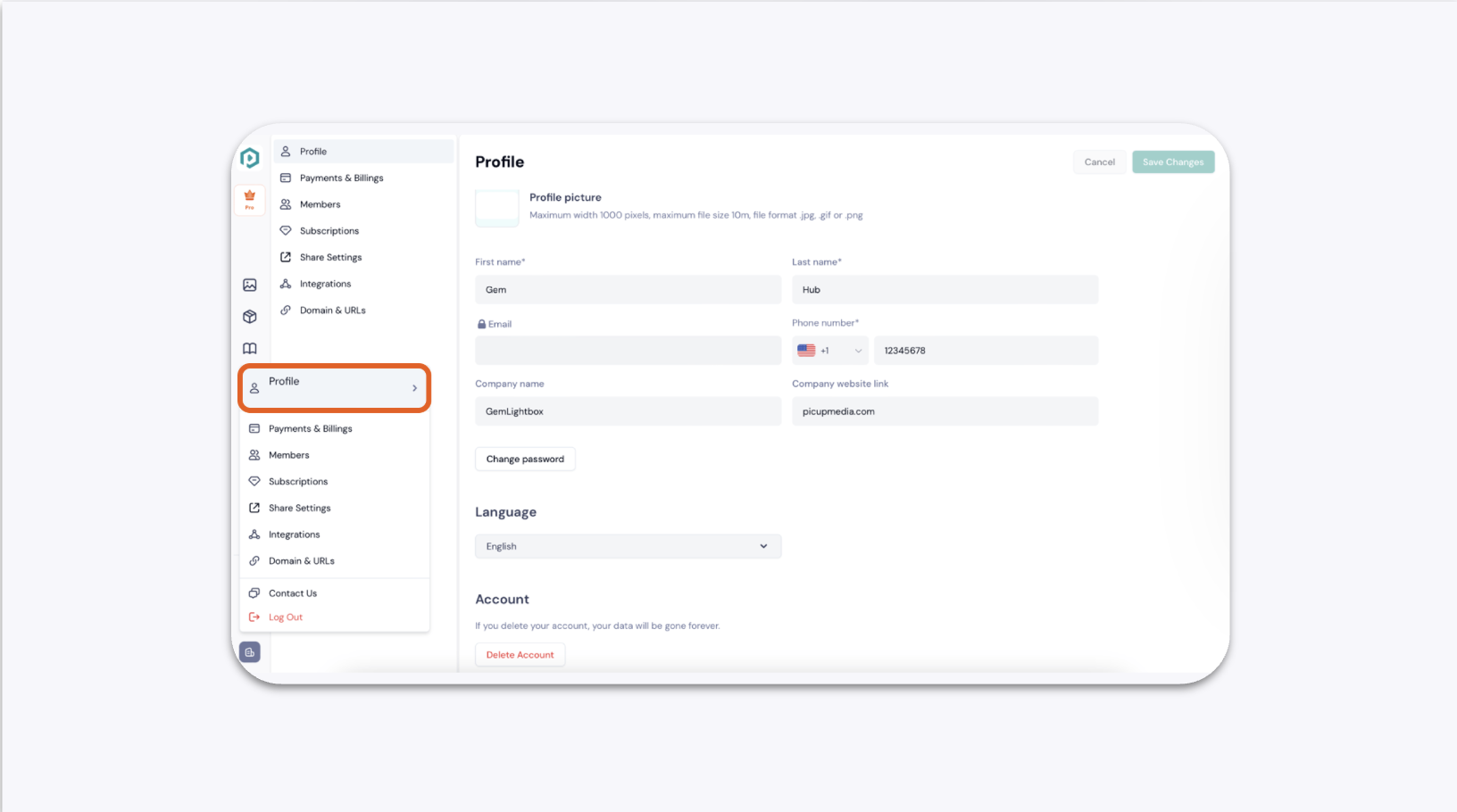
Open GemIQ and navigate to your Profile section.