

Quick Answer#
Create a GemIQ account to save, edit, and organize your jewelry photos and videos across all your devices. You can sign up through the GemIQ on desktop or mobile. After registering with your email and creating a password, you must click the verification link sent to your email to activate your account.
Before You Start#
You will need a valid email address that you can access.
Steps#
Start the Sign-Up Process. Open GemIQ on your computer or mobile device. If you don't have it, you can download it from:
Apple (Mac, iPhone, iPad): Apple App Store
Windows: Microsoft Store
Android: Google Play Store
Select Create Account. On the login screen, click the "Sign Up" or "Create Account" button.
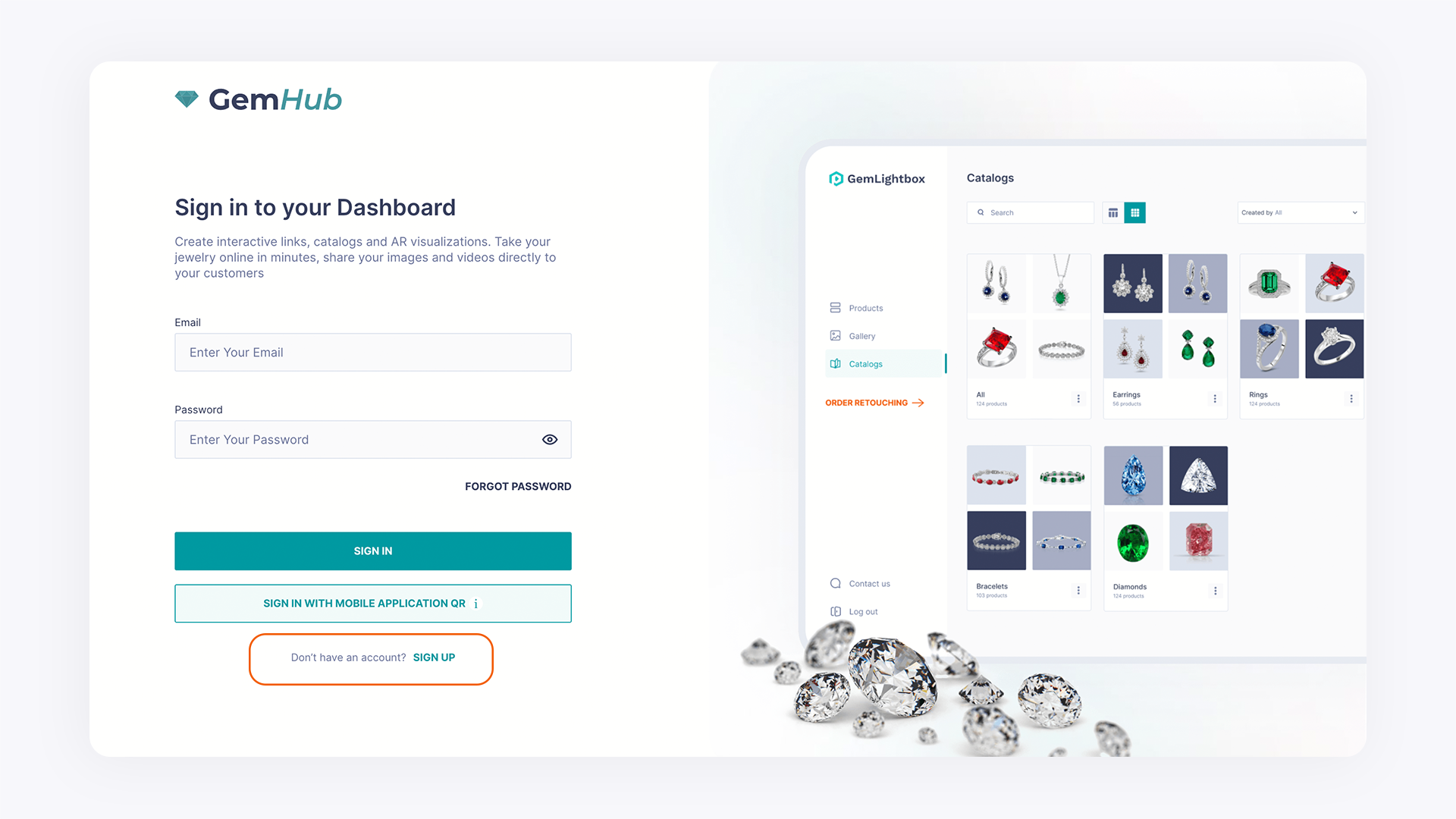
Enter Your Details. Fill in the required fields, including your name, email address, and a secure password.
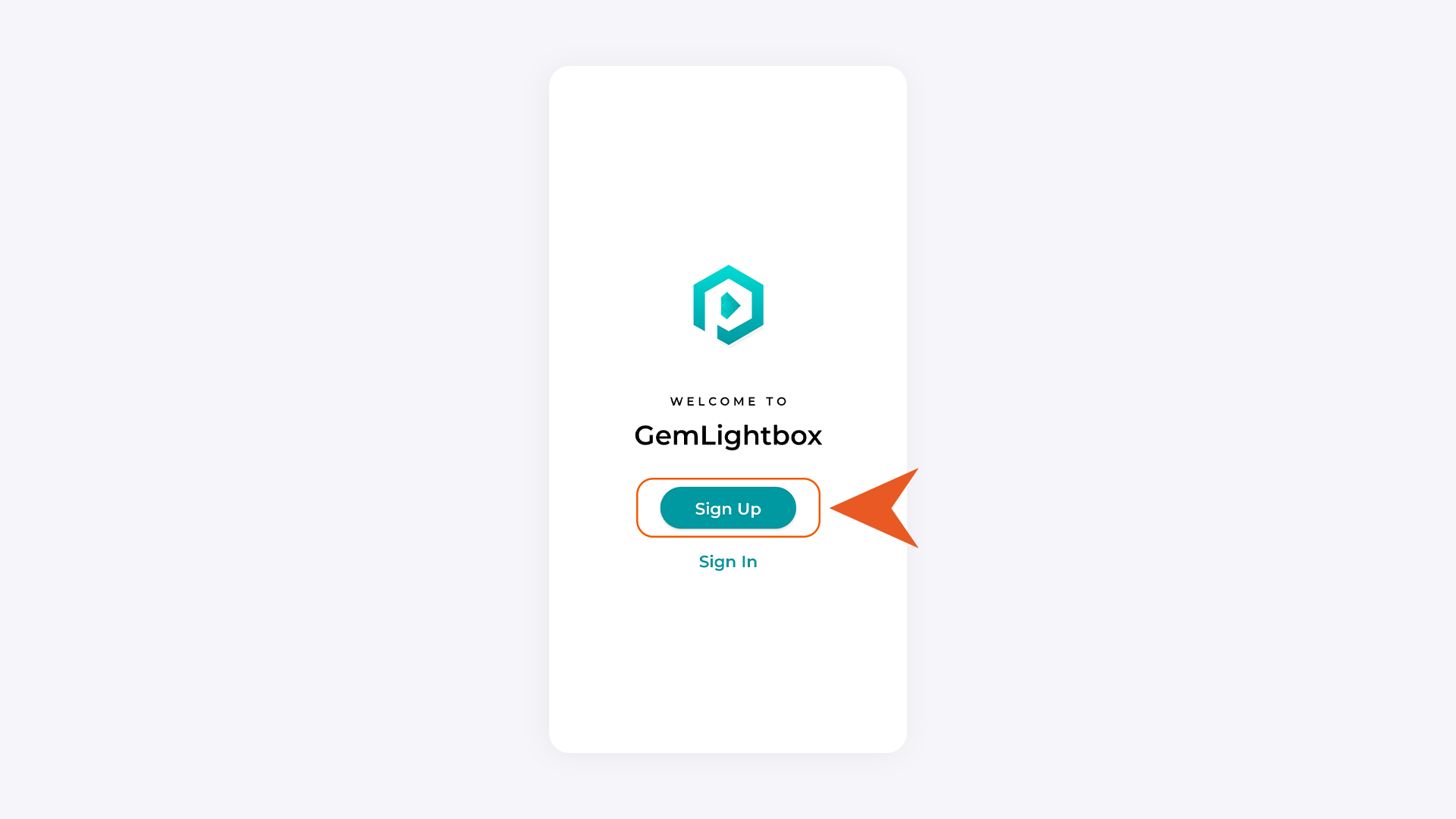
Submit the Form. Click "Sign Up" to submit your information.
Verify Your Email. Check your email inbox for a message from GemIQ. Open the email and click the verification link inside. This is a required step to activate your account.
Expected Result#
After clicking the verification link, your GemIQ account will be active. You can now log in to the GemIQ on any of your devices to access your cloud gallery and editing tools.
If This Does Not Work#
No verification email: Check your email's spam, junk, or promotions folder. If you still can't find it, return to the login screen and look for a "Resend verification email" option.
Verification link expired: Some verification links are time-sensitive. Try using the "Resend verification email" option to get a new one.
Email already registered: If you see an error message that your email is already in use, you may have created an account previously. Use the "Forgot Password" link on the login page to regain access.
Common Mistakes#
Forgetting to check the spam folder for the account activation email.
Making a typo in the email address during sign-up.
Closing the browser or app before verifying the email, which leaves the account inactive.