How to Create a GemIQ Retouching Account#
Quick Answer#
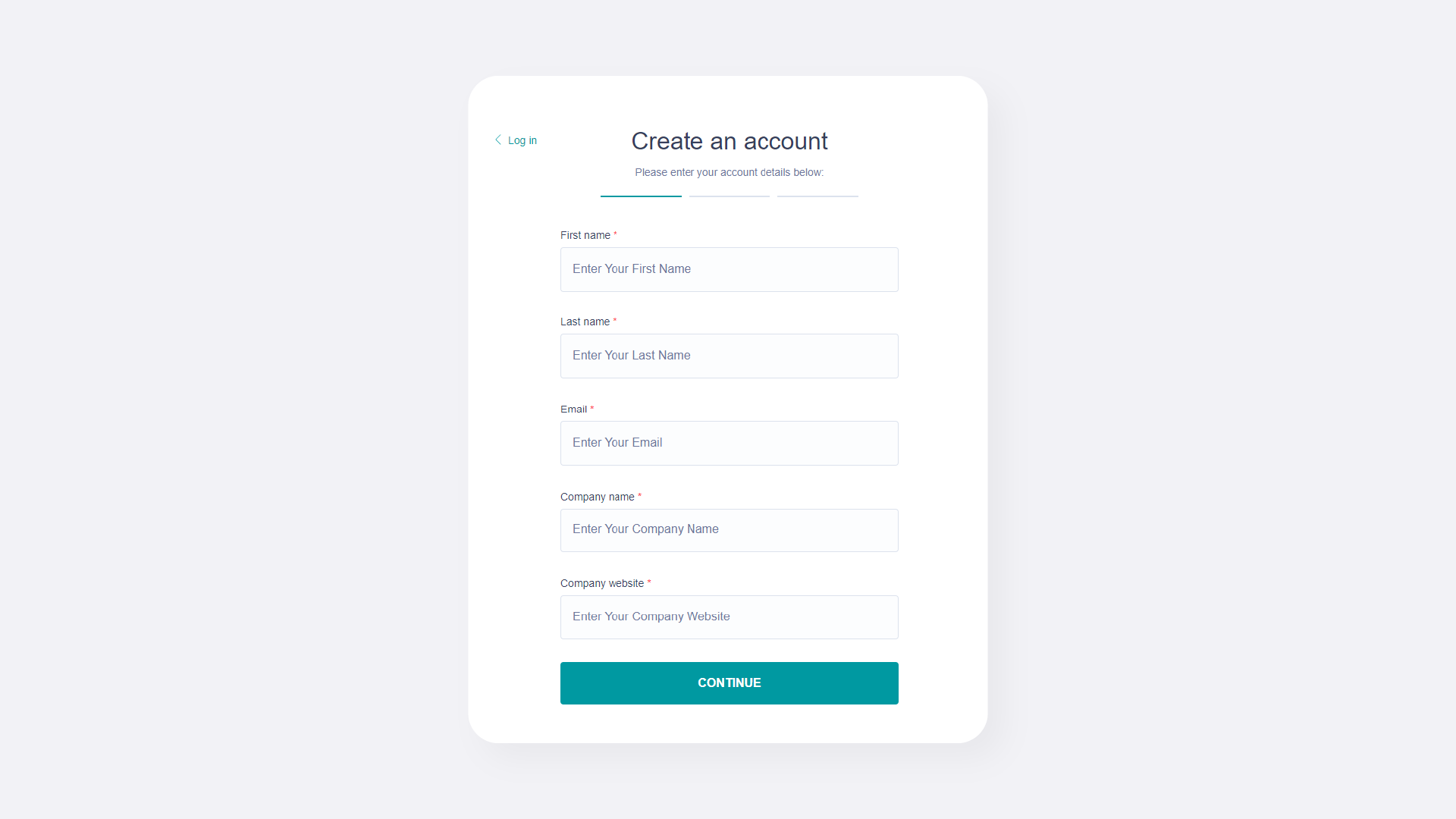
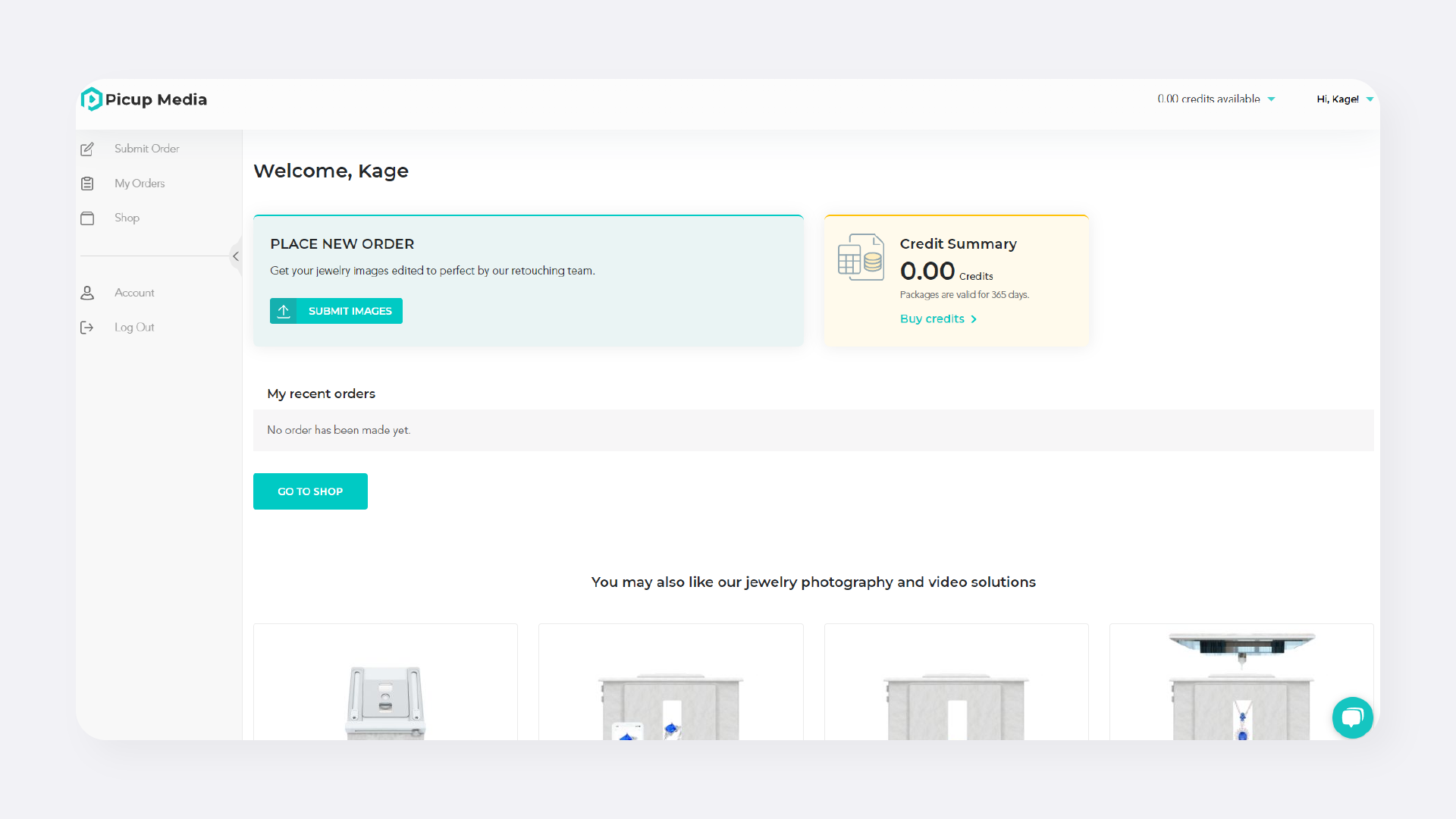
To create a GemIQ Retouching account, visit the Retouching Dashboard, click "Create an account," and fill out your personal and company information. This account allows you to place retouching orders, track their status, request revisions, and download invoices.
Before You Start#
You will need a valid email address.
Have your full name, company website, address, and phone number ready.
Steps#
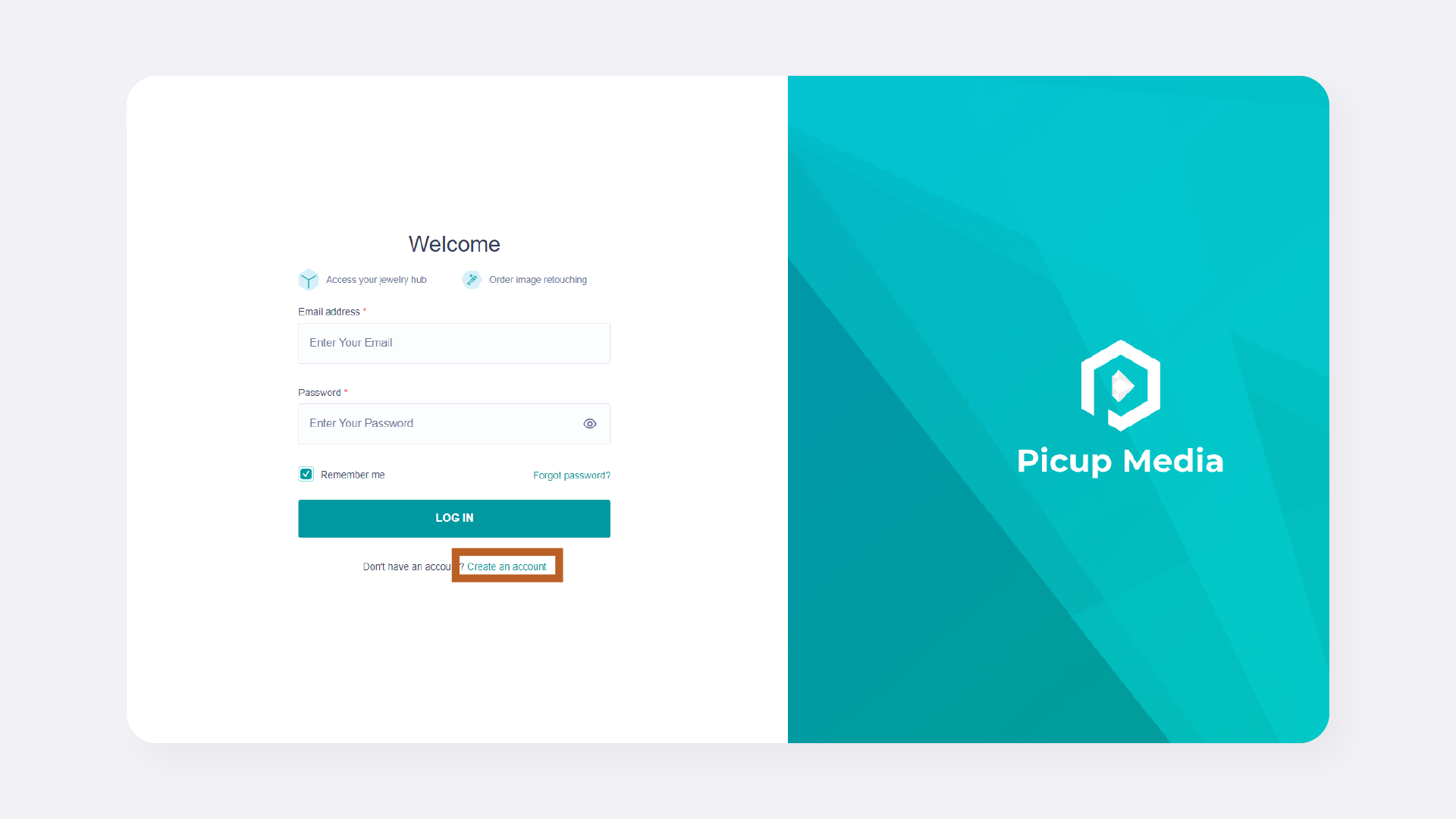
Navigate to the GemIQ Retouching Dashboard.
Click the Create an account link.