How to Set Up the GemLightbox Eclipse#
Quick Answer#
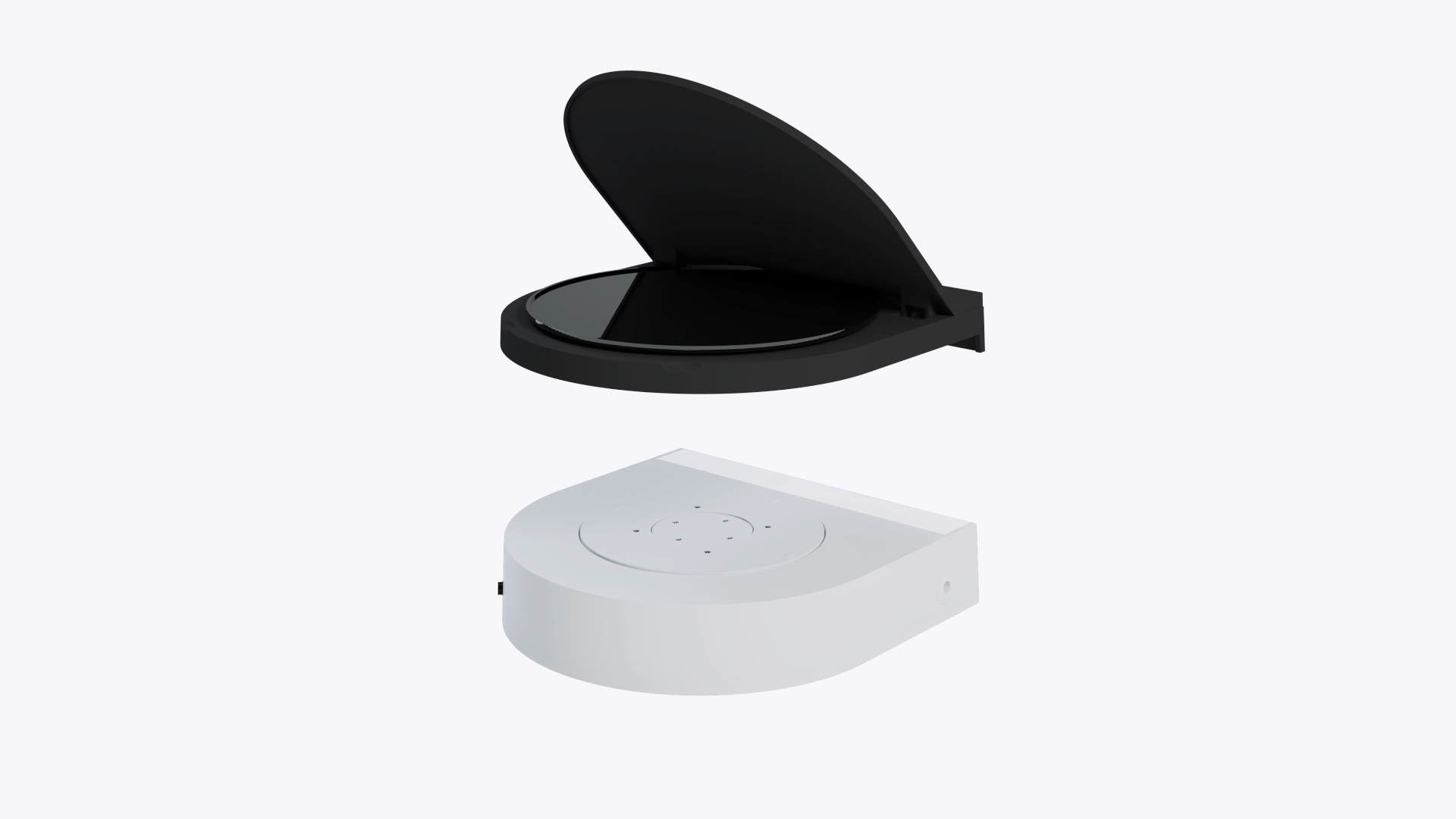
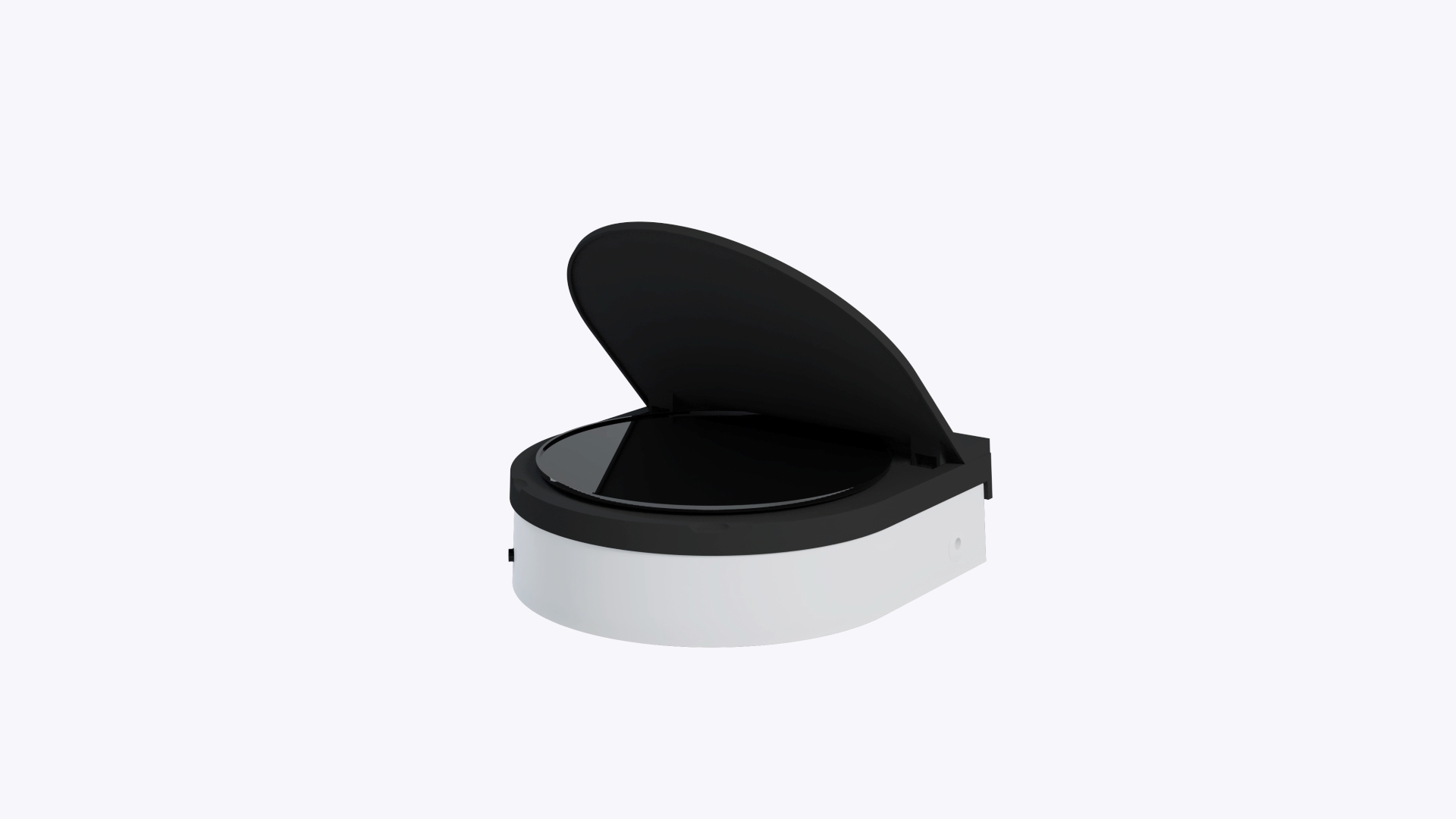
The GemLightbox Eclipse is an accessory for the GemLightbox Turntable that allows you to capture photos and videos of your jewelry against a pure black background. To set it up, simply replace the standard white turntable disc with the Eclipse cover and enable the Eclipse filter in the GemIQ app.
Before You Start#
You will need a GemLightbox.
You will need a GemLightbox Turntable.
You will need the GemLightbox Eclipse accessory.
Ensure the GemIQ app is installed on your smartphone or computer.
Steps#
Power off your GemLightbox Turntable.
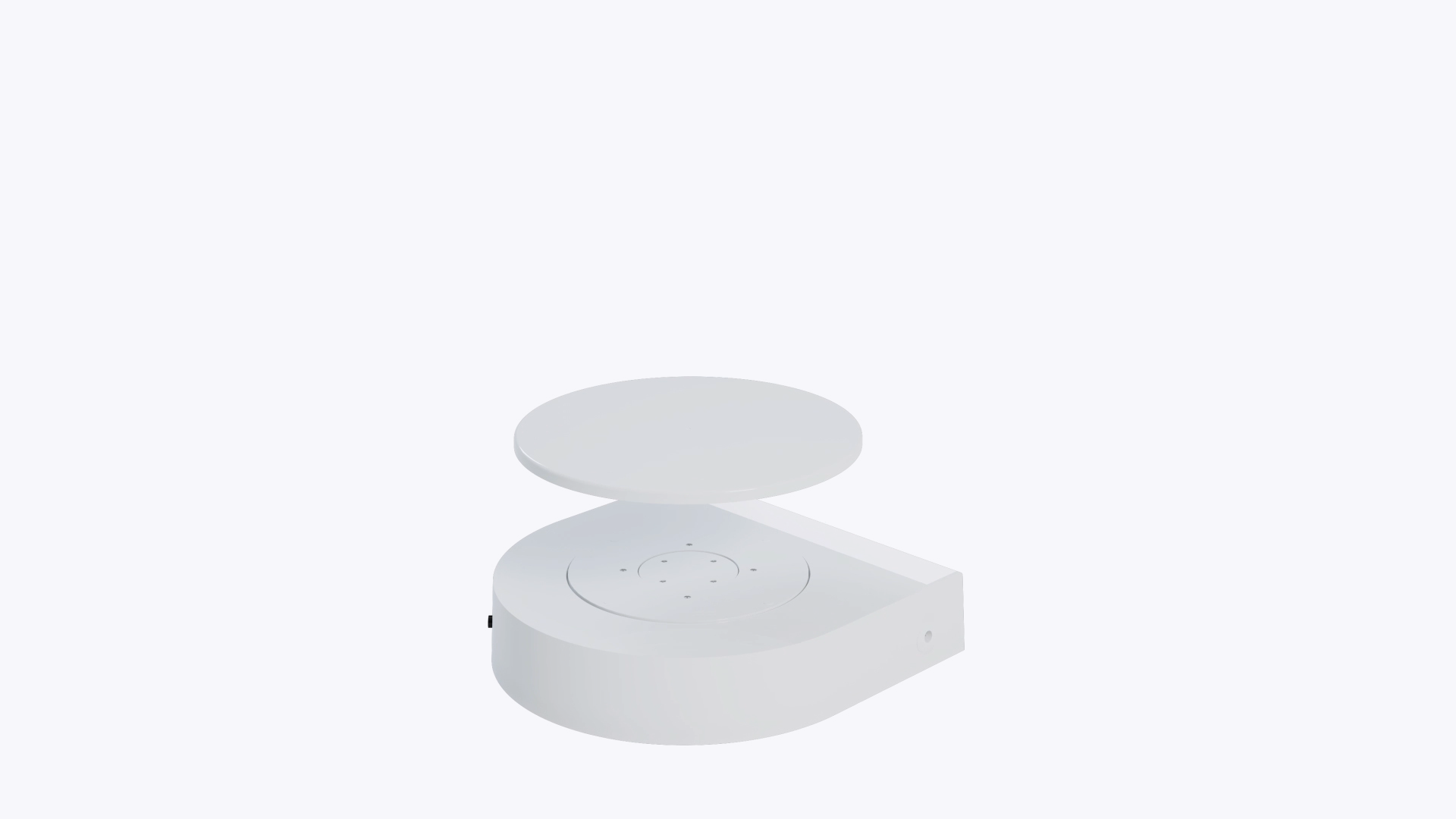
Remove the standard white disc from the top of the turntable base.