Quick Answer#
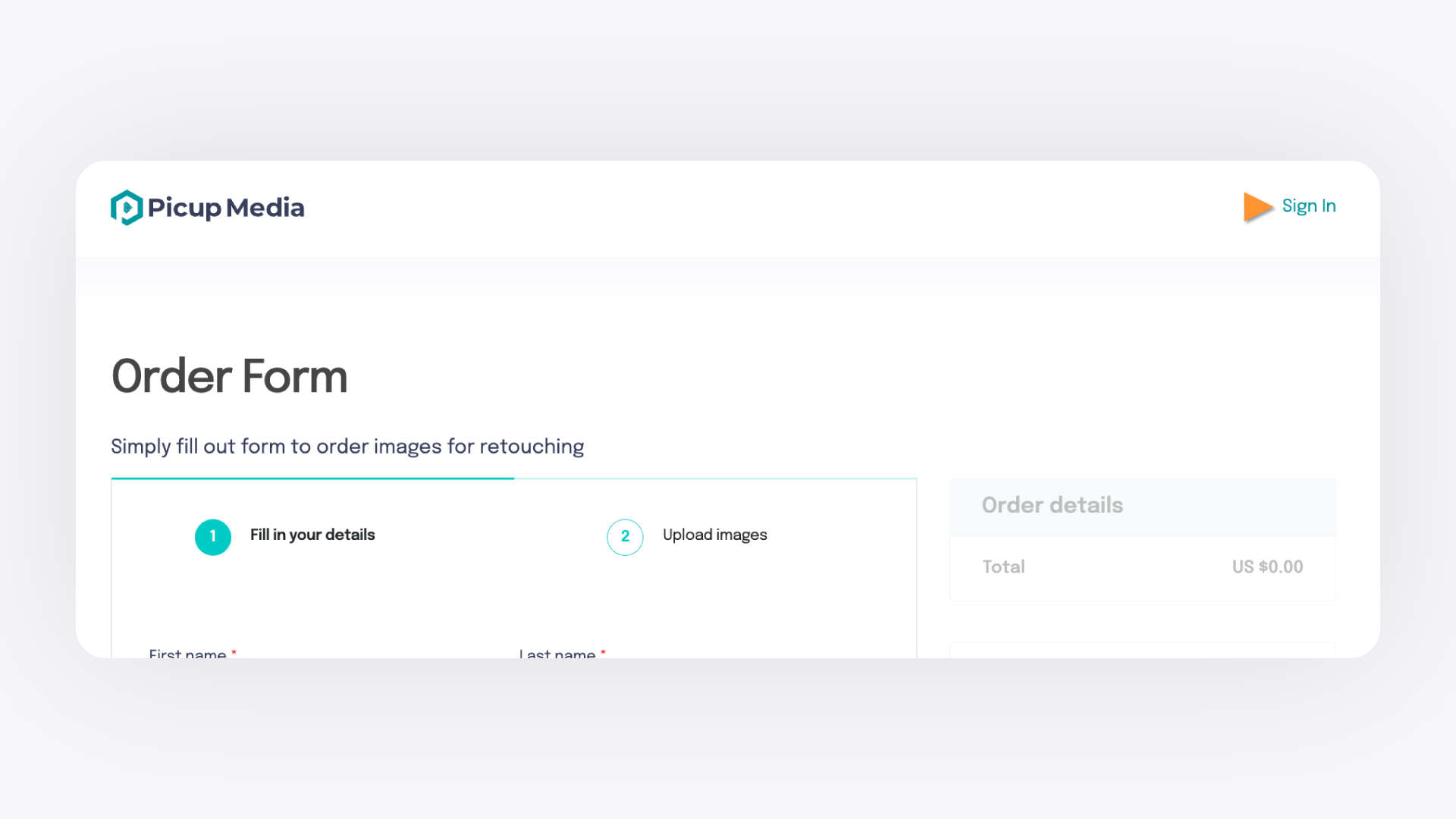
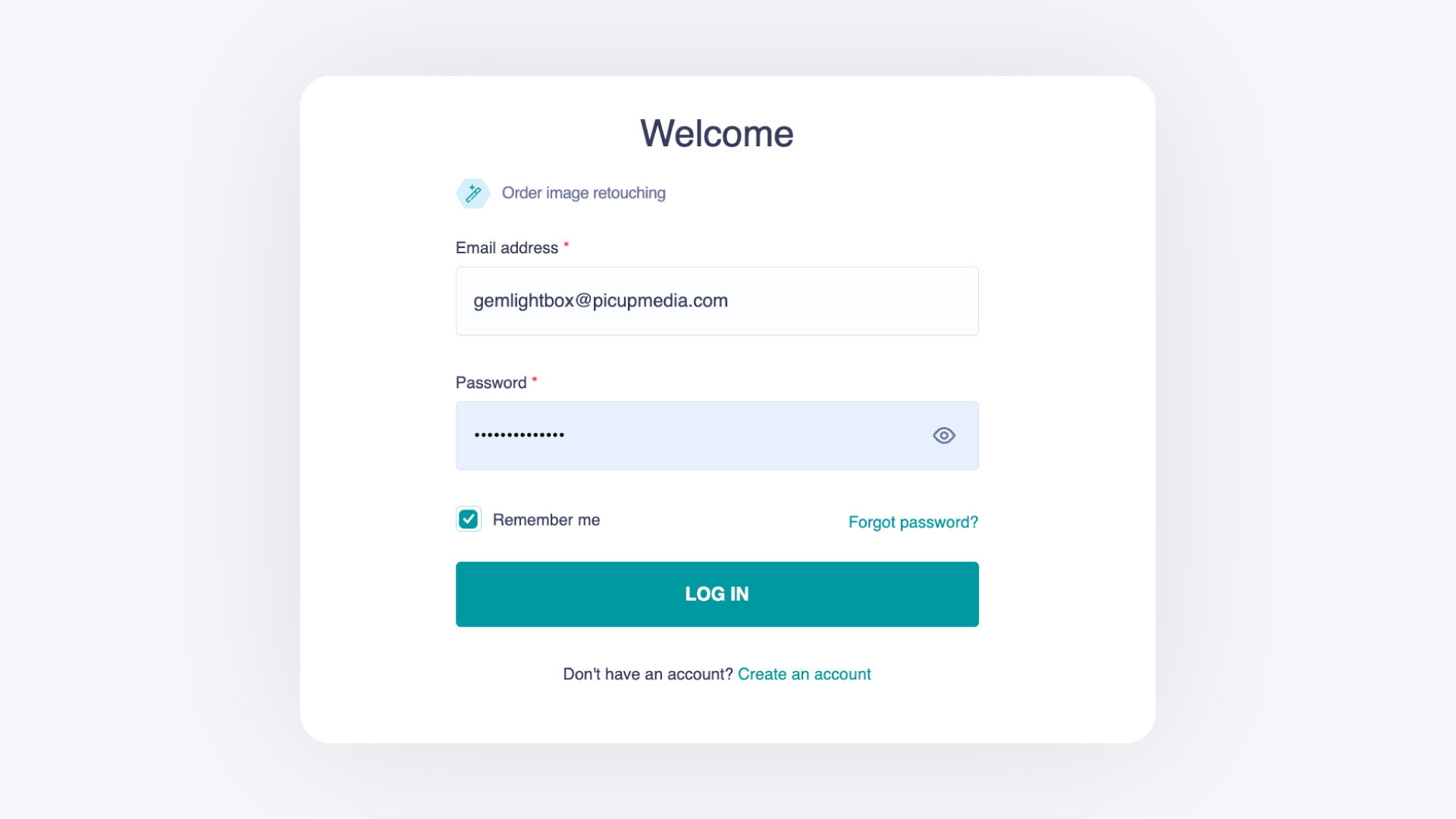
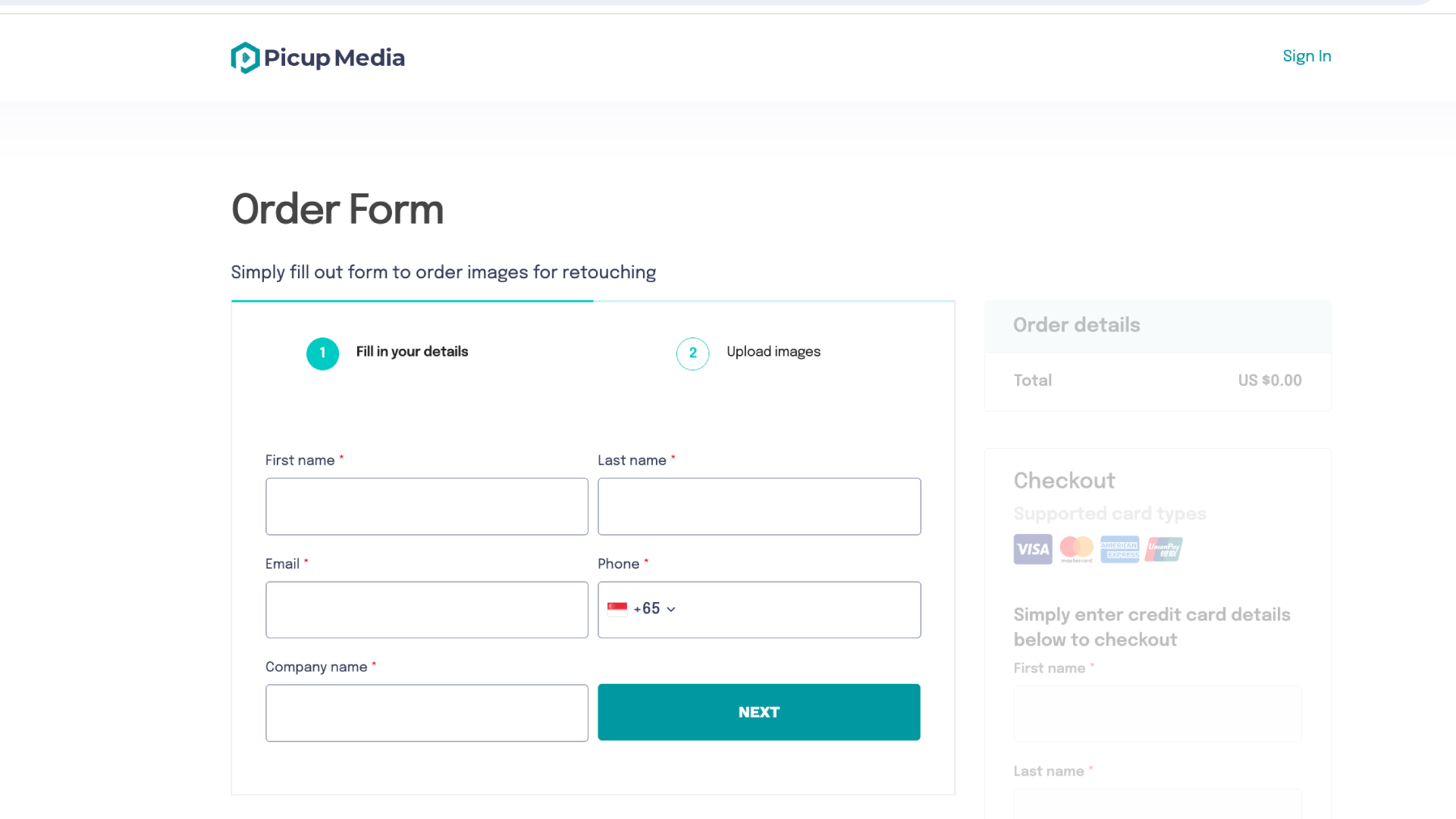
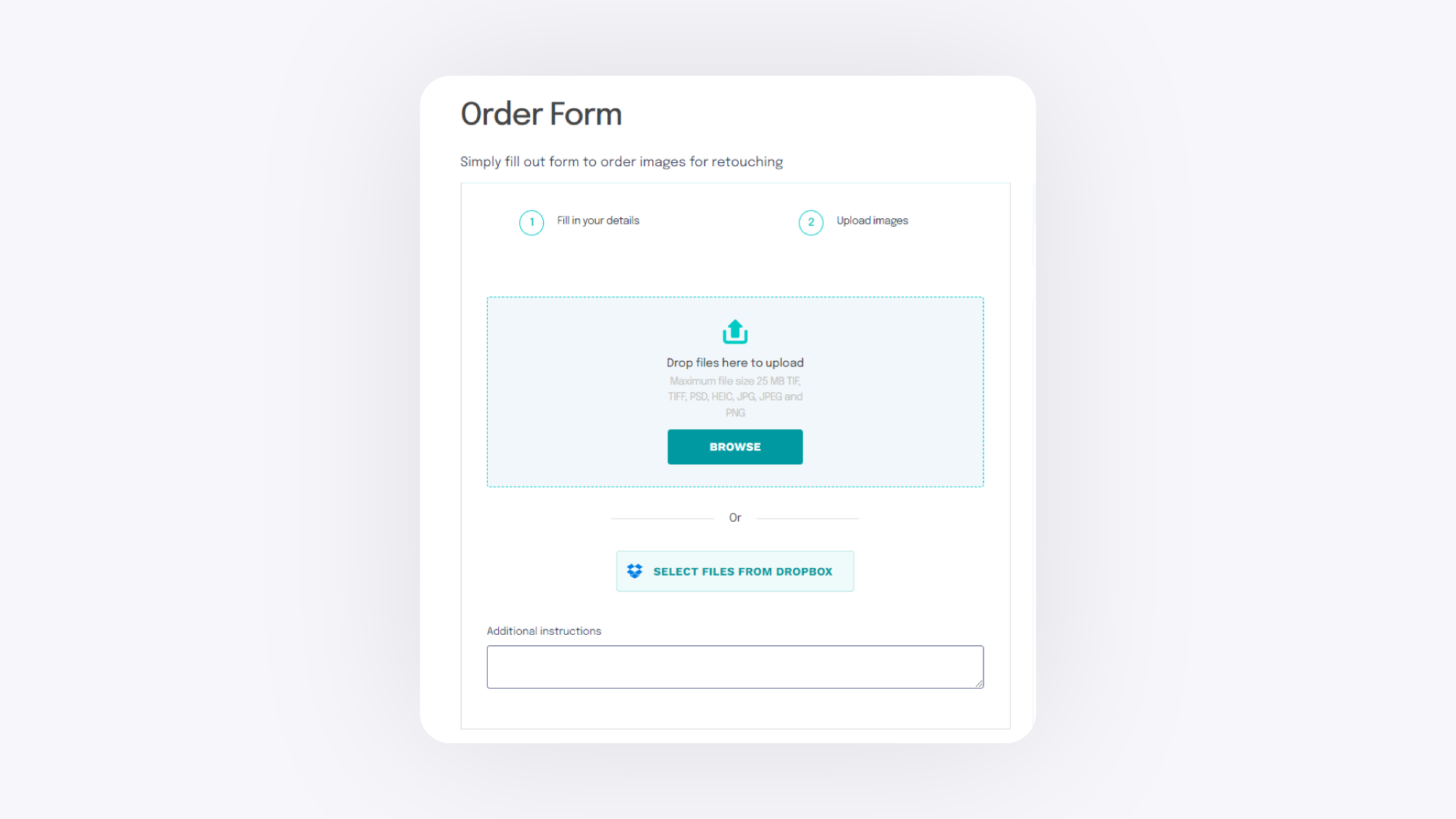
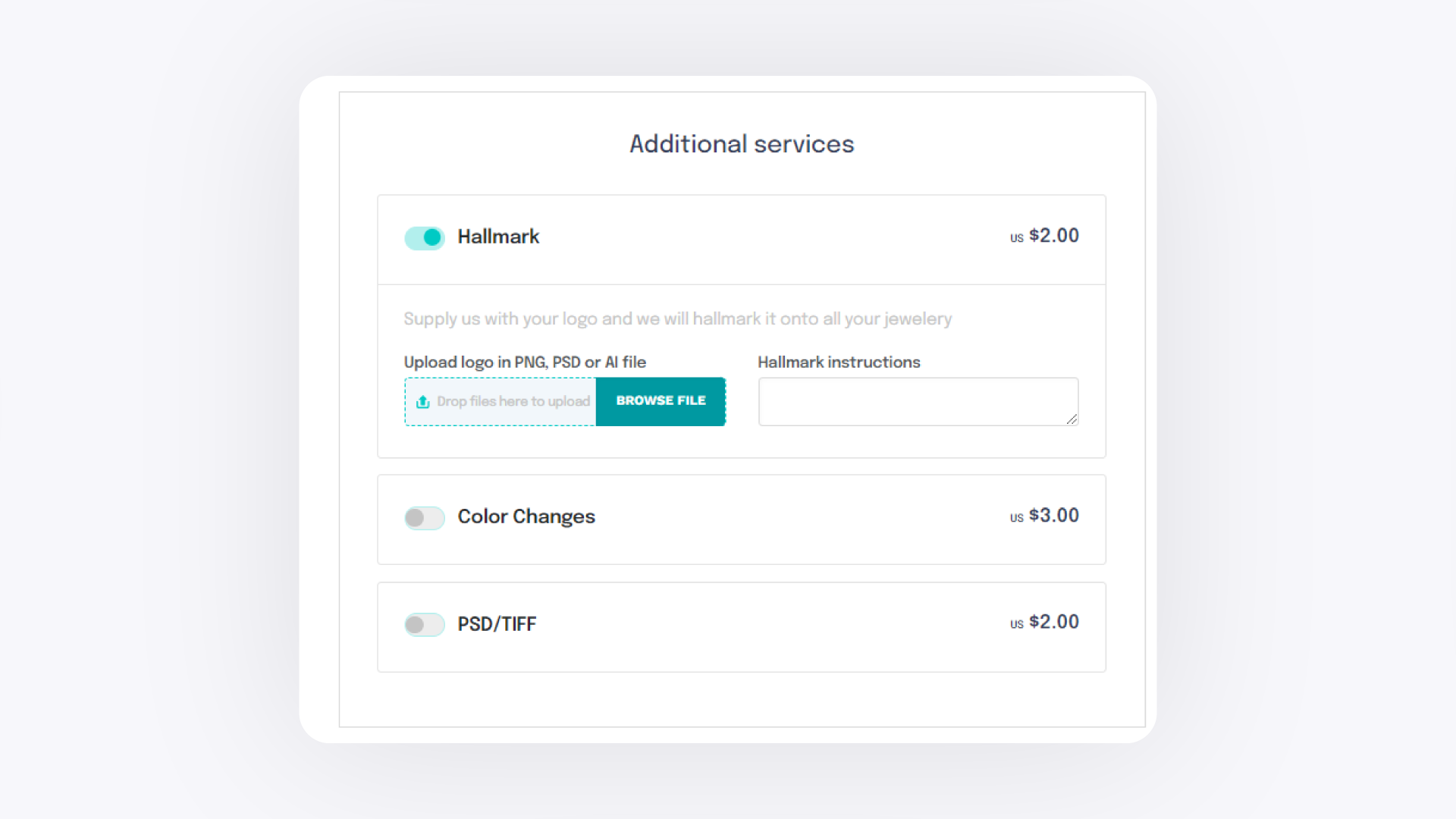
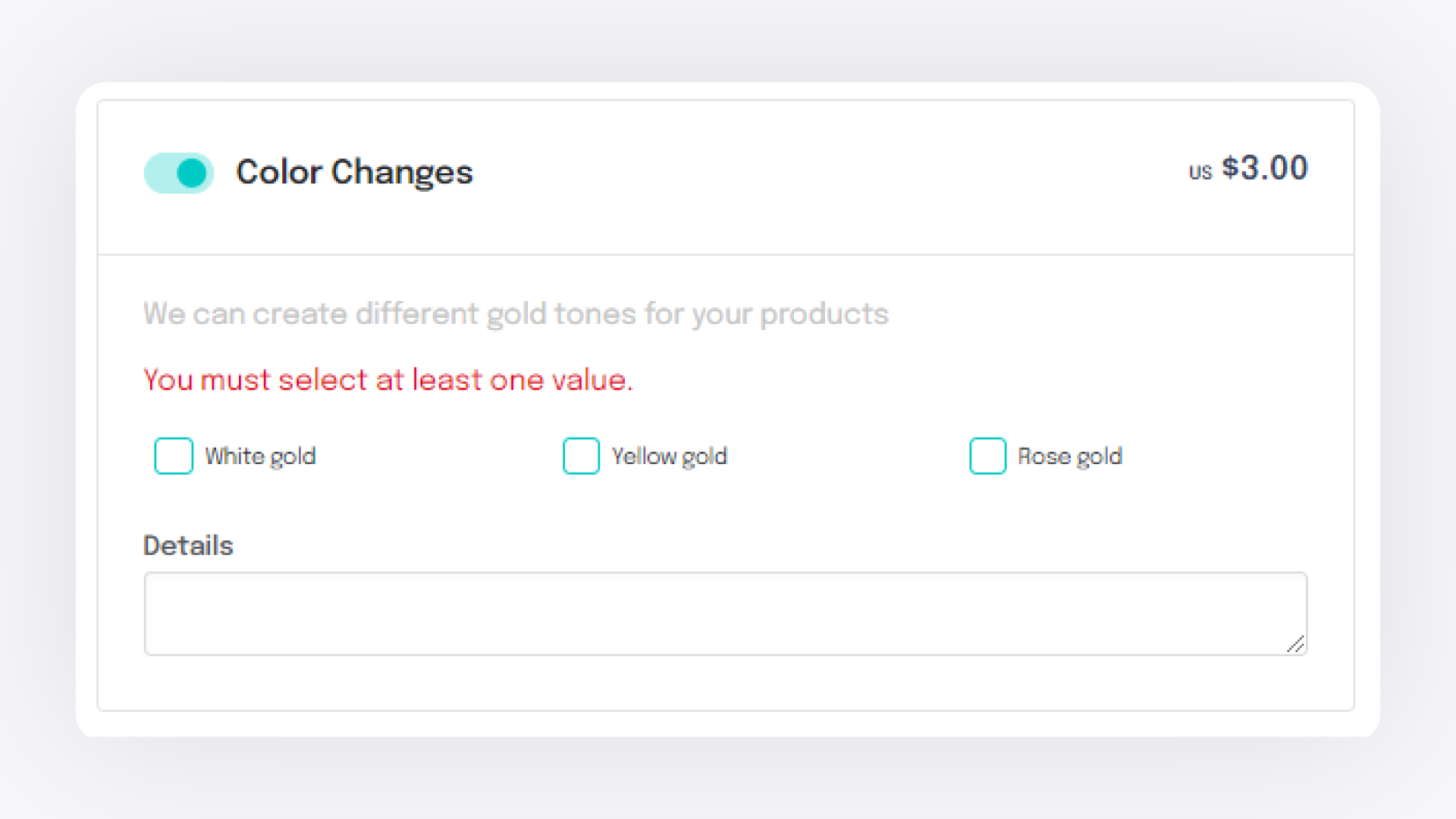
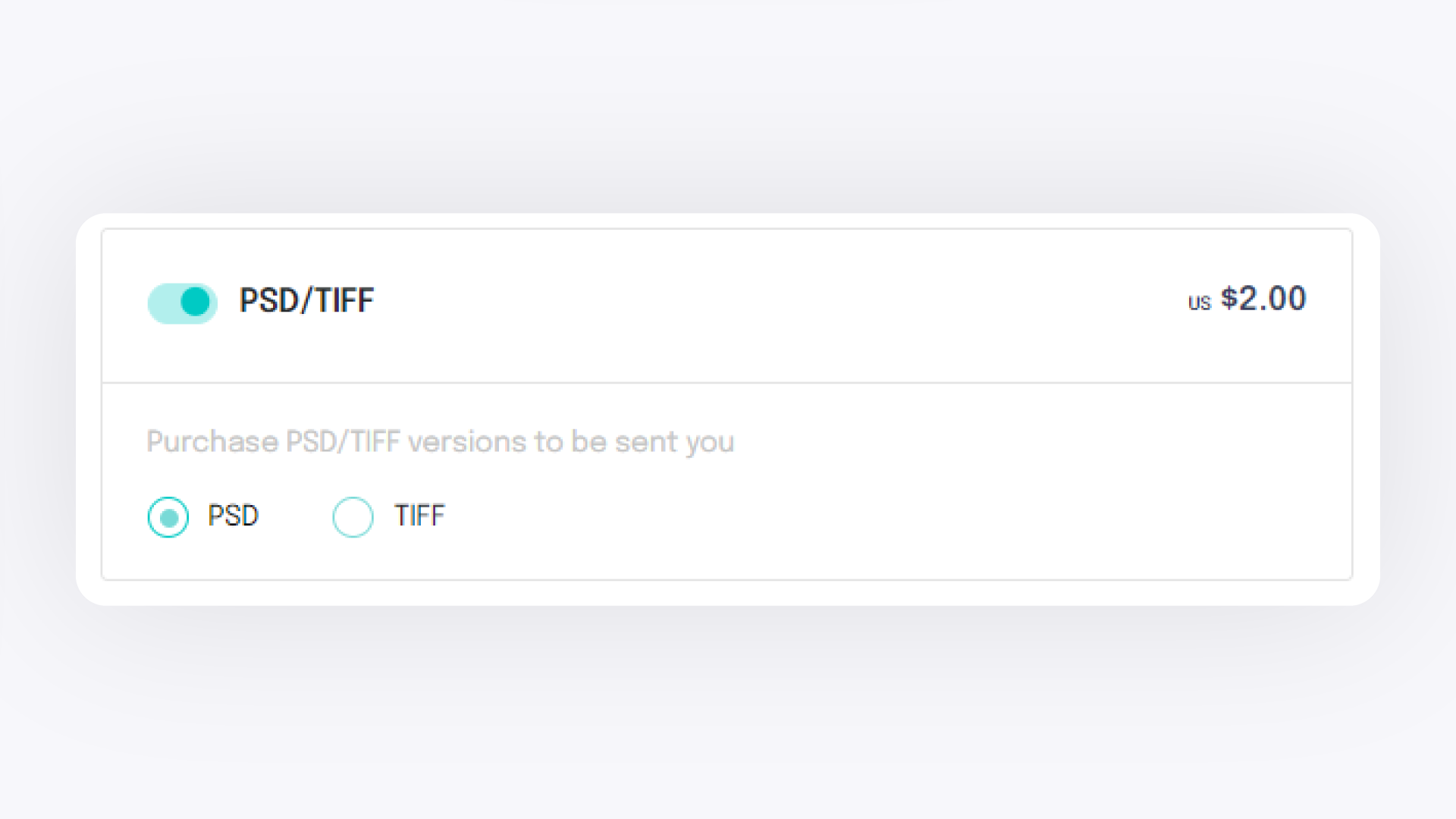
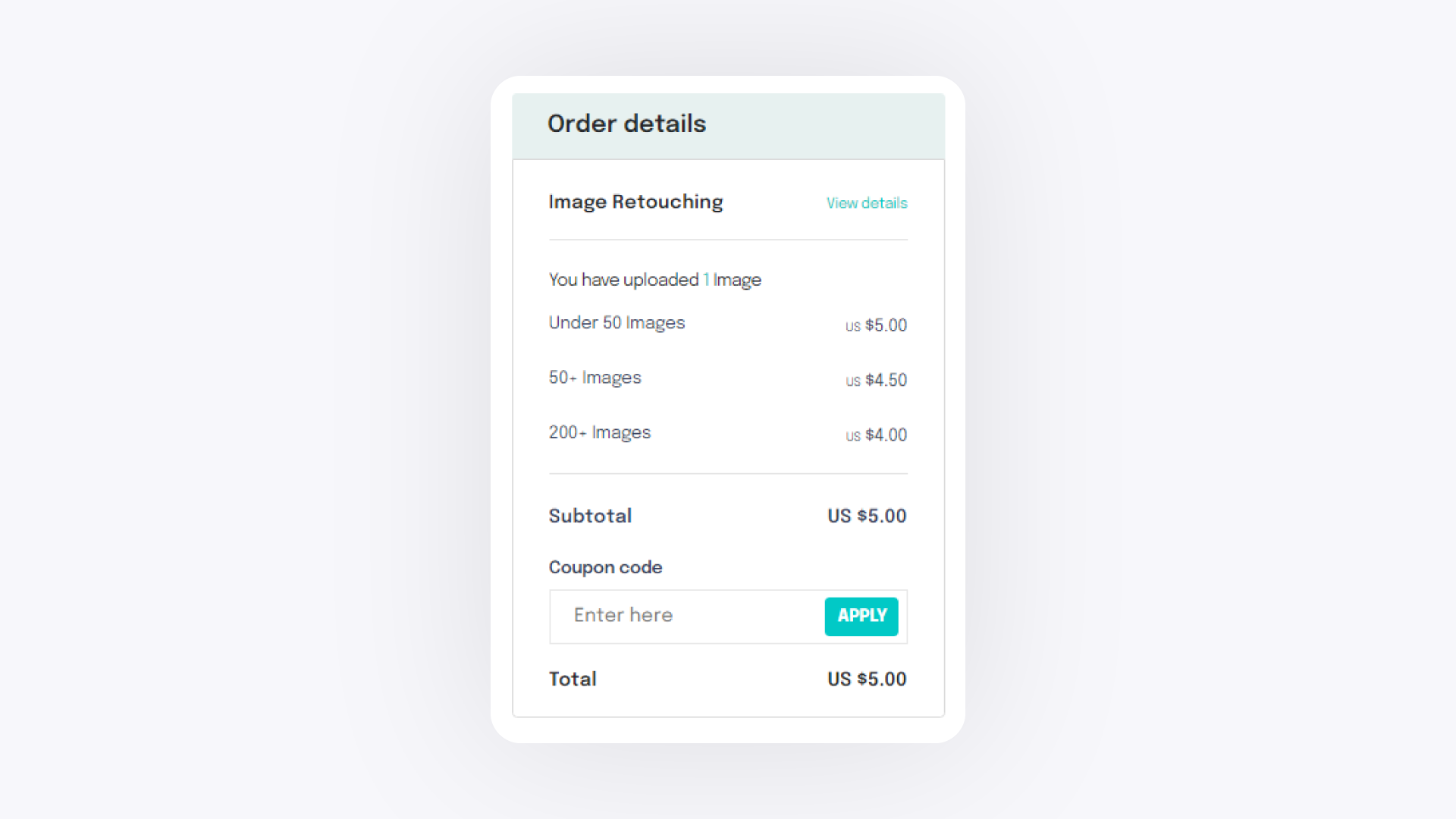
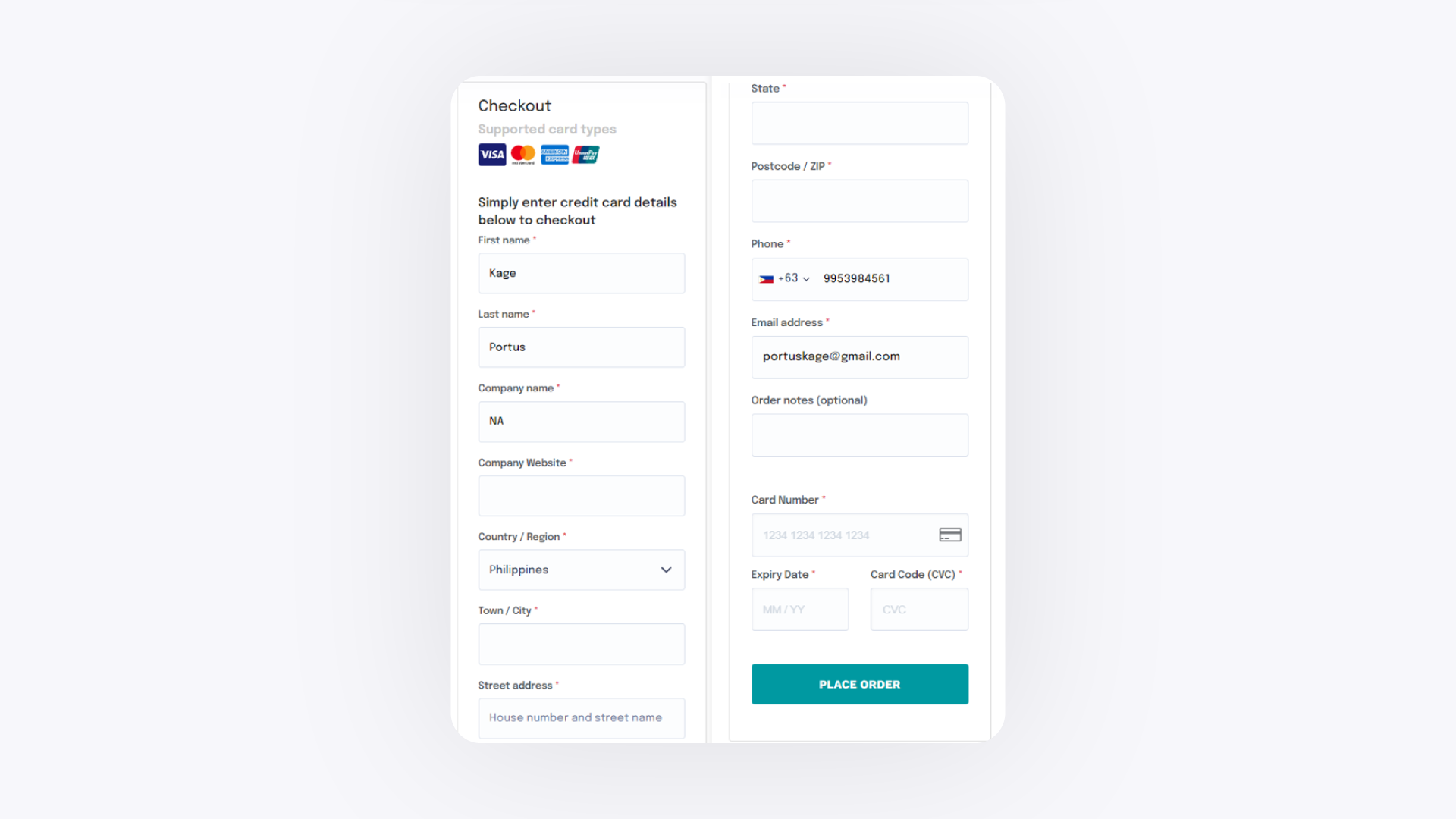
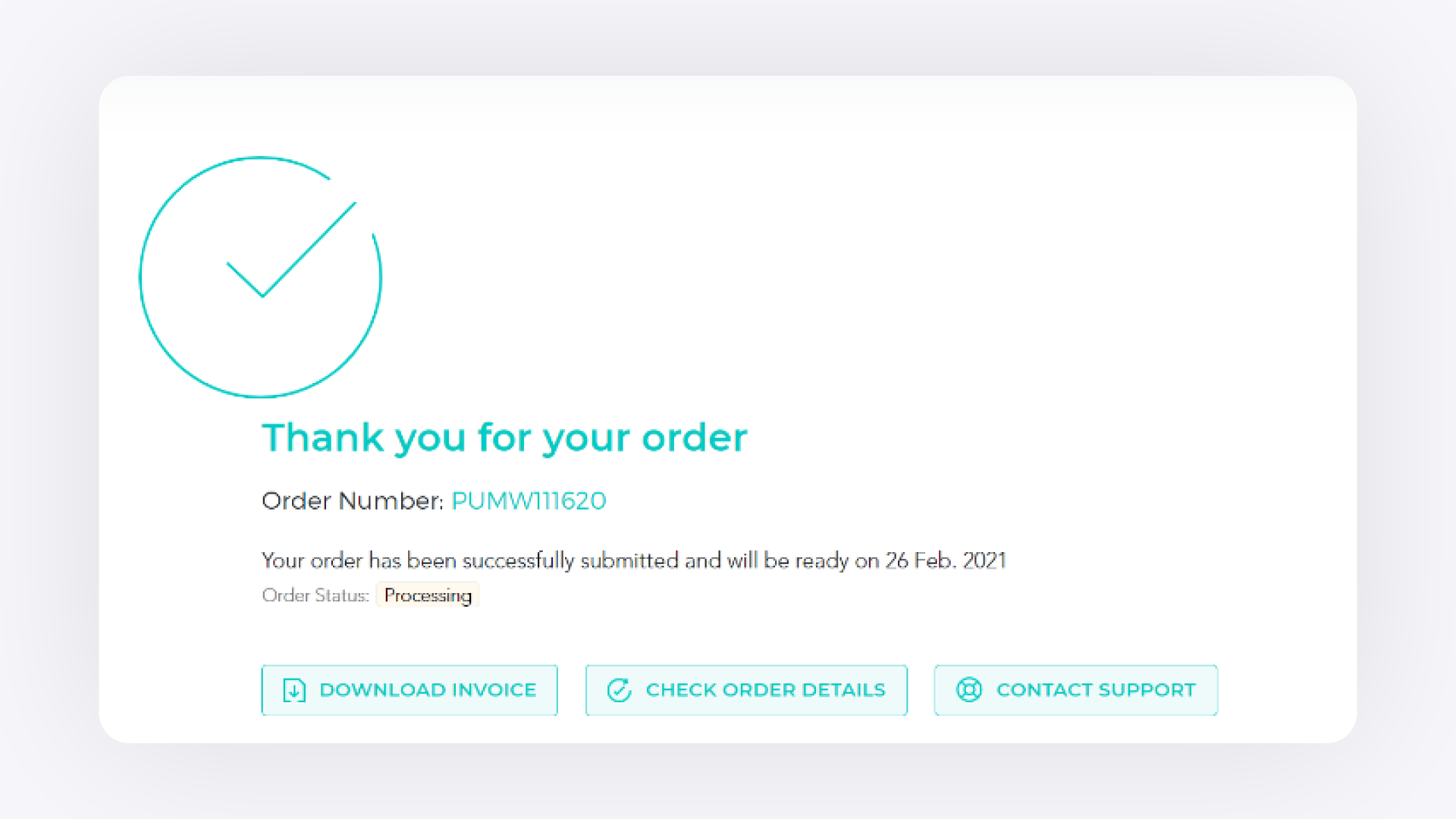
Go to retouch.picupmedia.com, sign in or enter your contact details, upload your jewelry photos, choose any add-on services, review your order, and complete payment. Your retouched images are delivered once the order is processed.
Before You Start#
Have your jewelry photos ready to upload. All file names must be unique — rename any duplicates before uploading.
If adding the Hallmark service, have your logo file ready in PNG, PSD, or AI format.
If you have an existing account, have your login credentials ready.
If you need to purchase retouching credits first, see the article: How to Purchase Retouching Service Credits.
Steps#
Please note that once you have an account, you will need to place your order through your retouching dashboard. This article will guide you on how.