How to Buy Retouching Credits and Place an Order#
Quick answer#
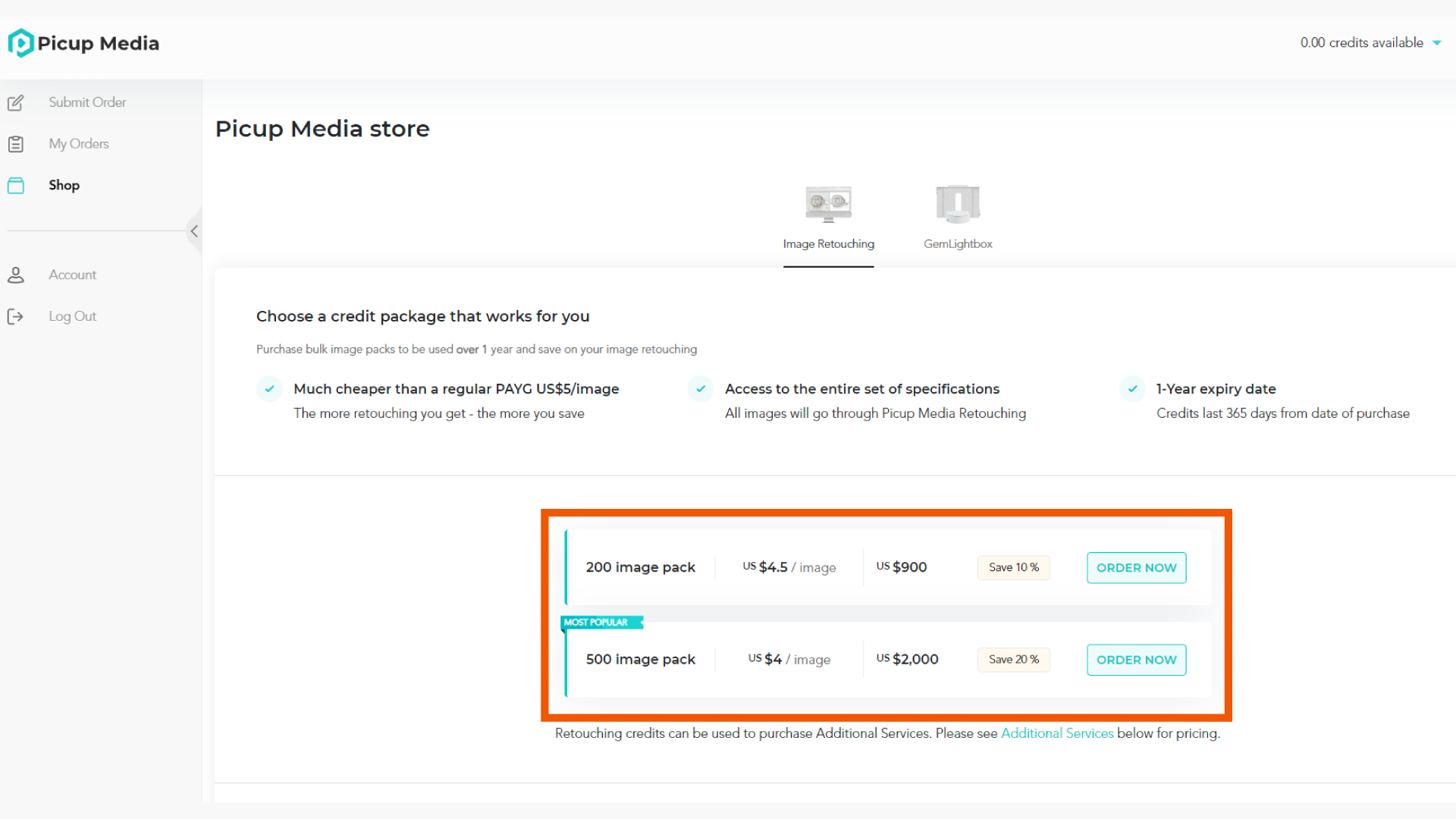
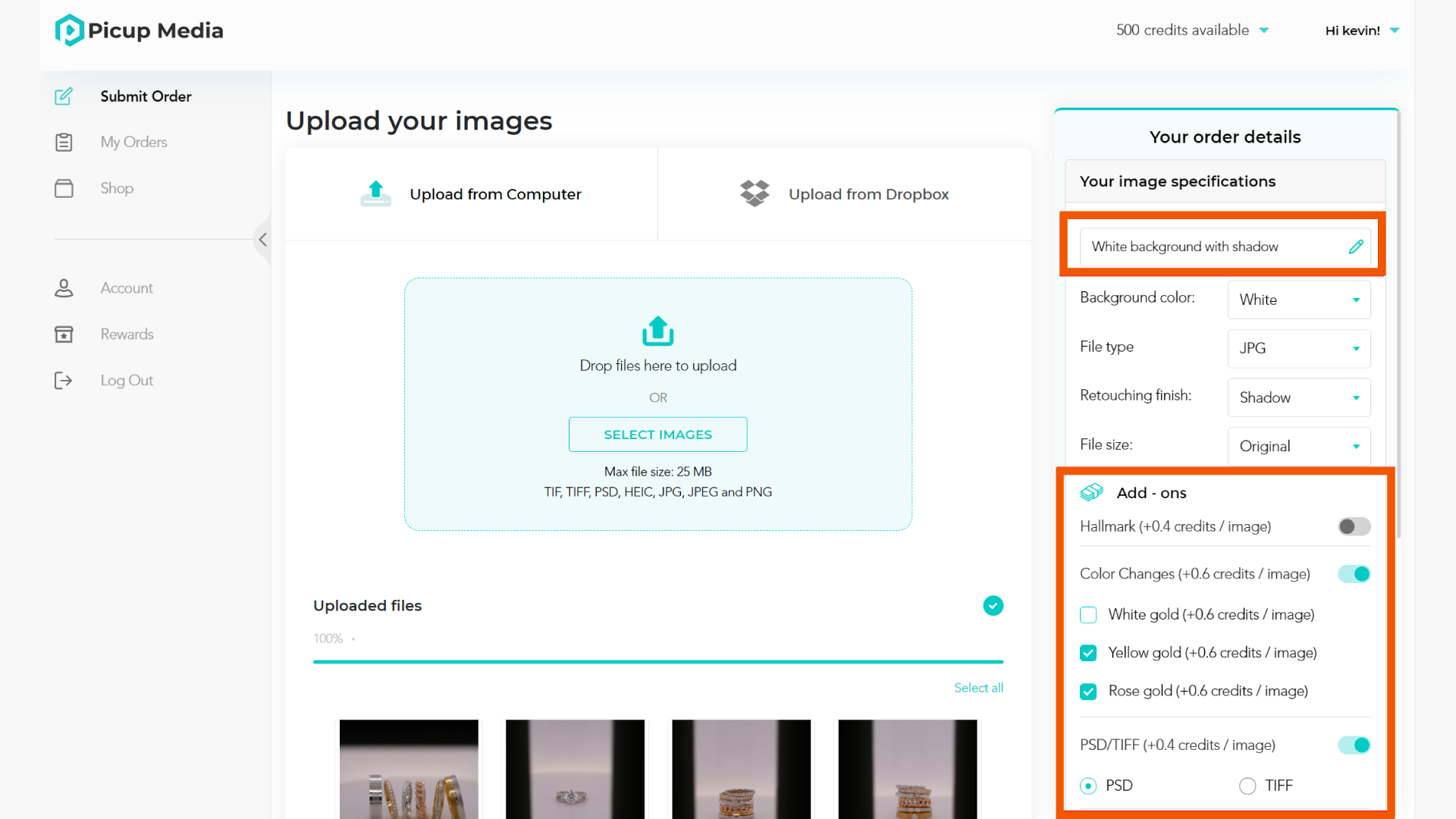
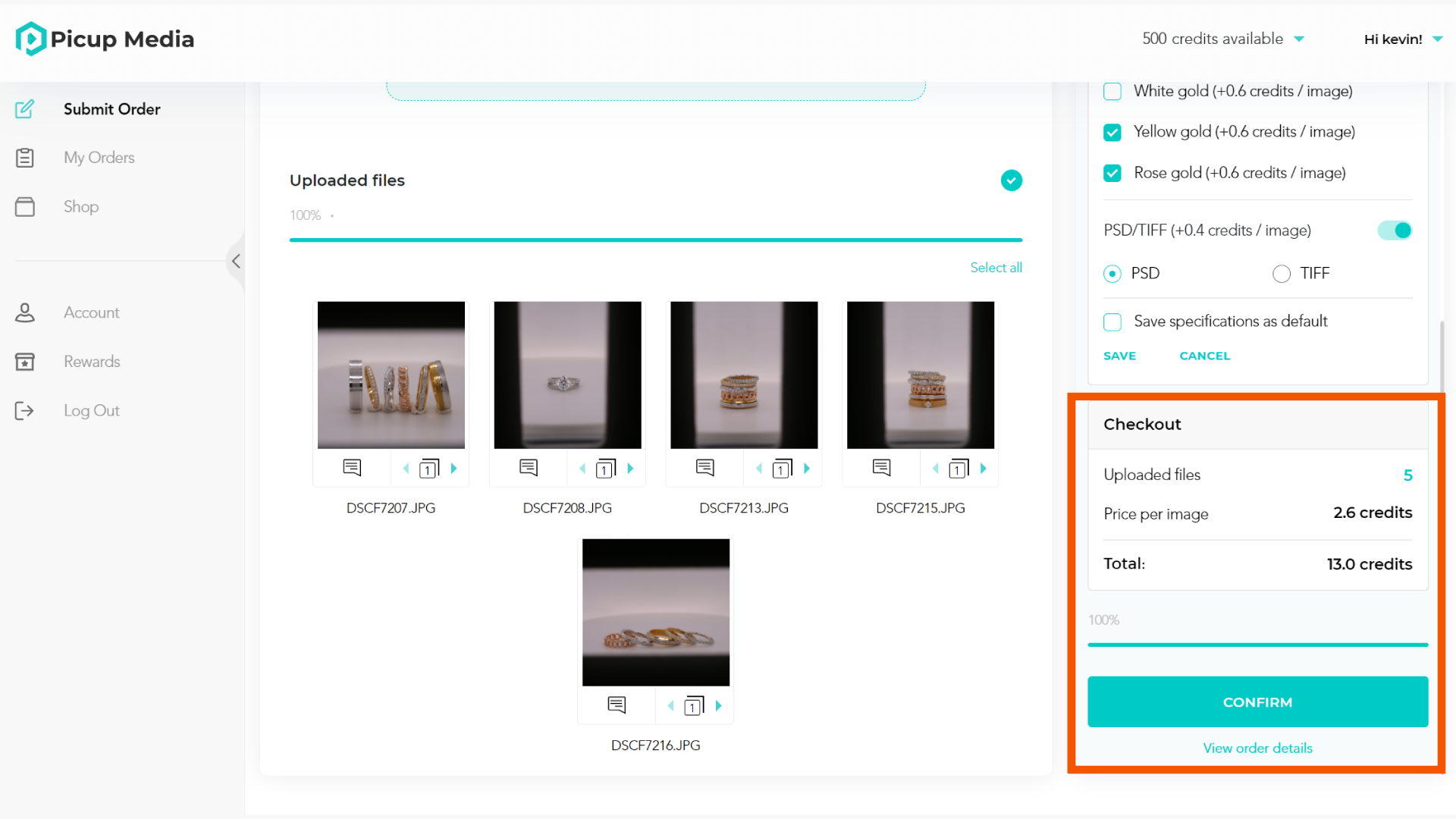
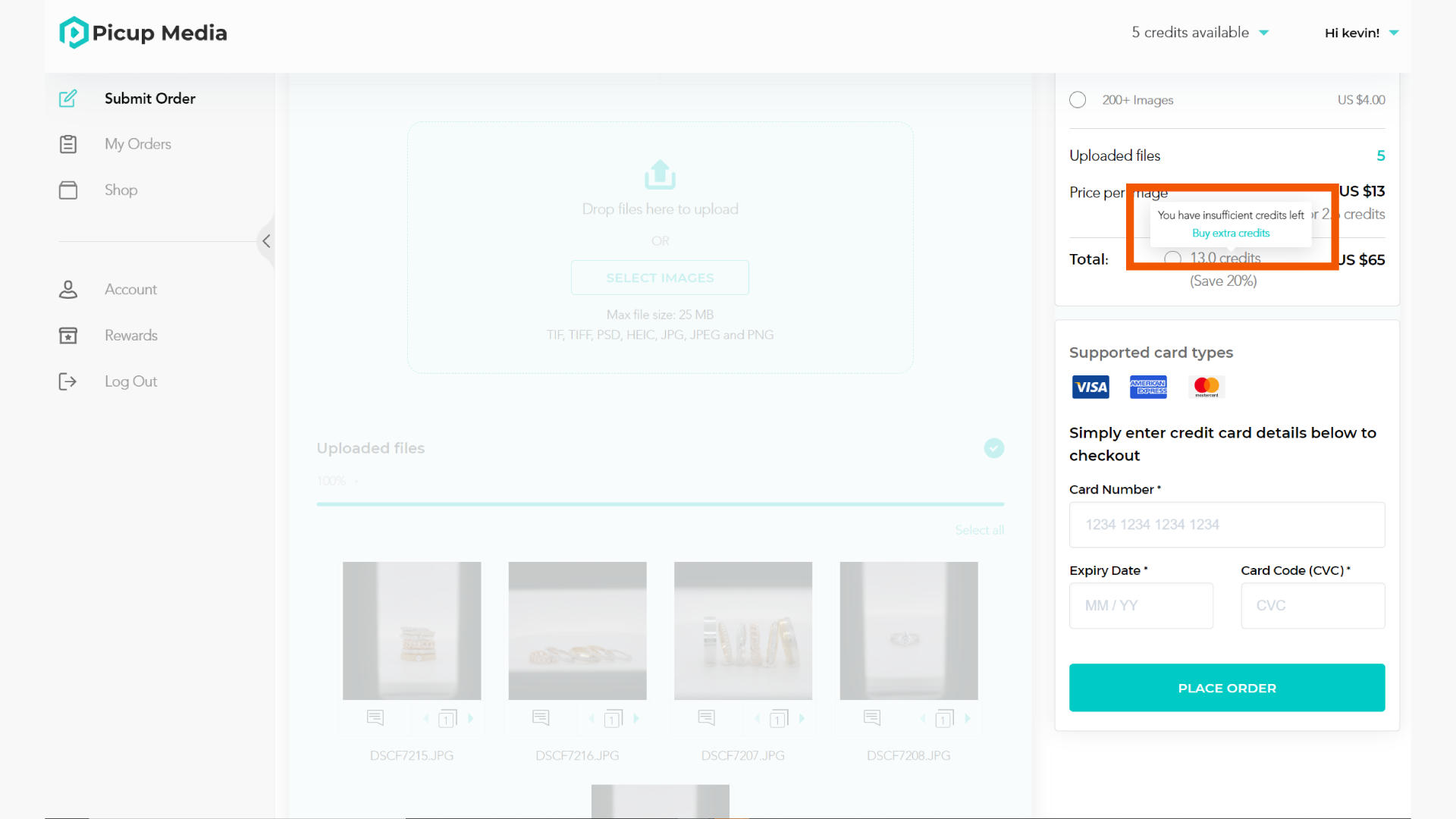
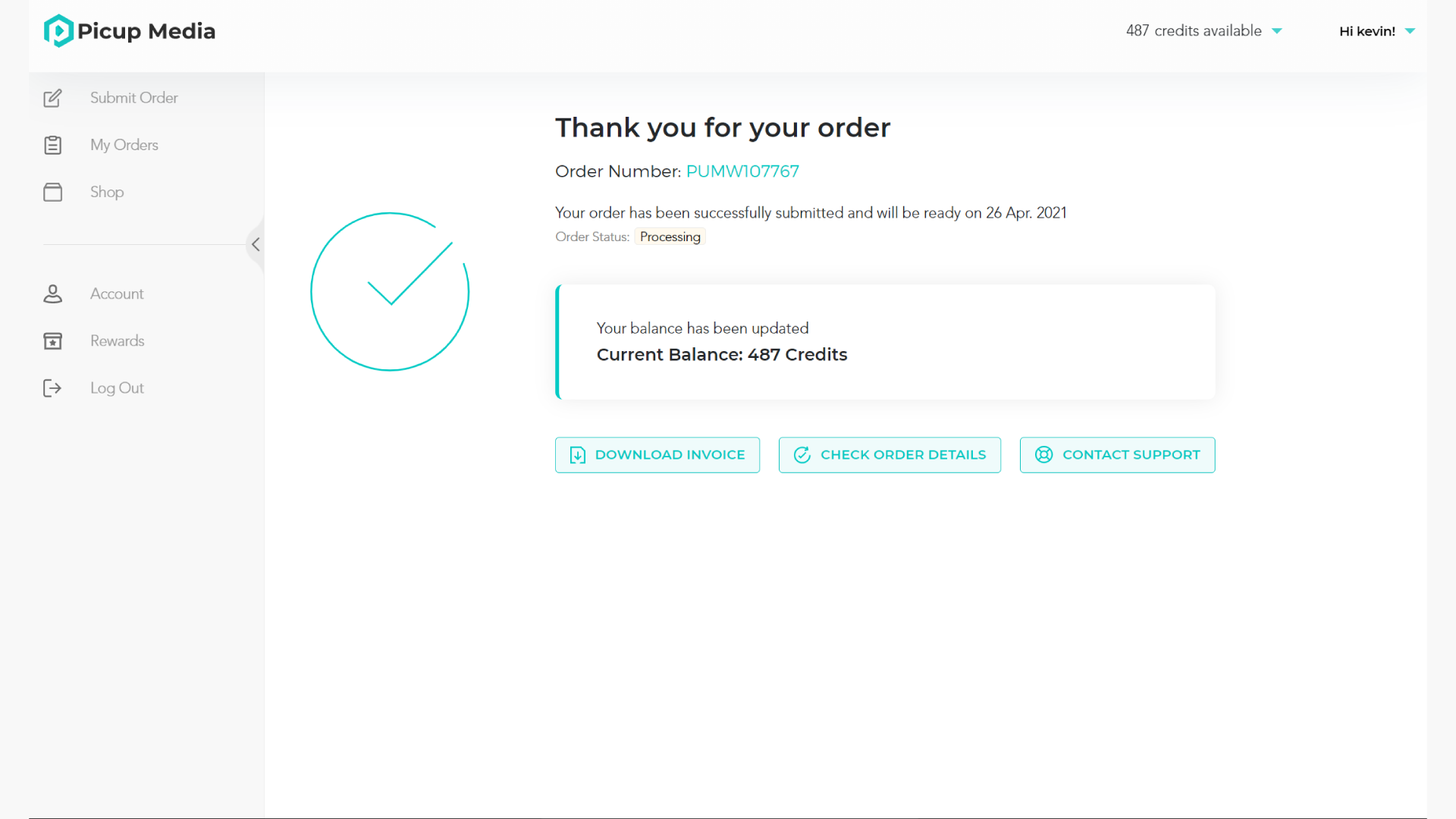
Purchase Retouching Credits from your Retouching Dashboard or the GemIQ shop, then upload your images, select any additional services, and confirm your order. Credits are deducted automatically based on the services you choose.
Before you start#
A GemIQ account — log in at picupmedia.com/dashboard
A credit card to purchase credits
Your images ready to upload
Steps#
Part 1 — Buy Retouching Credits#
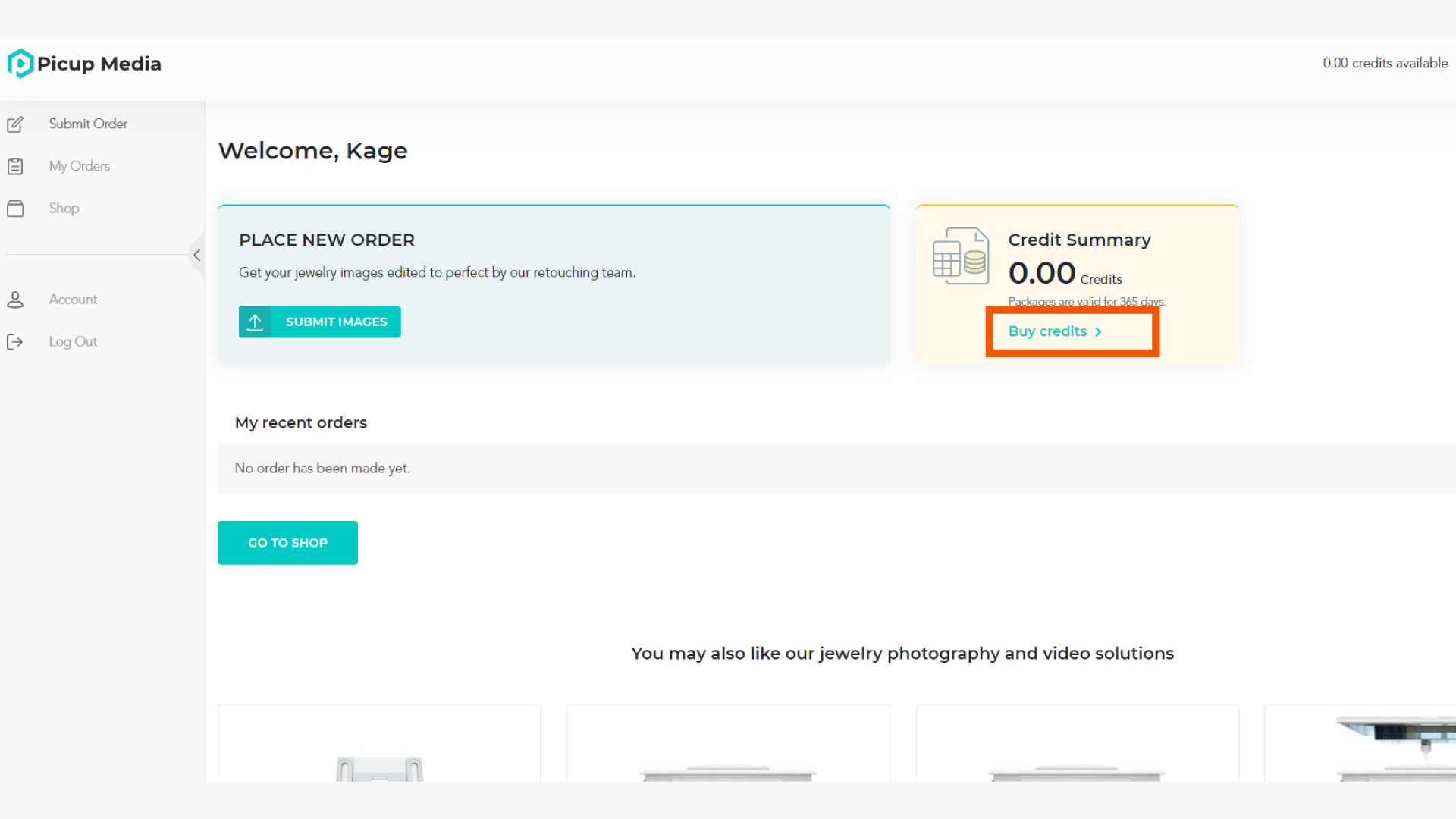
Log in to your Retouching Dashboard at https://retouch.picupmedia.com/dashboard/login/