Quick Answer#
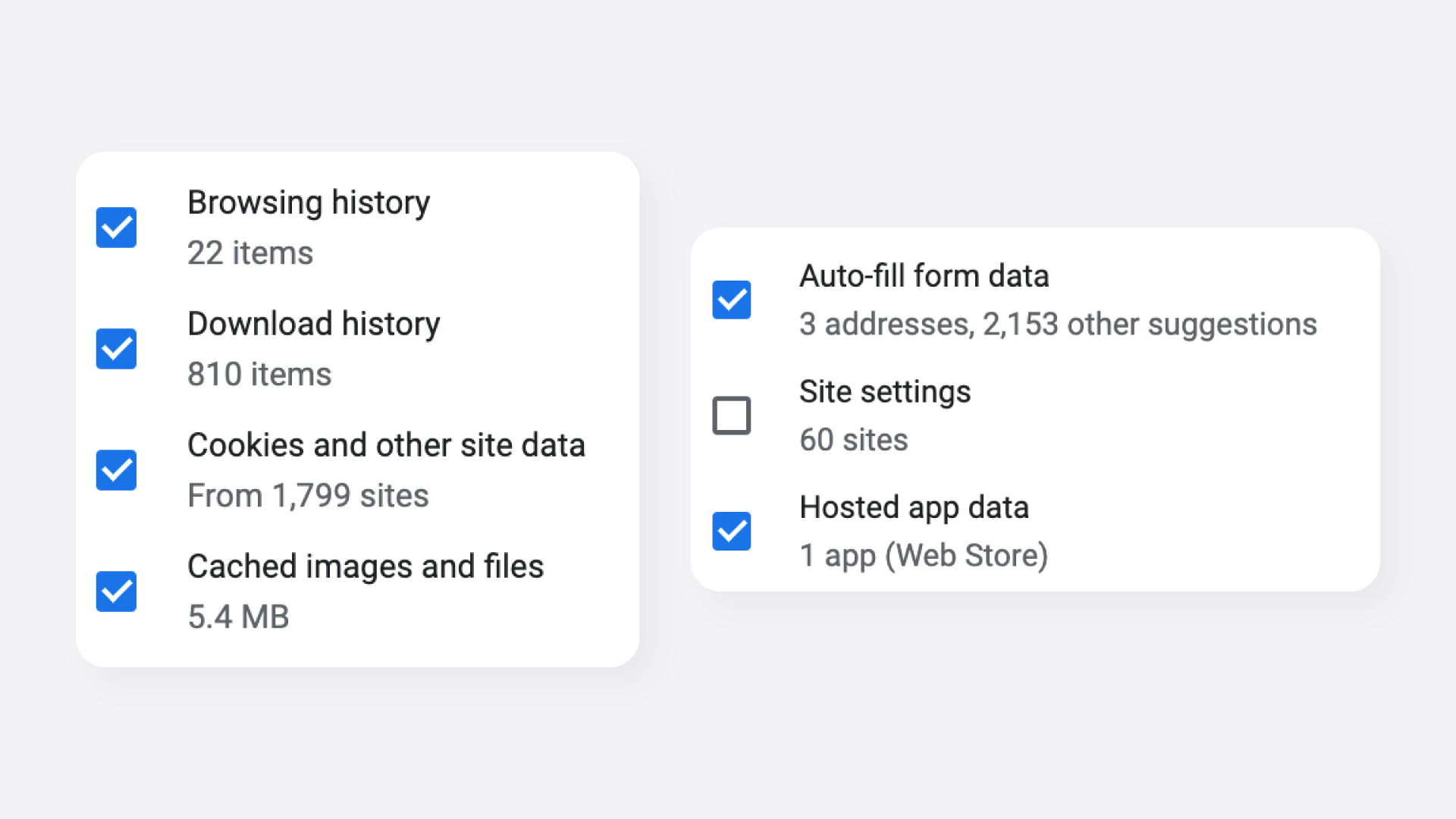
If the Manual Retouching Service dashboard is not loading, clearing your browser cache and cookies will often resolve the issue.
The Manual Retouching Service uses a separate web-based dashboard from the GemIQ App and GemStudio. Follow the steps below, then log in to the Manual Retouching Service dashboard again.
Before You Start#
Make sure you are accessing the Manual Retouching Service dashboard, not the GemIQ App.
Google Chrome is recommended for the troubleshooting steps below.
Have your Manual Retouching Service dashboard login credentials ready.
Clear Your Cache and Cookies#
Open Google Chrome.
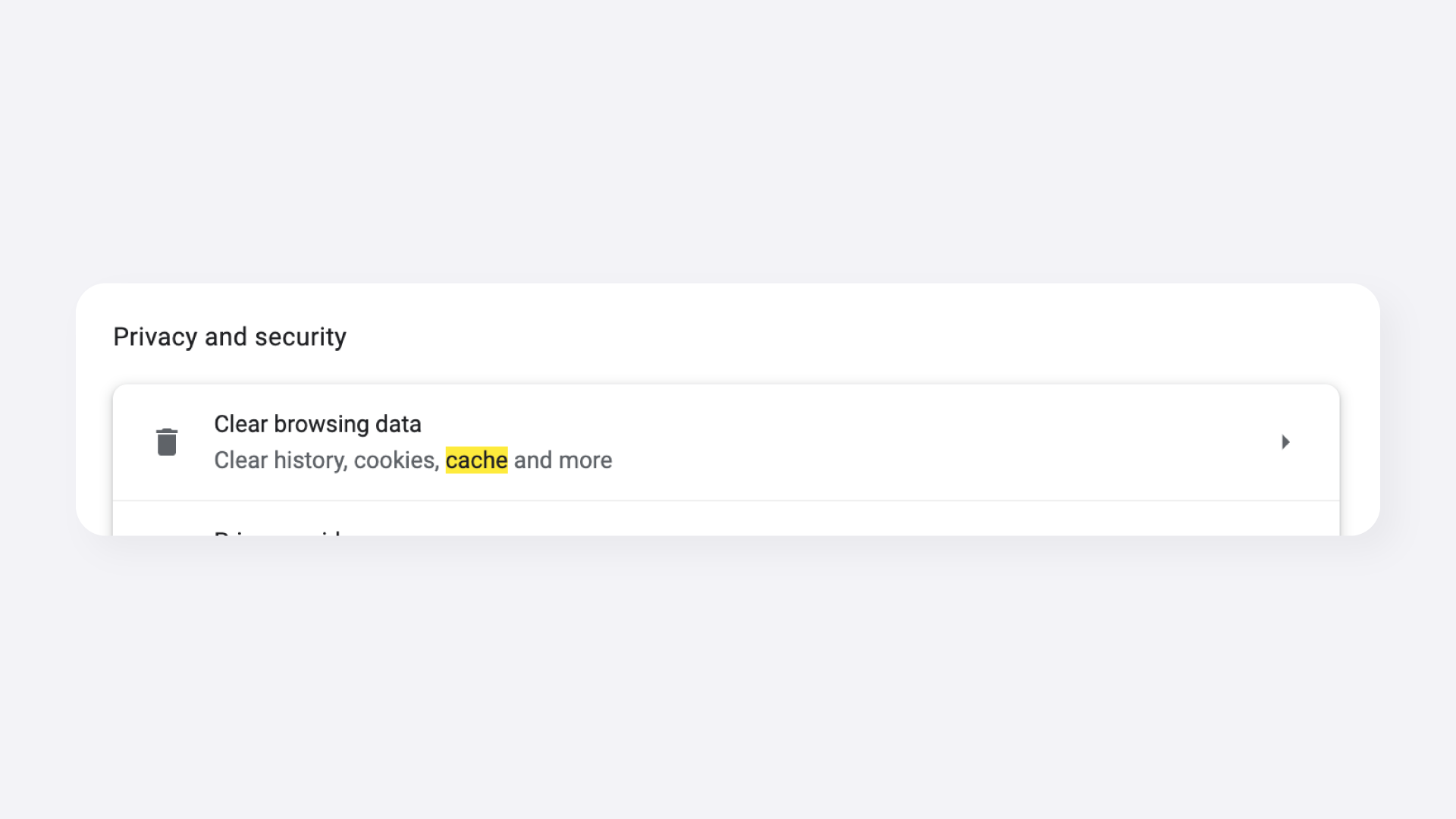
Click the three-dot menu (⋮) in the top-right corner.
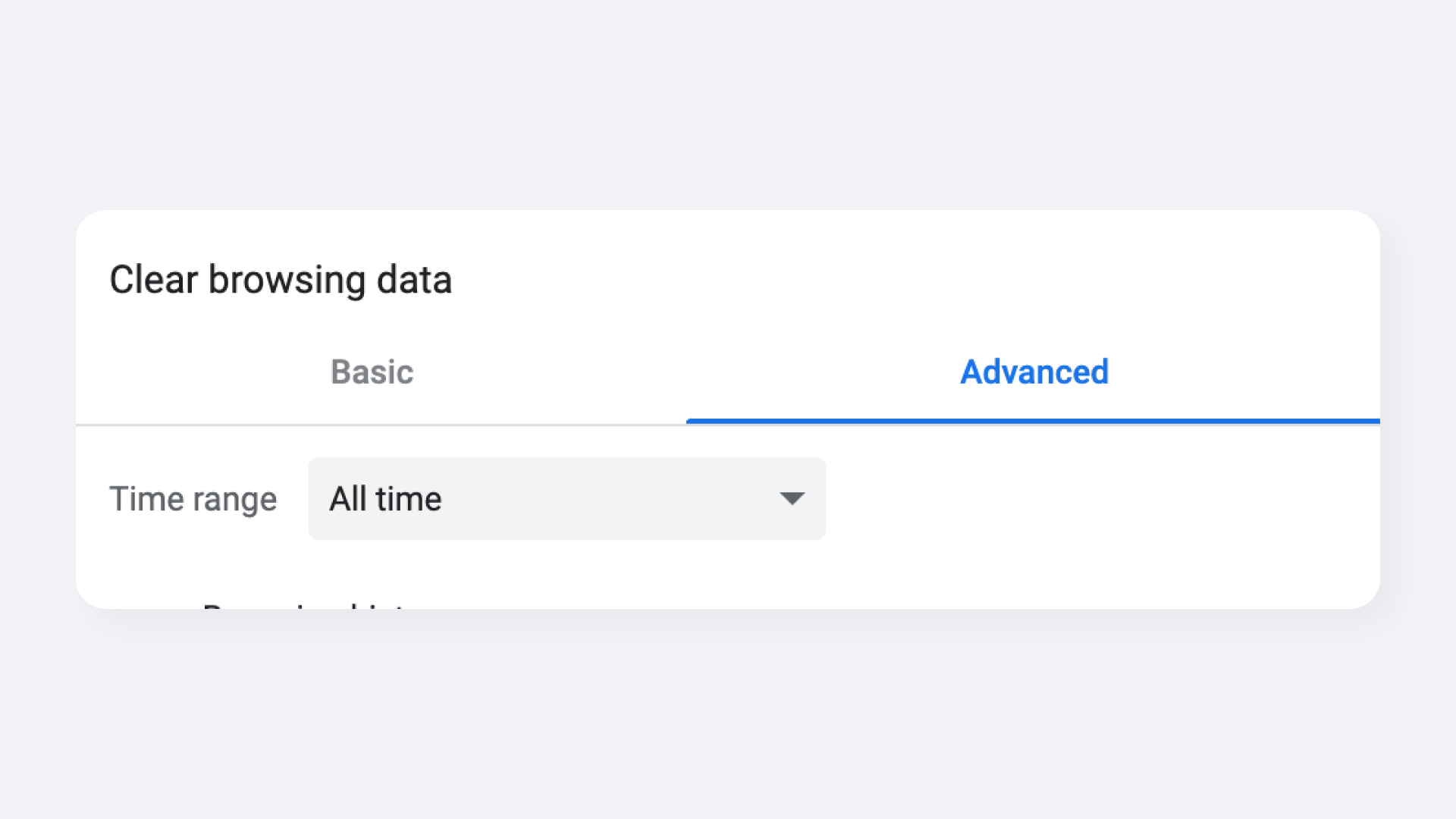
Click