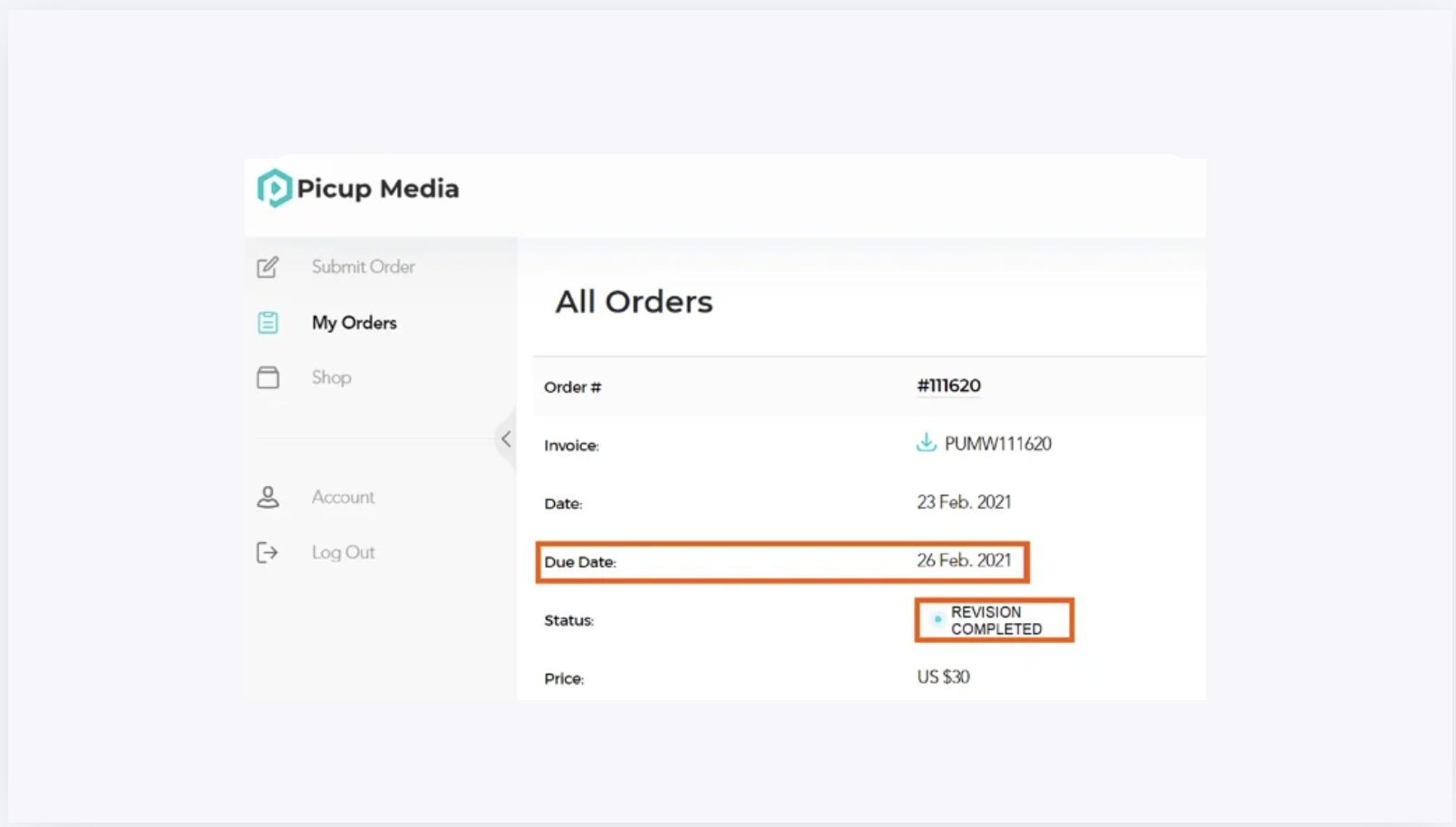
Quick answer#
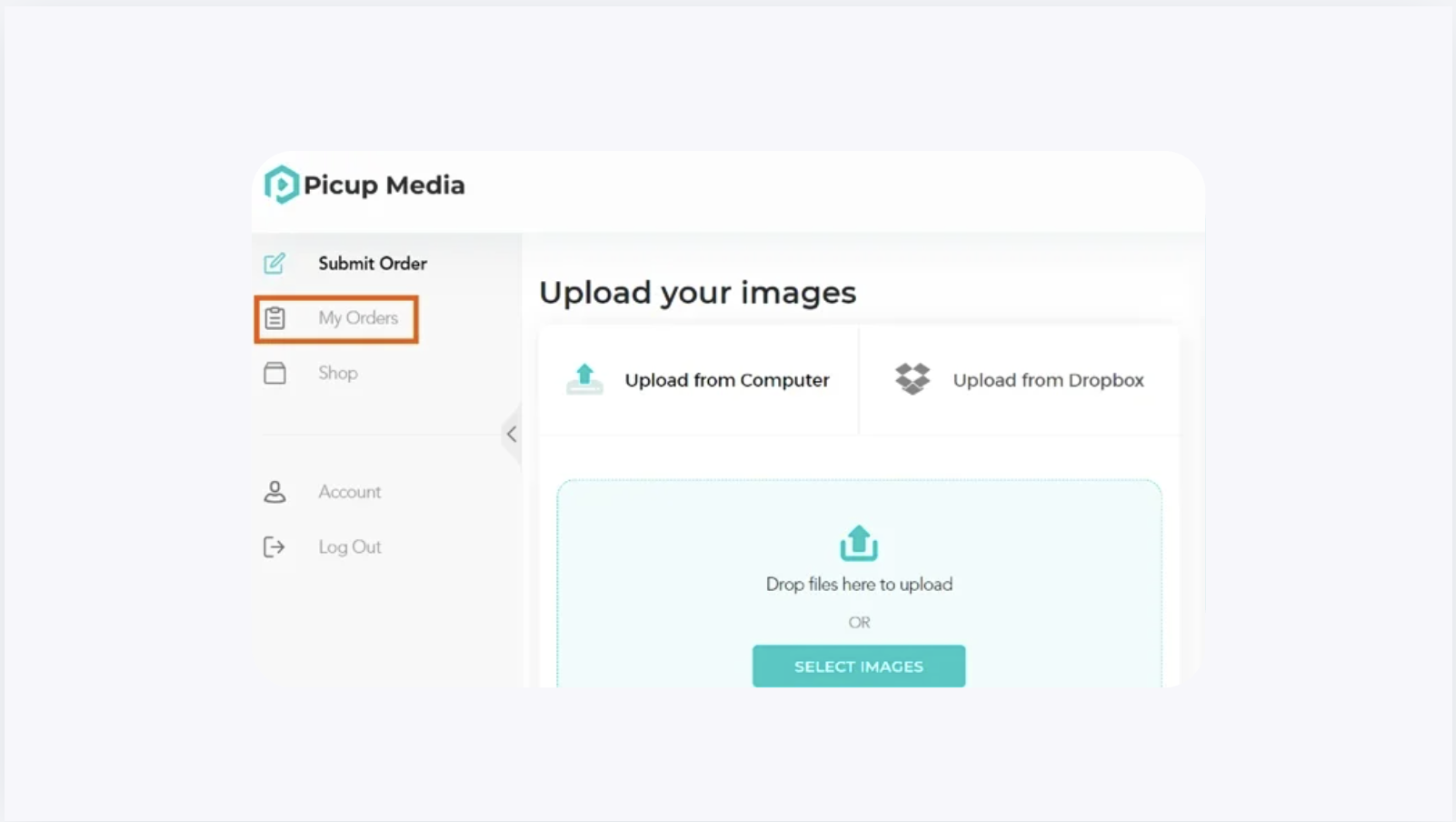
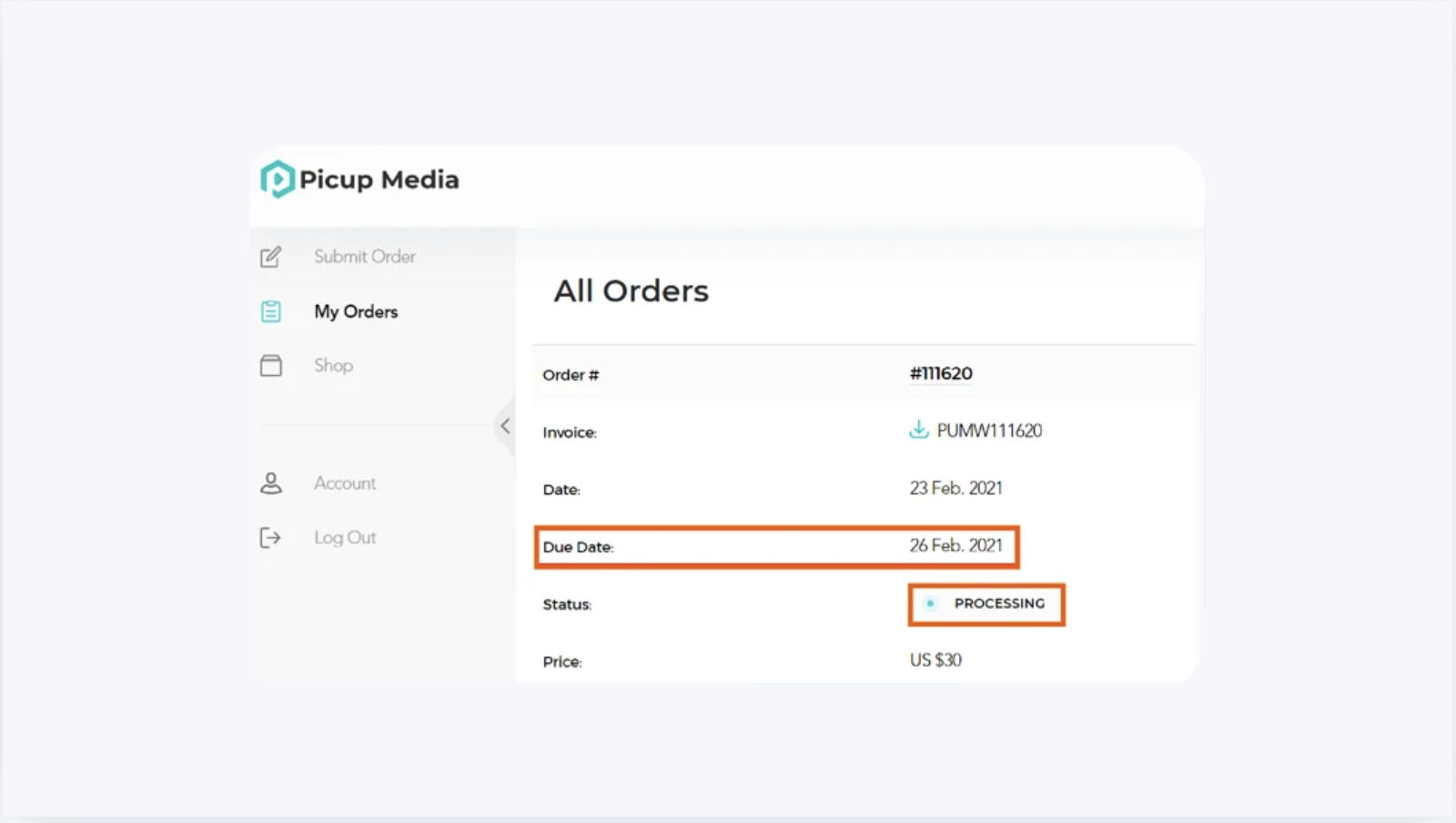
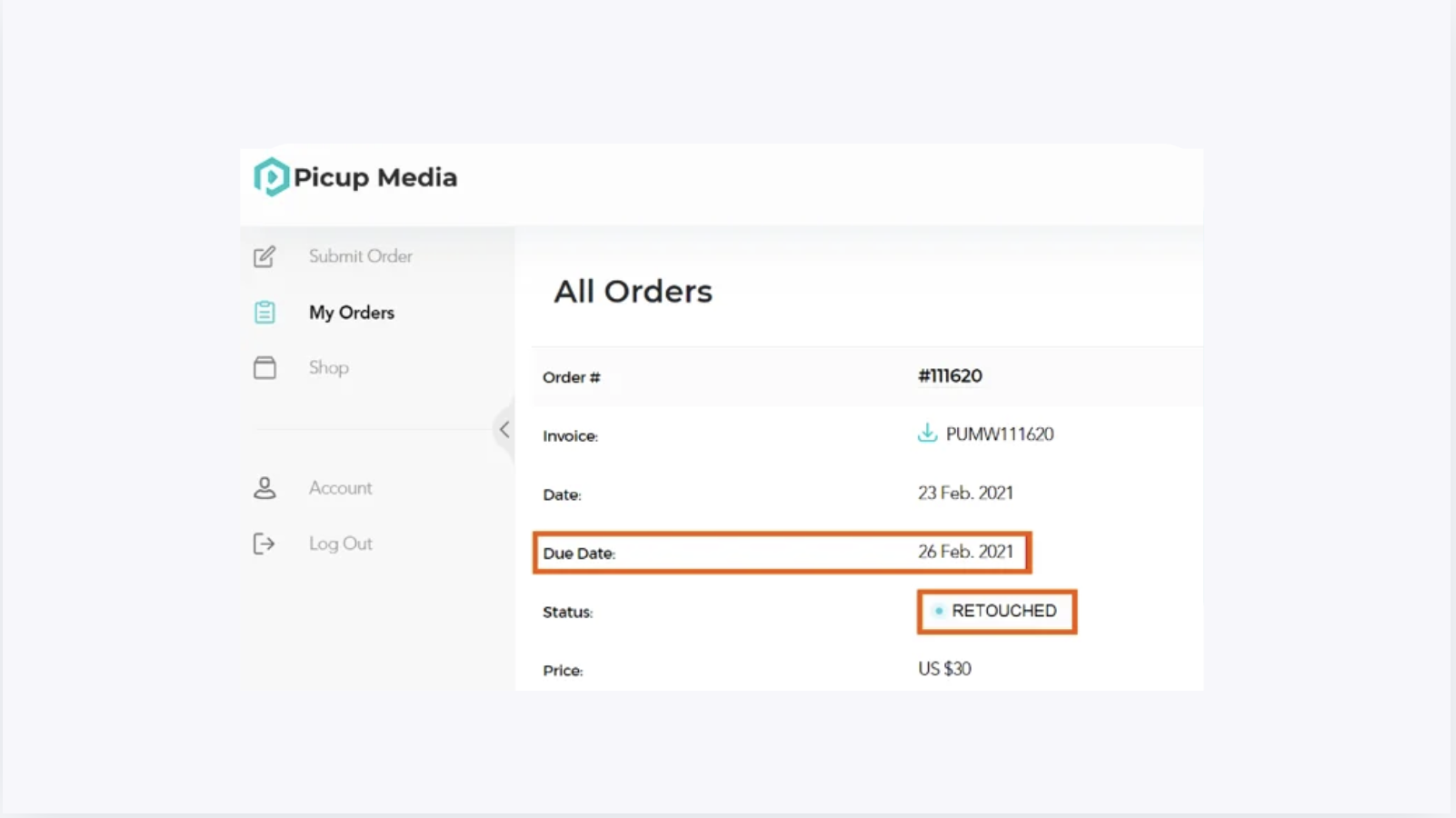
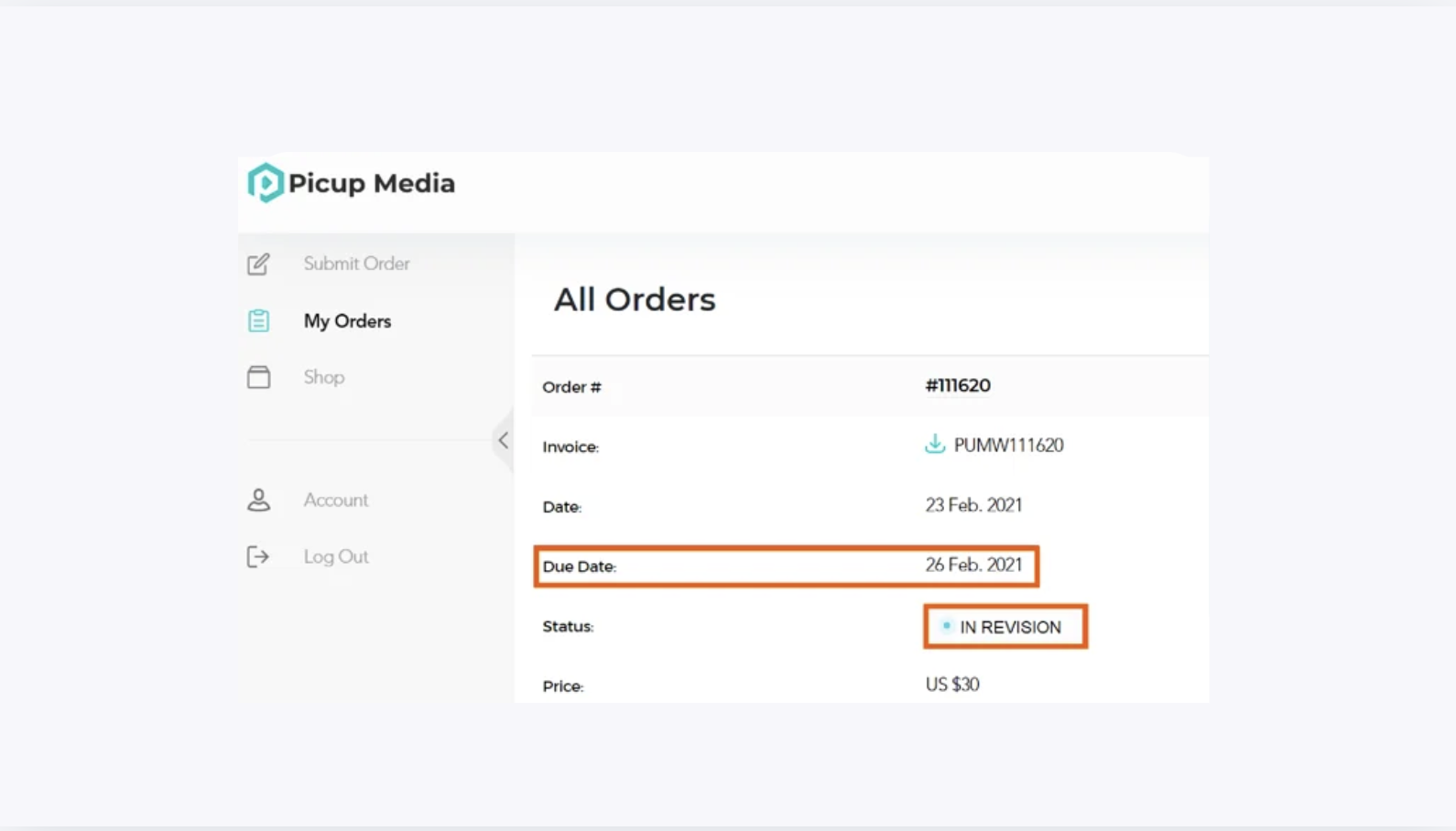
Log in to your Dashboard, open My Orders, and locate your order to see its current status. If you need your order returned sooner than the Due Date, email retouching@gemiq.com with your order number to request expedited processing.
Before you start#
You have submitted at least one retouching order.
You have your Dashboard login credentials ready.
Steps#
Check Your Order Status#
Go to retouch.picupmedia.com/dashboard/login and log in to your account.
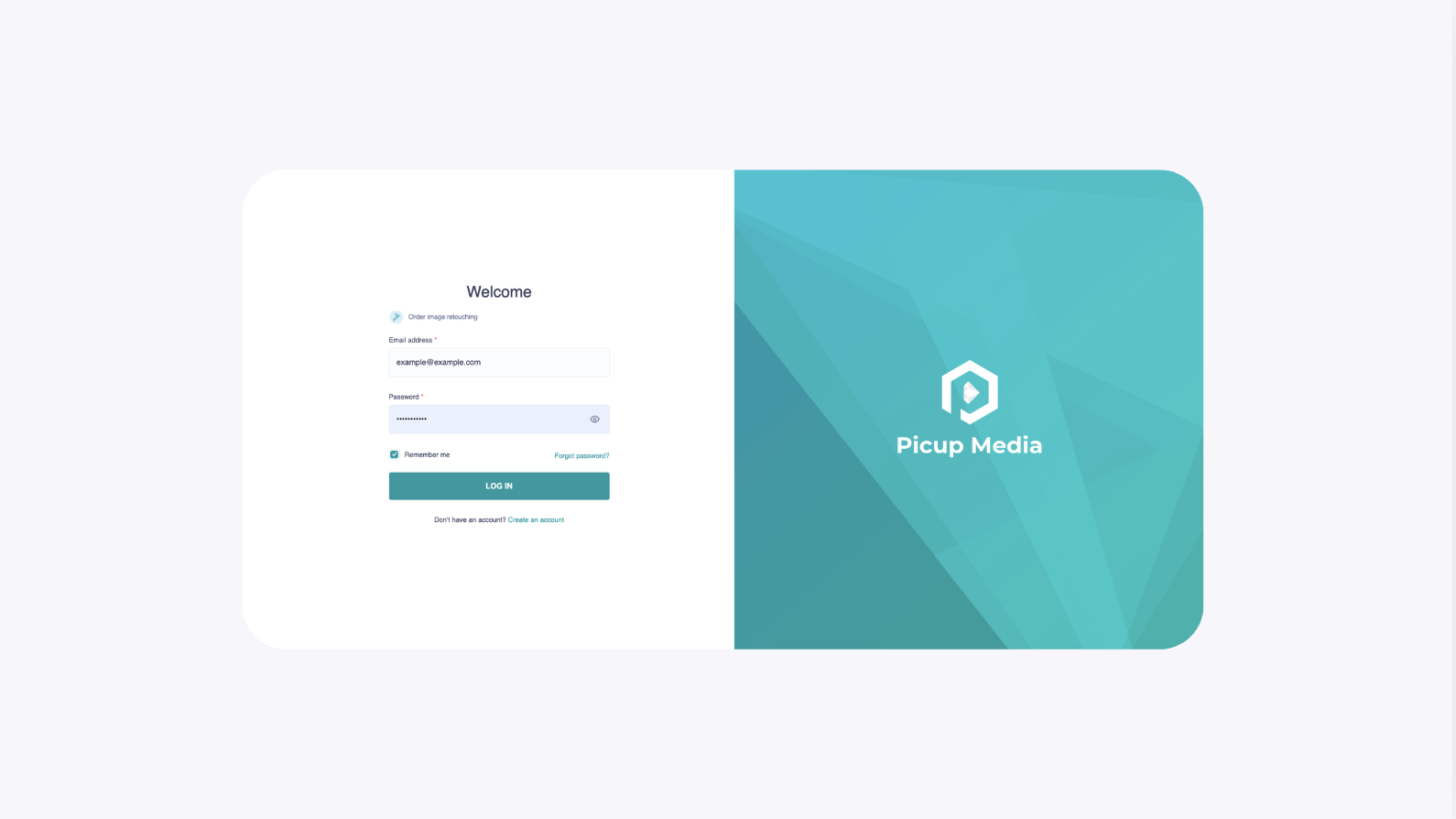
Navigate to