GemCam Control Panel: Complete Settings Reference · GemIQ Learn
Learning Center
How-to
GemCam Control Panel: Complete Settings Reference
The GemCam control panel offers a range of settings and functions that enable users to configure their preferred shooting mode.
4 min read·
GemCam Control Panel: Complete Settings Reference
Quick Answer
The GemCam control panel in the GemHub gives you full control over every aspect of your shoot — turntable movement, focus, zoom, lighting scenarios, color adjustments, AI processing, watermarks, and file saving. This article explains every setting and what it does.
Turntable Controls
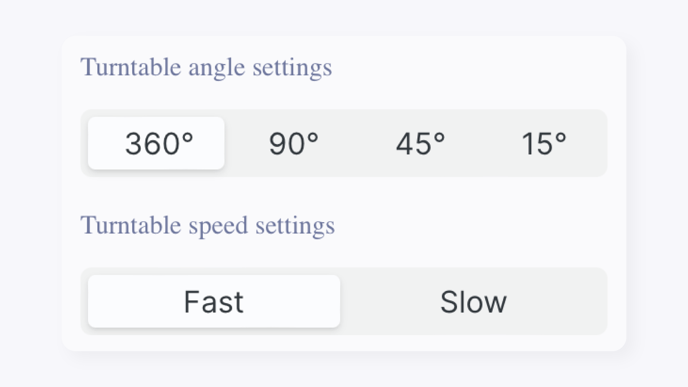
Turntable Angle and Speed
Set the rotation angle and speed of the GemLightbox Pro's turntable before you start shooting.
GemCam Turntable Angle and Speed Settings
Directional Arrows
When a turntable is connected, directional arrows appear in the control panel. Use them to manually rotate the turntable and position your piece before shooting.
GemCam Turntable Directional Arrows
Camera Controls
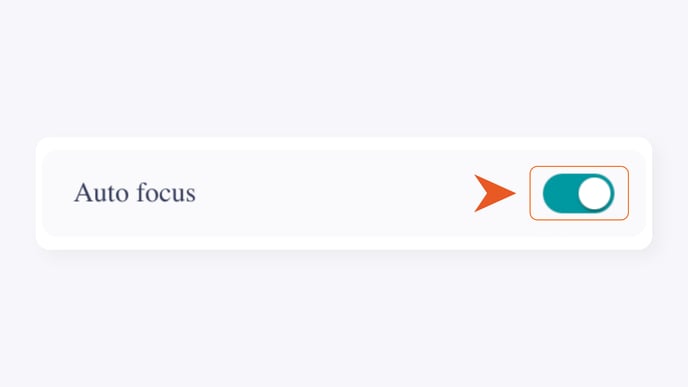
Auto Focus
Automatically adjusts the camera to focus sharply on your jewelry piece.
GemCam Auto Focus Control
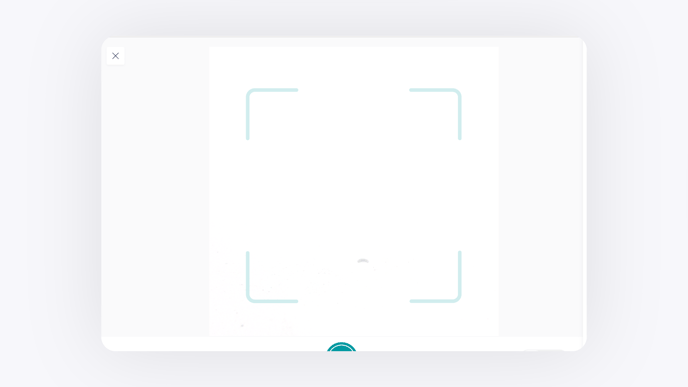
Capture Frame Guide
Displays a framing guide overlay so you can center your piece precisely before capturing.
GemCam Capture Frame Guide Overlay
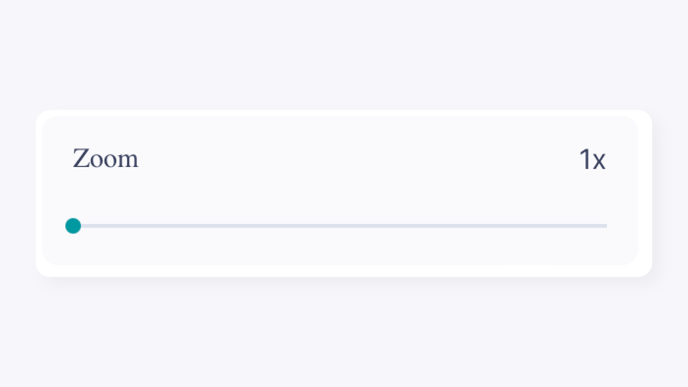
Zoom
Magnifies the live view before you capture. Useful for close-up detail or filling the frame with smaller pieces.
GemCam Zoom Control
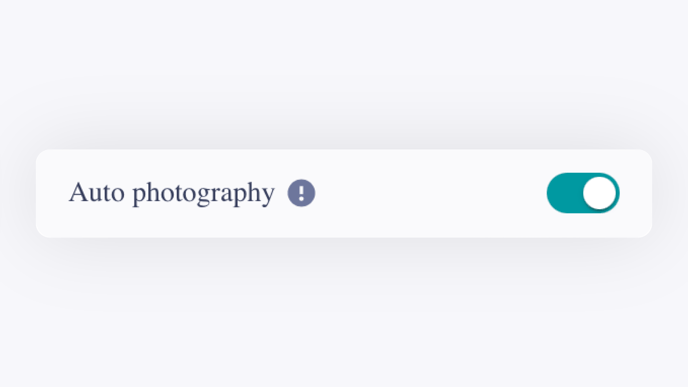
Auto Photography
Automatically captures still images at set intervals while a video is recording.
GemCam Auto Photography Setting
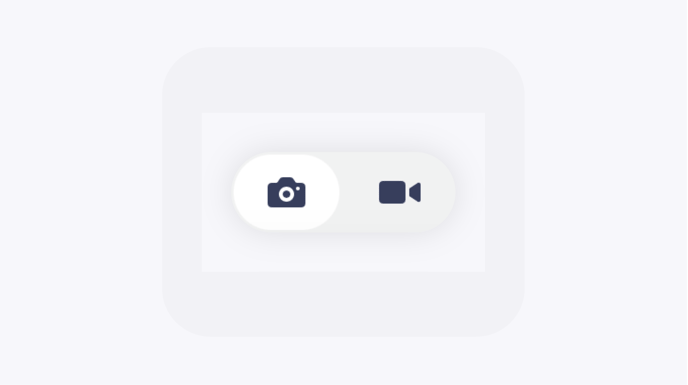
Camera and Video Mode
GemCam Camera and Video Mode Toggle
Switch between still image capture and video recording mode.
GemAI (Pro Plan)
GemCam GemAI Feature Selection Panel
GemAI applies AI enhancements automatically to images at the point of capture, before saving to the Gallery. Requires a Pro plan subscription.
Feature What It Does Product Description Automatically generates a written product description for the captured piece Remove Background Places your jewelry on a clean white background after capture Retouching Automatically enhances image quality using AI after capture
Free plan users must upgrade to Pro to access GemAI.
Lighting and Scene Adjustments
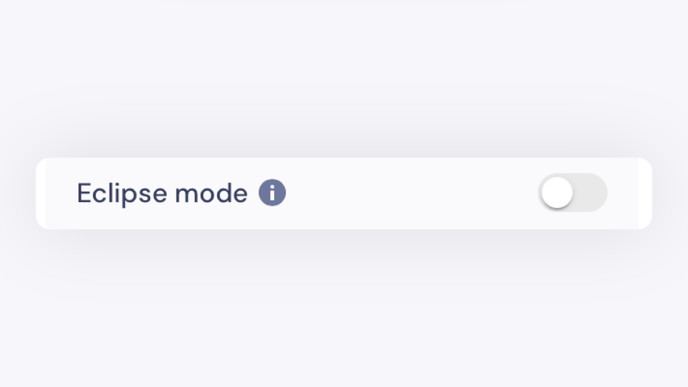
Eclipse Mode
GemCam Eclipse Mode Toggle
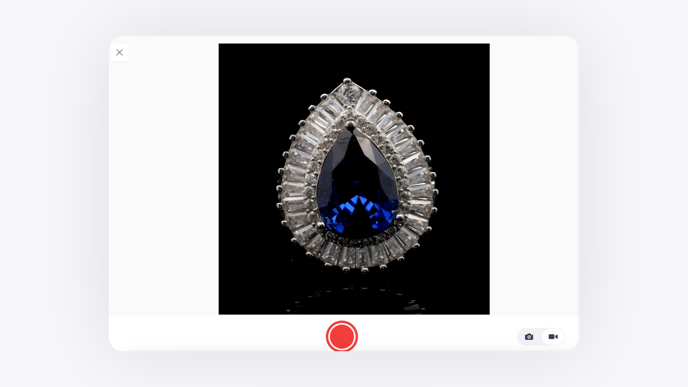
Enable Eclipse Mode when shooting with the GemLightbox Pro Eclipse. Sets your images and videos against a solid black background.
If you notice overexposure in your images, try reconnecting or swapping the USB-C cable, or restart the GemHub to recalibrate the GemCam.
GemCam Eclipse Mode Black Background Result
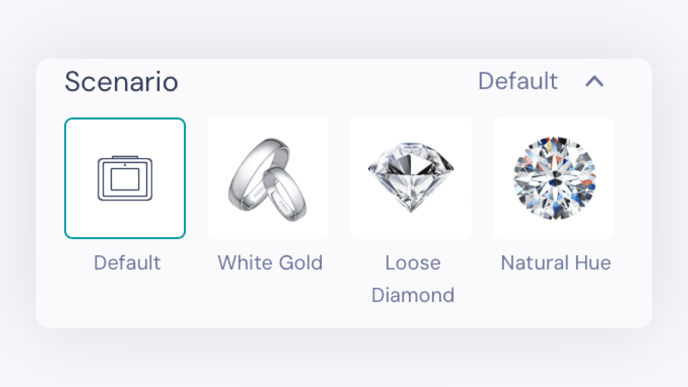
Scenario
GemCam Scenario Selection Menu
Select a preset scenario to apply recommended camera settings for your jewelry type.
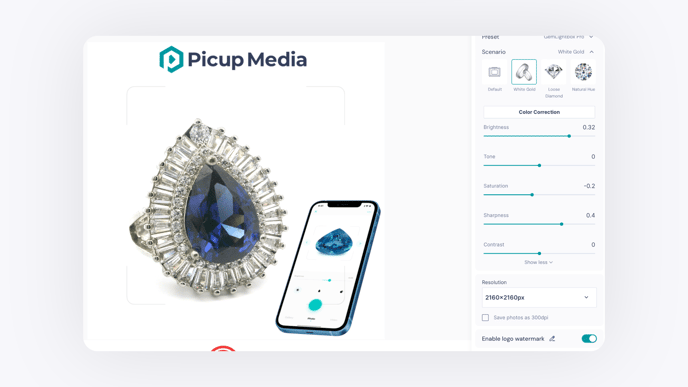
Scenario Best For Default Standard preset for the selected device White Gold White gold jewelry Loose Diamond Loose diamonds Natural Hue Pieces where accurate natural color rendering is the priority
Color Correction
GemCam Color Correction Button
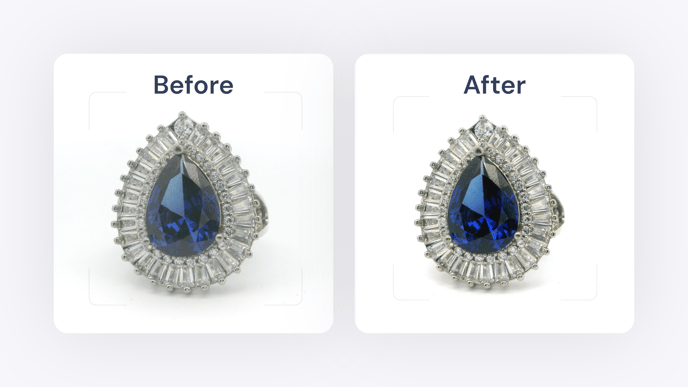
Automatically adjusts background colors, corrects color imbalances, and improves contrast for a more consistent, professional result.
GemCam Color Correction Applied Result
For best results: - Ensure your monitor is properly calibrated - Turn off any additional lighting in the room - Remove the mirrored cover to improve focus alignment and image clarity - Do not apply additional filters
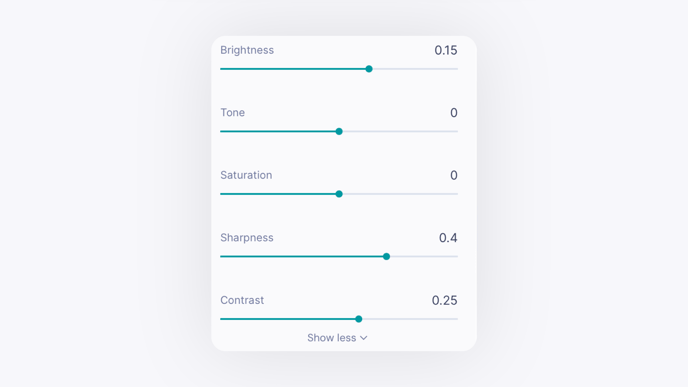
Image Processing Parameters
GemCam Image Processing Parameters Panel
Fine-tune the look of your images using these sliders. Use keyboard arrow keys for more precise slider control.
Parameter What It Controls Brightness Lightens or darkens the entire image uniformly Tone Shifts between warmer and cooler color temperatures Saturation Enhances or mutes color intensity Sharpness Defines or softens edges and fine detail Contrast Increases or decreases the distinction between light and dark areas
Output and Saving Settings
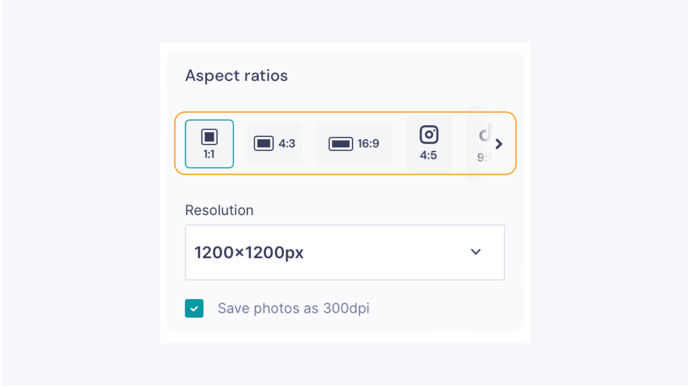
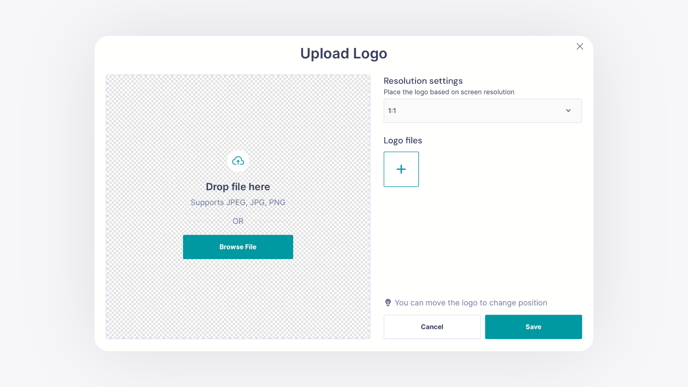
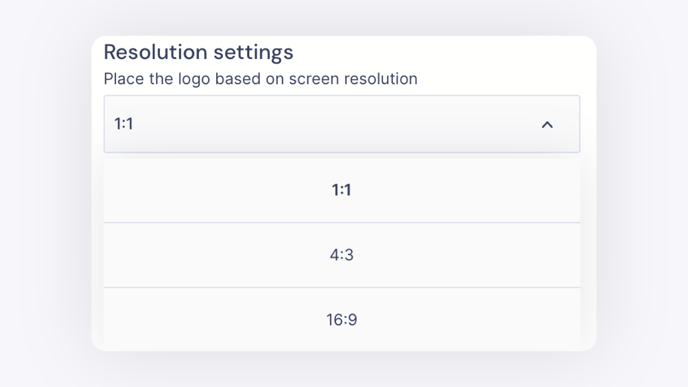
Aspect Ratio
GemCam Aspect Ratio Selection Options
Choose the aspect ratio that matches your platform or intended use.
Aspect Ratio Best For 1:1 E-commerce platforms (Shopify) and Instagram posts 4:3 Wider frame for larger pieces 16:9 Wider frame for larger pieces and landscape video 4:5 Vertical images on Instagram 9:16 TikTok, Instagram and Facebook Stories and Reels 1.91:1 Horizontal images on X (Twitter)
Each aspect ratio includes resolution options suited to your device. On computers with limited screen size support, GemHub automatically recommends the maximum supported resolution.