Quick Answer#
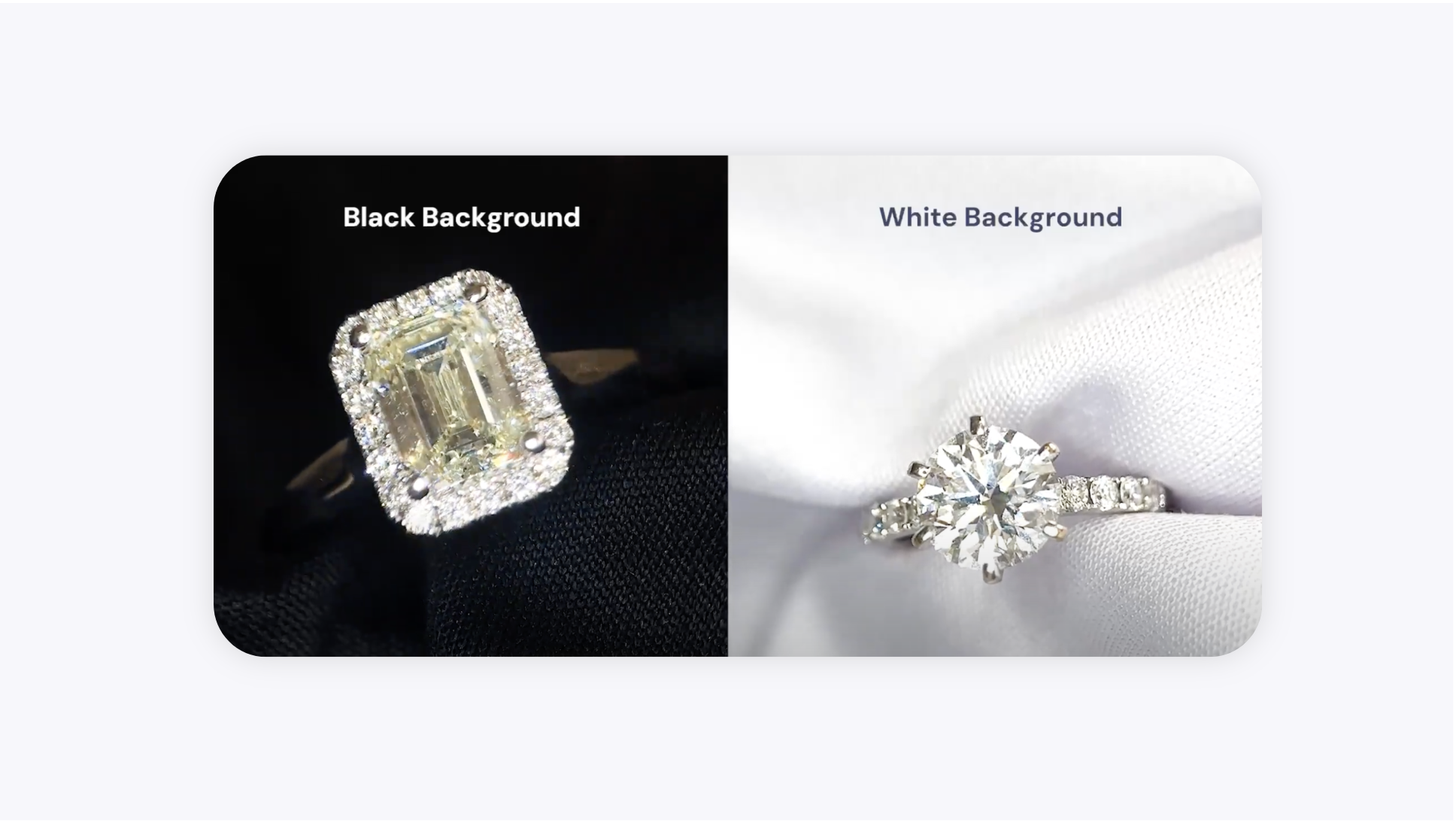
To make your jewelry stand out, choose a backdrop that contrasts with your piece. Use the black backdrop for light-colored jewelry like diamonds and silver. Use the white backdrop for darker jewelry like yellow gold and colored gemstones.
Backdrop Options#
Your GemSparkle comes with two backdrops. Here is how to decide which one to use.
Option 1: Black Backdrop#
The black backdrop is ideal for lighter-colored jewelry. The high contrast makes bright metals and stones appear more brilliant and detailed.
Best for: White gold, silver, platinum, diamonds, pearls, and light-colored gemstones.
Recommended App Setting: Pair with Eclipse Mode in the GemIQ for a professional, polished result in a single click.