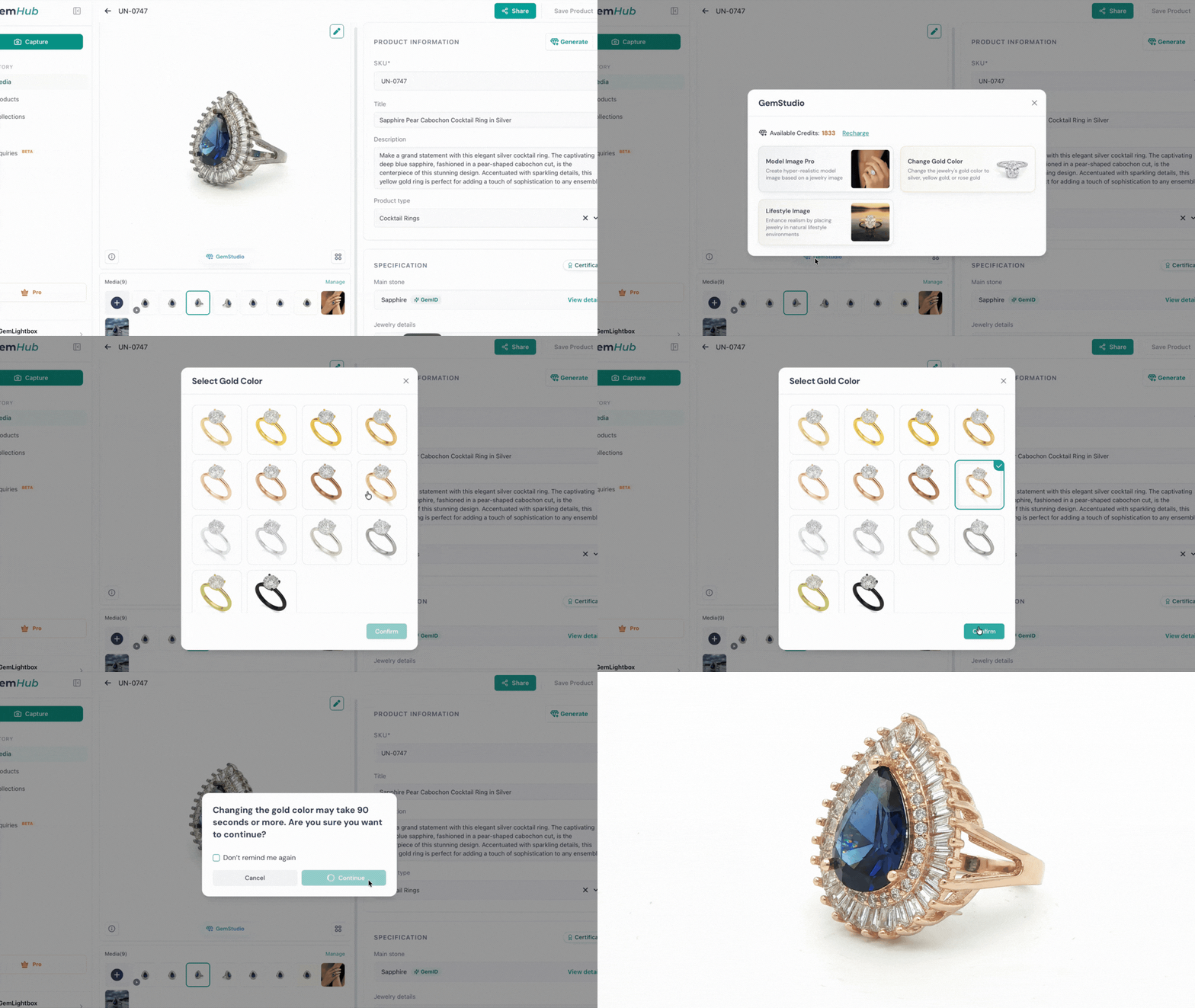
Activating and Using GemStudio#
Quick answer#
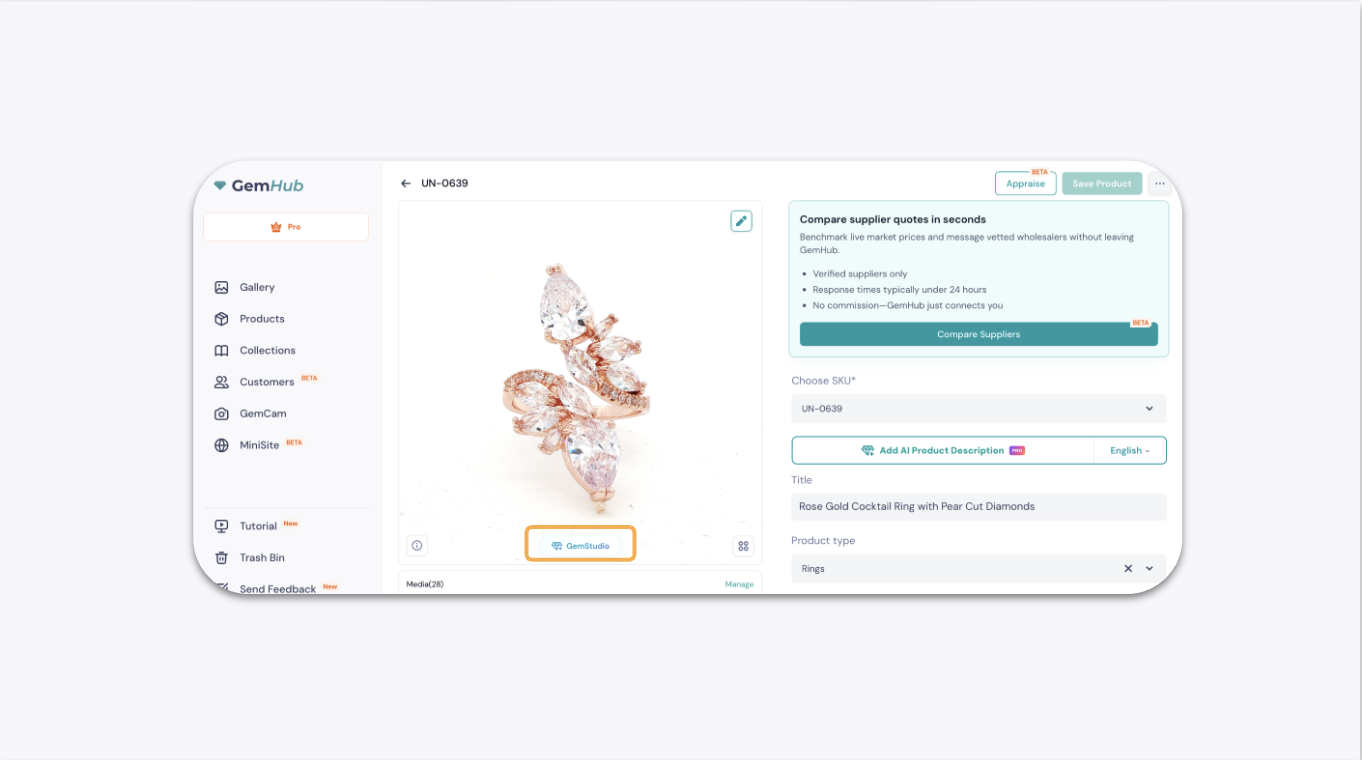
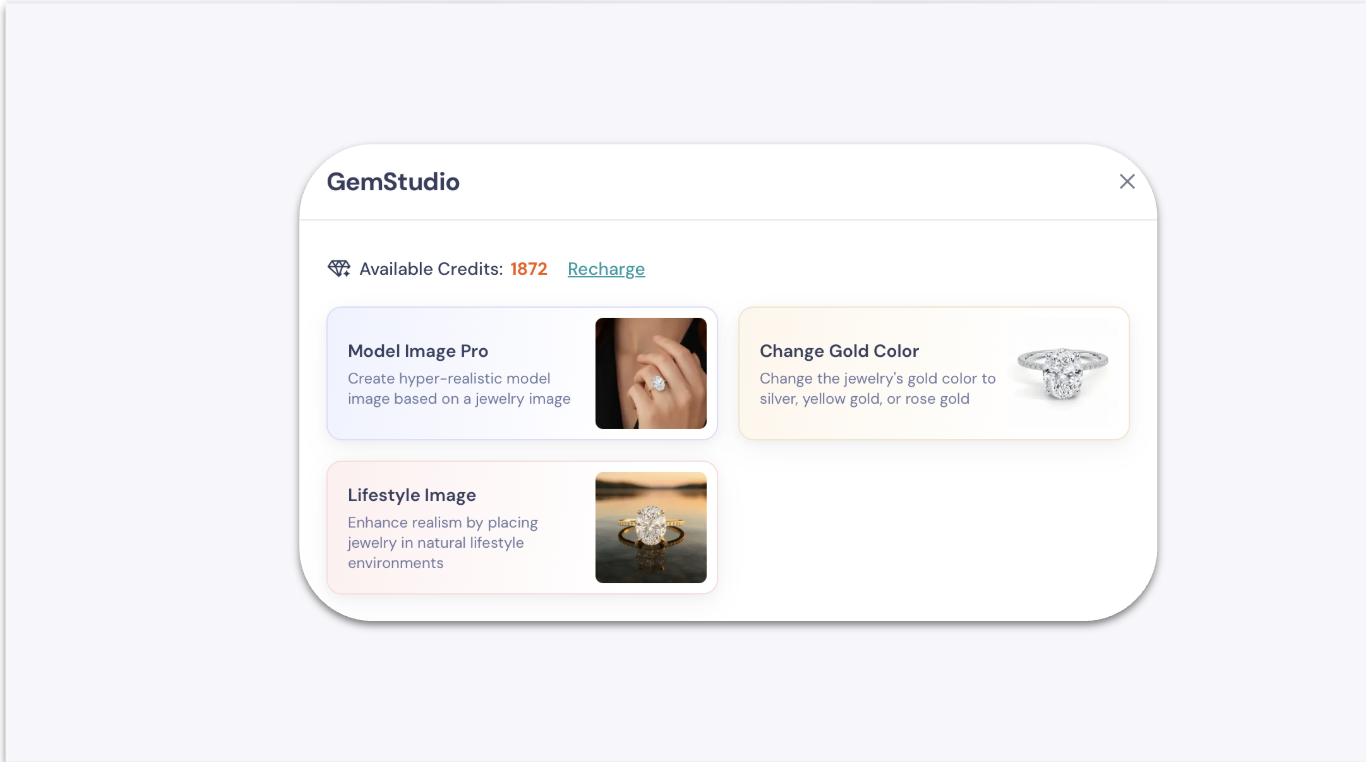
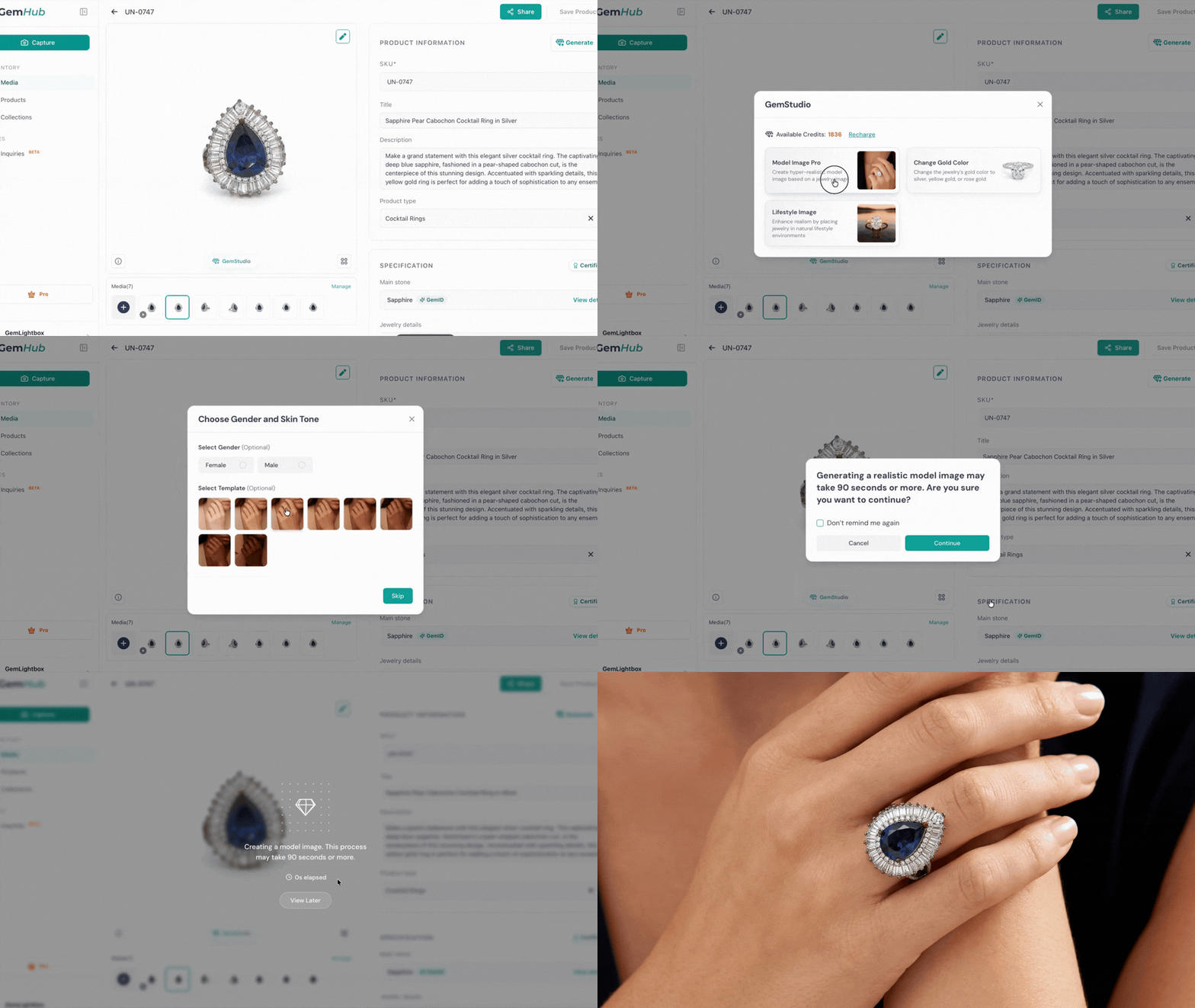
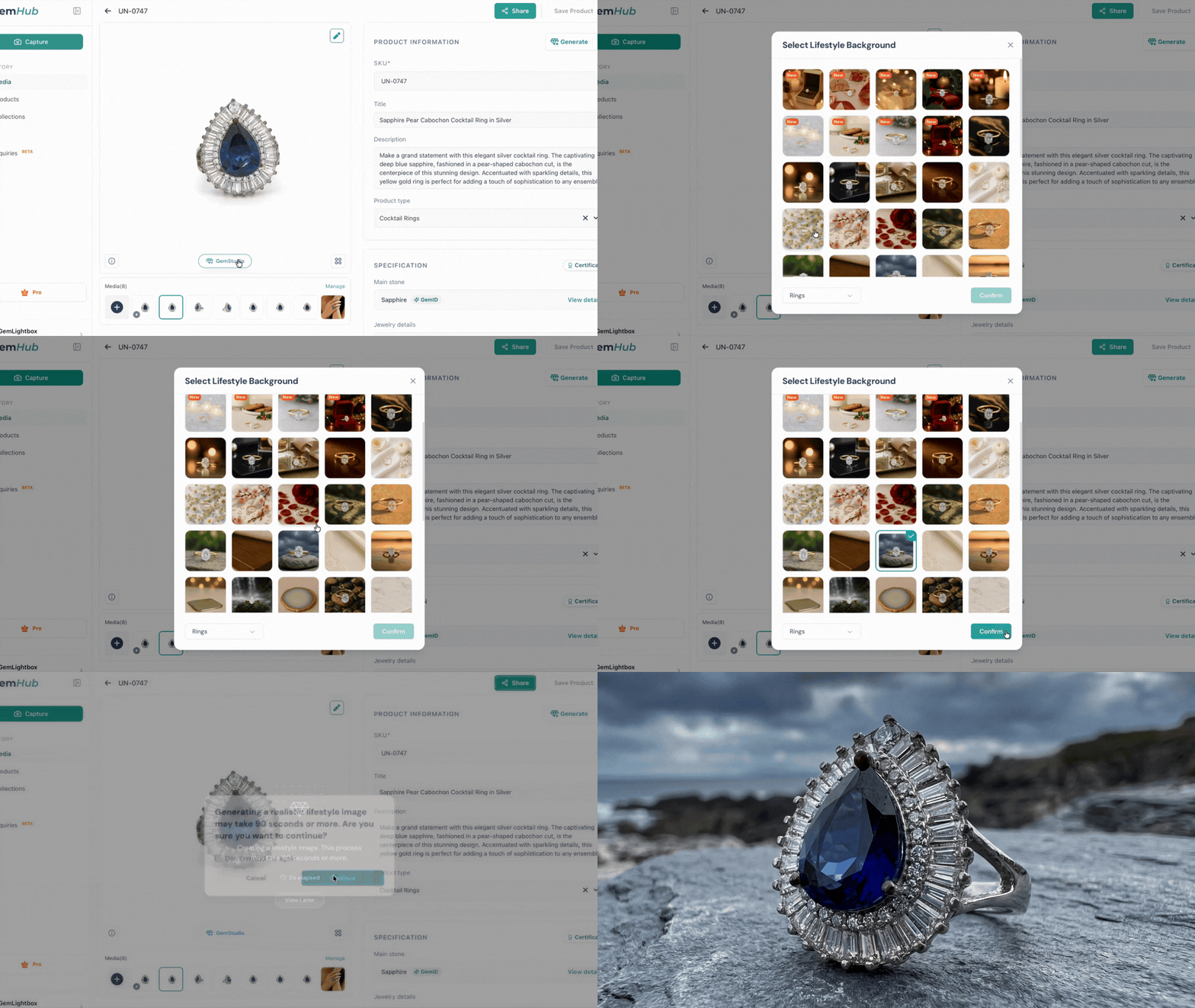
GemStudio is an AI-powered feature inside GemIQ that transforms your jewelry photos into hyper-realistic model shots, lifestyle images, and metal tone variations in one click. Redeem your activation code in GemIQ, then use your credits to generate images.
Before you start#
You have purchased GemStudio credits and received your activation email.
You have an active GemIQ account.
Your jewelry photos are uploaded to GemIQ.
Steps#
Part 1 — Activate Your Credits#
Open the GemStudio activation email you received after purchase.