GemLoupe Not Charging or Has Low Battery Life#
Quick Answer#
If your GemLoupe is not charging, start with the original white cable, then test with a different cable and power source. A full charge takes approximately 1–2 hours and provides up to 2 hours of use under normal conditions.
Before You Start#
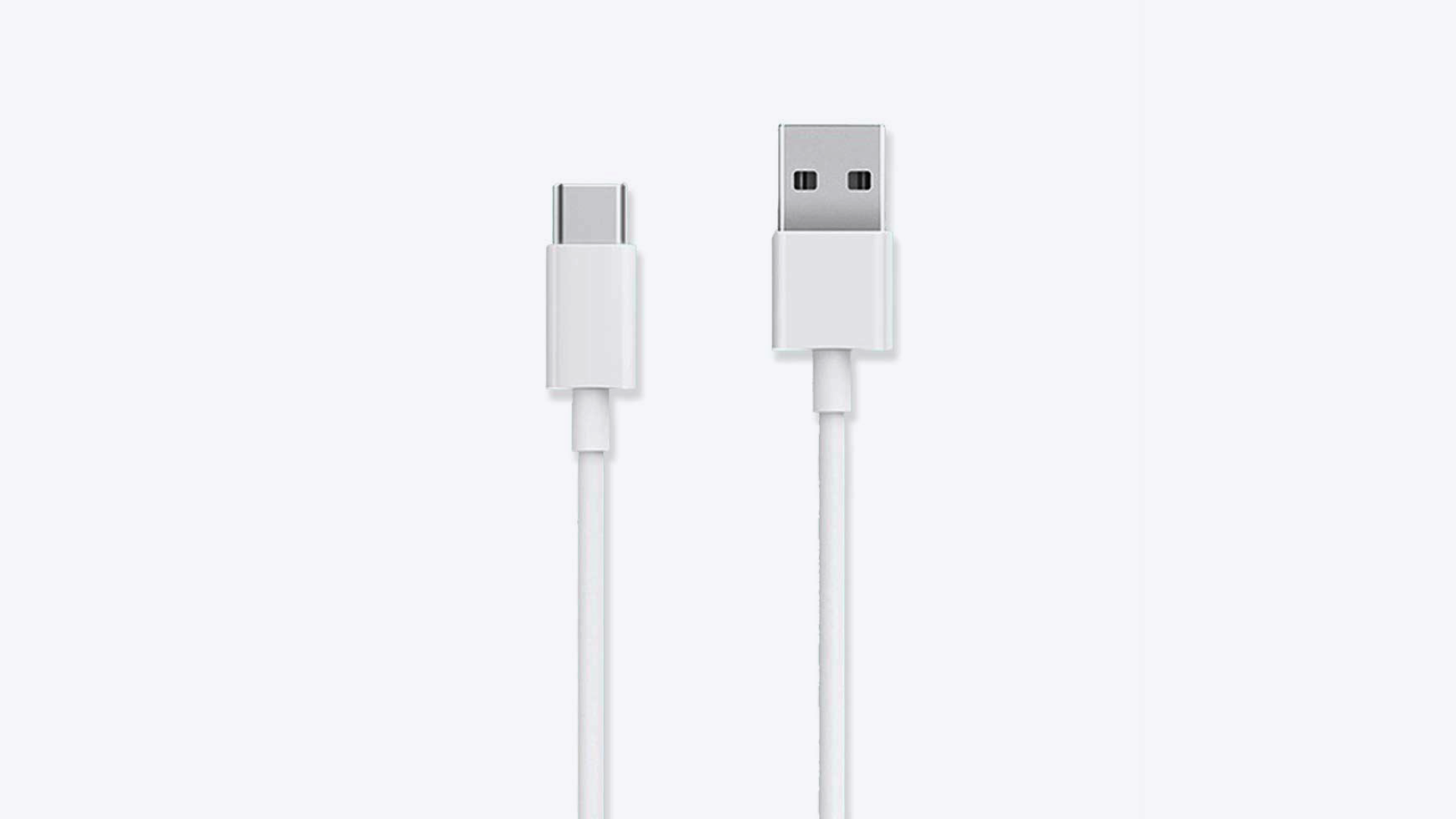
Locate the white charging cable included with your GemLoupe.
Have access to a working wall outlet and a laptop or USB charger as a backup power source.
Steps#
Connect the original white cable to the charging inlet on your GemLoupe.
Plug the other end into a wall outlet. Test that the outlet is working by plugging in another device.
If the GemLoupe still does not charge, swap in a different USB cable.
Try a second power source — plug into a laptop USB port instead of the wall outlet.