

Quick Answer#
Log in to your GemIQ account with the email you used to purchase, enter the code sent to that email, then open the Orders page and click your order. Once your order has been processed, a tracking number appears there, and you can click it anytime to check your delivery status. You'll also receive an email with your tracking link at the same time.
Main Content#
Before you start#
You'll need access to the email address you used when you purchased from GemIQ. Your orders are linked to that email, so logging in with a different one won't show them.
Logging in to your account#
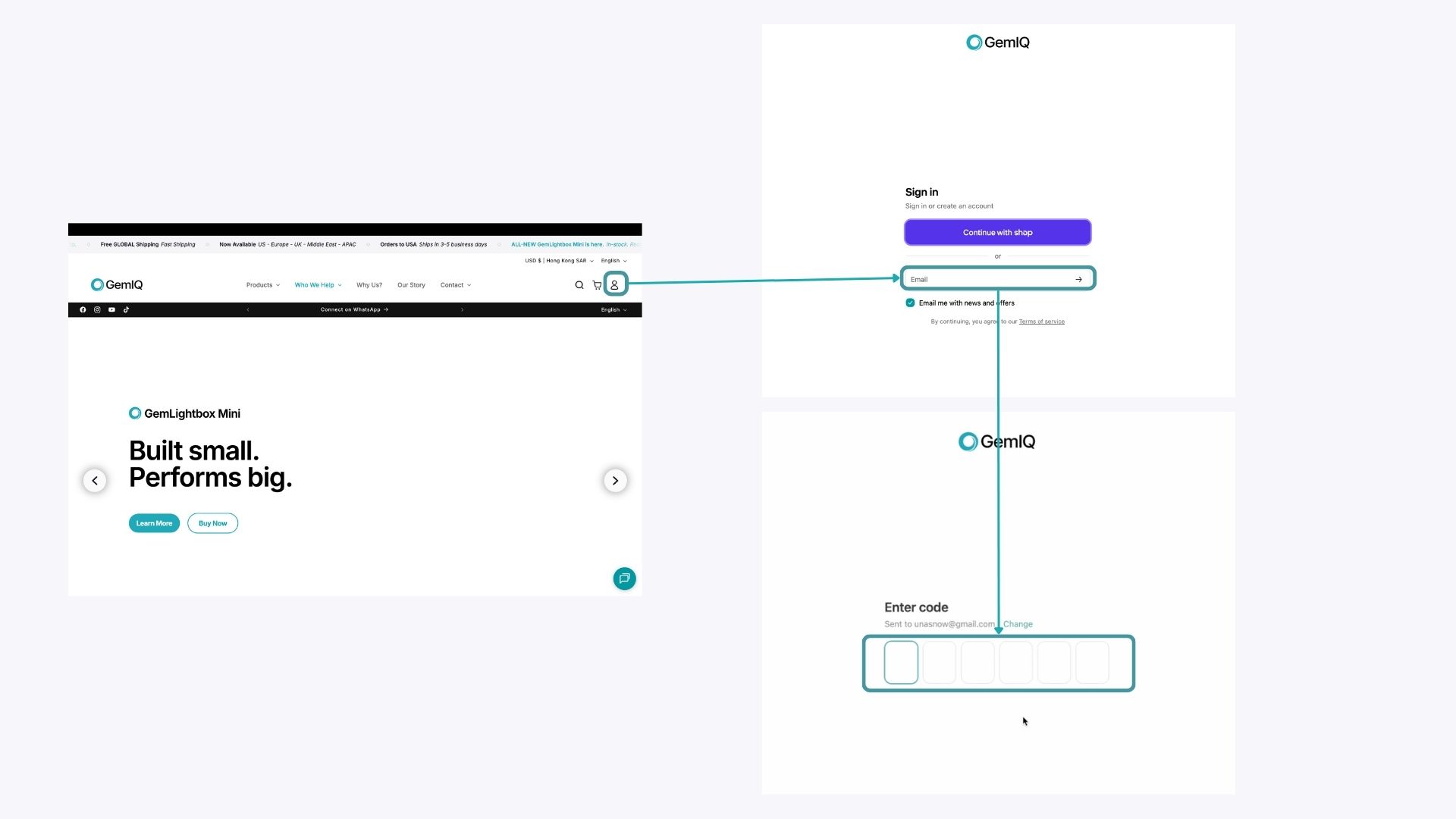
Go to the GemIQ login page
Enter the email address you used when you made your purchase.
Check that inbox for a login code from GemIQ, then paste the code into the login page.
Finding your order#
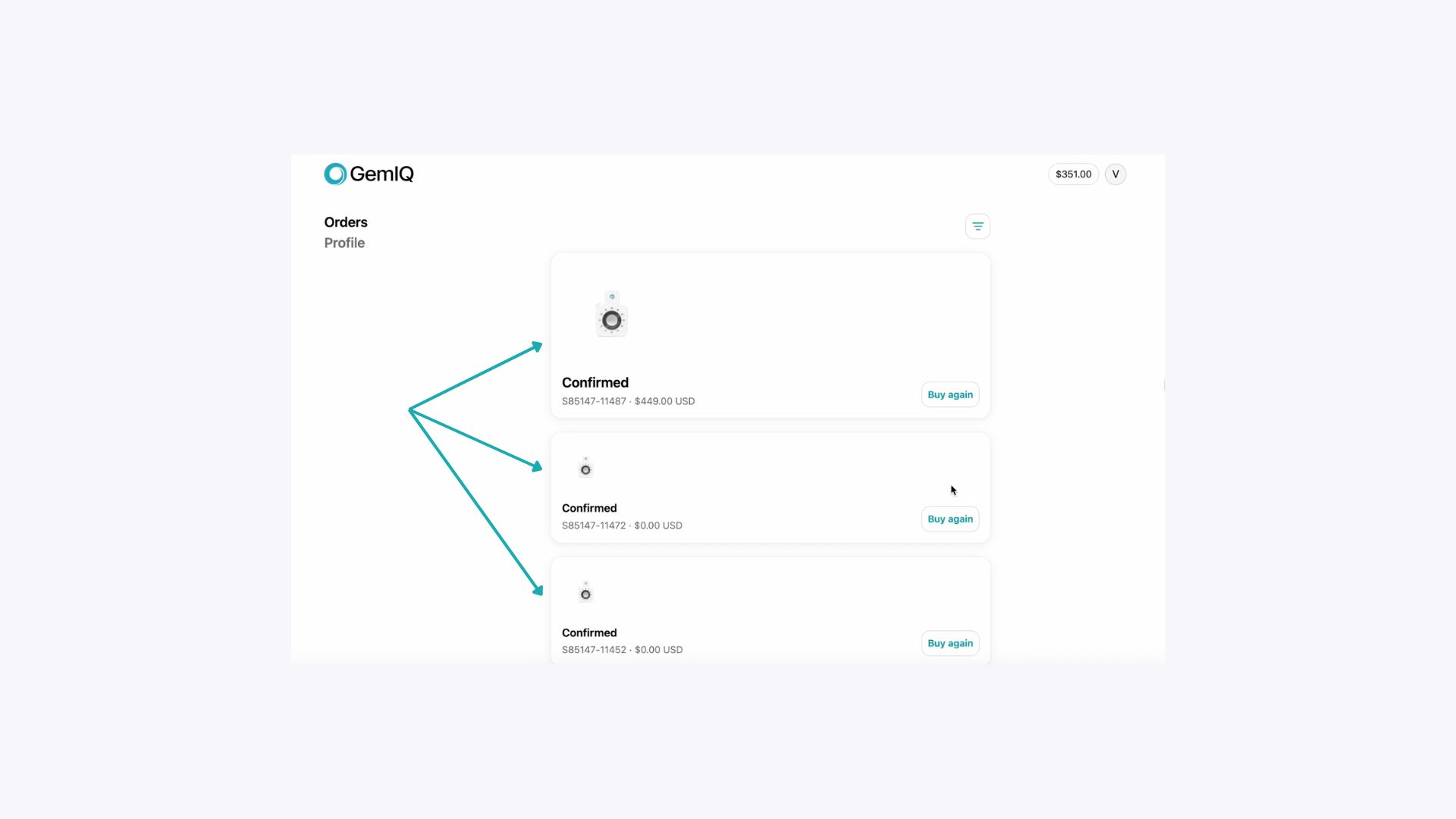
Once logged in, go to the Orders page.
Click the order you want to check to see its current status.
Tracking your delivery#
Once your order has been processed, a tracking number appears in the order details. Click the tracking number to see the latest delivery status from the courier. You can come back and click it anytime until your order arrives.
If you don't see a tracking number yet, your order is still being processed. It will appear once your order is ready to ship.
Tracking from your email#
When your order has been processed, we'll also send an email to your purchase email address with your tracking link. Click the link in that email to check your delivery status without logging in. If you can't find the email, check your spam or junk folder, or use the Orders page steps above.
Expected Result#
Customers can log in with their purchase email, find their order on the Orders page, and use the tracking number to check delivery status once the order is processed.