
The GemLightbox Eclipse accessory enables you to capture images and 360° videos of your jewelry against a pure black background. Follow the steps below for your specific GemLightbox model to set up the hardware and software correctly.
Setup Instructions
Remove the GemLightbox Turntable disc from the Turntable.
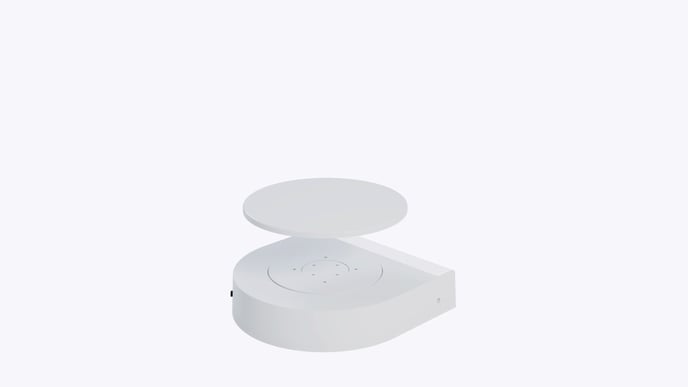
Place the Gemlightbox Eclipse cover over the Turntable.
Rotate the Eclipse cover until it locks firmly in place to the GemLightbox Turntable magnetically.
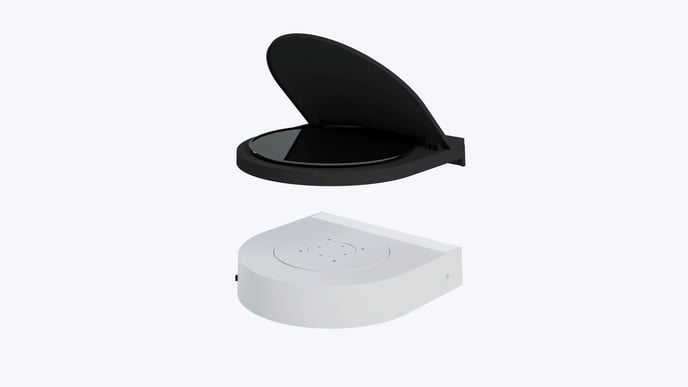
Using the sockets on the sides and lift the lid gently. Place your jewelry in the center and start shooting.
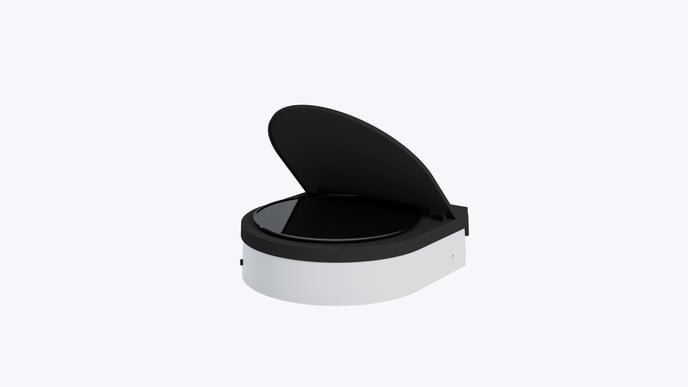
Ensure to enable the Eclipse filter on the GemIQ mobile application is turned on so your items will be placed on a black background.