How to Set Up the GemLightbox Eclipse
Quick Answer
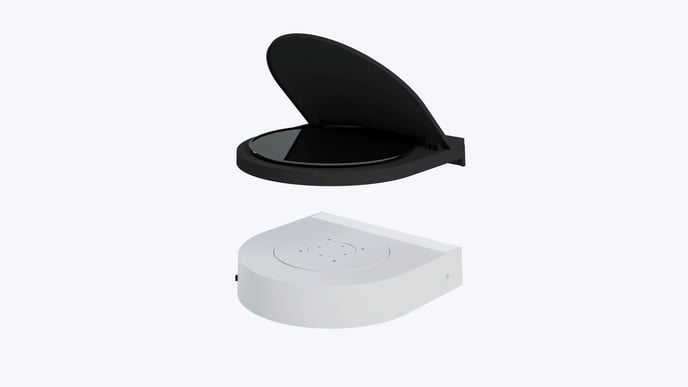
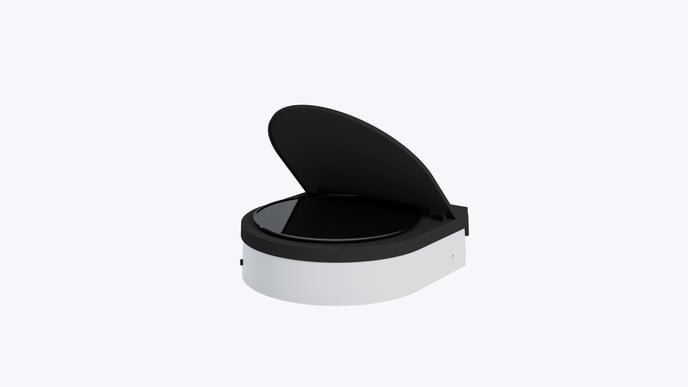
The GemLightbox Eclipse is an accessory for the GemLightbox Turntable that allows you to capture photos and videos of your jewelry against a pure black background. To set it up, simply replace the standard white turntable disc with the Eclipse cover and enable the Eclipse filter in the GemIQ app.
Before You Start
You will need a GemLightbox.
You will need a GemLightbox Turntable.
You will need the GemLightbox Eclipse accessory.
Ensure the GemIQ app is installed on your smartphone or computer.
Steps
Power off your GemLightbox Turntable.
Remove the standard white disc from the top of the turntable base.
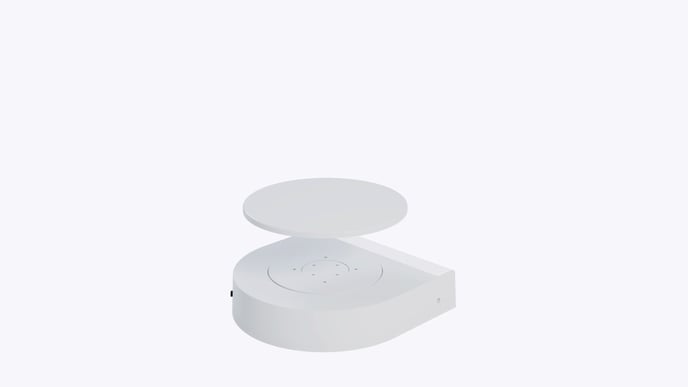
A hand lifting the white disc off the GemLightbox Turntable. Place the GemLightbox Eclipse cover over the turntable base. The Eclipse will lock into place magnetically.