
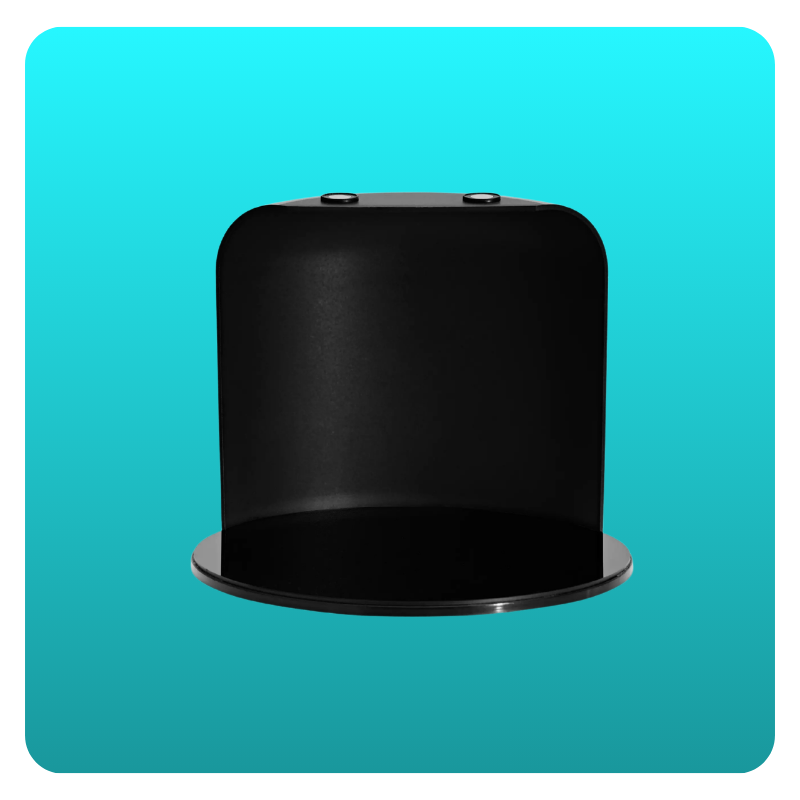
The GemLightbox Eclipse accessory enables you to capture images and 360° videos of your jewelry against a pure black background. Follow the steps below for your specific GemLightbox model to set up the hardware and software correctly.
Setup Instructions
Remove the GemLightbox Turntable disc from the Turntable.
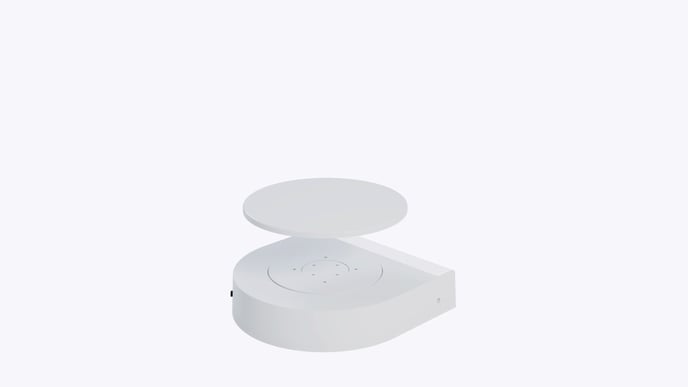
Place the Gemlightbox Eclipse cover over the Turntable.
Rotate the Eclipse cover until it locks firmly in place to the GemLightbox Turntable magnetically.
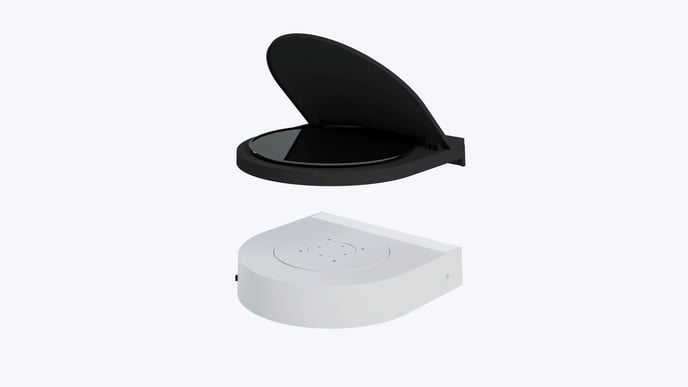
Using the sockets on the sides and lift the lid gently. Place your jewelry in the center and start shooting.
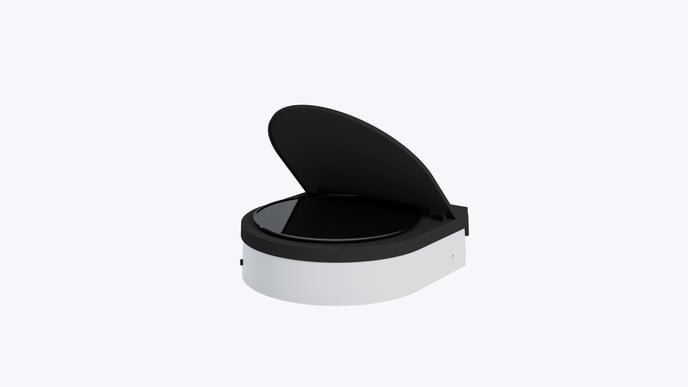
Ensure to enable the Eclipse filter on the GemIQ mobile application is turned on so your items will be placed on a black background.
Tutorial Video
Troubleshooting
Background is dark grey, not black: This is almost always caused by forgetting to enable the 'Eclipse filter' in the GemIQ app. Double-check that the filter is toggled on.
Accessory is not stable: Ensure the Eclipse backdrop and base (for Pro) or the Eclipse cover (for original) are properly seated and have locked in magnetically. If needed, remove and place them again.
The GemLightbox Pro Eclipse and the original GemLightbox Eclipse accessories are not interchangeable. Ensure you are using the correct accessory for your lightbox model.
Clean your jewelry before shooting. Dust, smudges, and fingerprints are highly visible against the black background.