
 Learning Center
Our most complete capture setup — GemLightbox Max for large pieces and GemCam Pro for catalog imagery, working together through the GemIQ app. We'll have you shooting in about ten minutes.
Step 01 · Unbox
Tap each item below as you find it. The Elite Kit Max ships in two cartons — open both before you start.
Step 02 · Install the GemIQ app
Install the GemIQ app before powering on — your hardware will appear there as soon as it connects. One install, both devices.
Step 03 · Power up
Plug in both devices and confirm they appear in the GemIQ app. The Max connects over Bluetooth; GemCam Pro is wired USB-C for studio reliability.
Pro tip: With both online you can switch between phone capture (Max) and desktop capture (GemCam Pro) per piece — no need to disconnect.
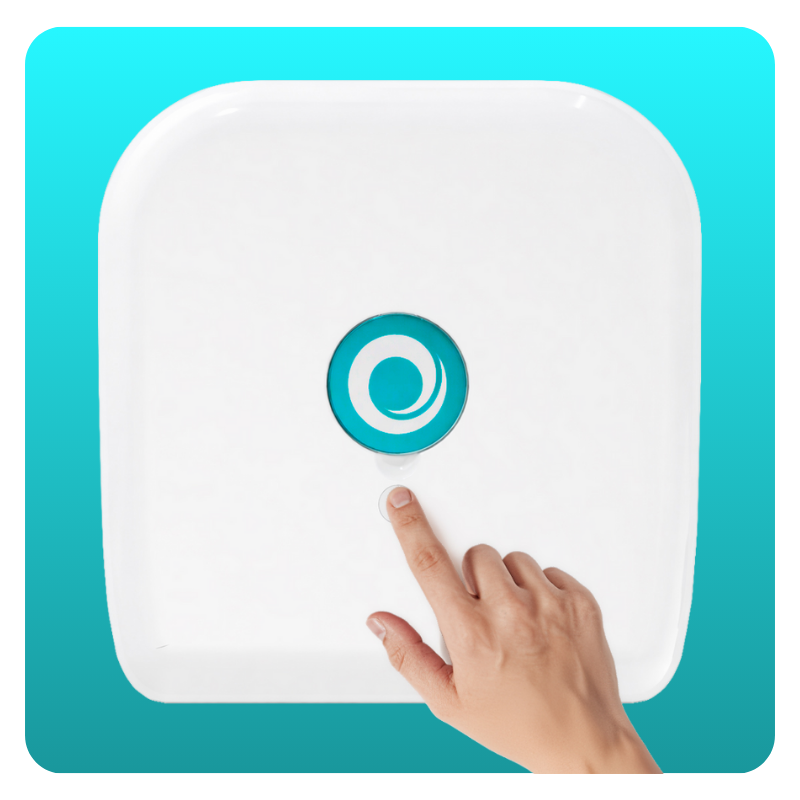
Step 04 · Sparkle Lights
The Sparkle Lights snap onto GemLightbox Max in seconds. Use them to add motion-driven brilliance — ideal for diamonds, gemstones, and any piece you'd shoot as video.
Step 05 · Capture
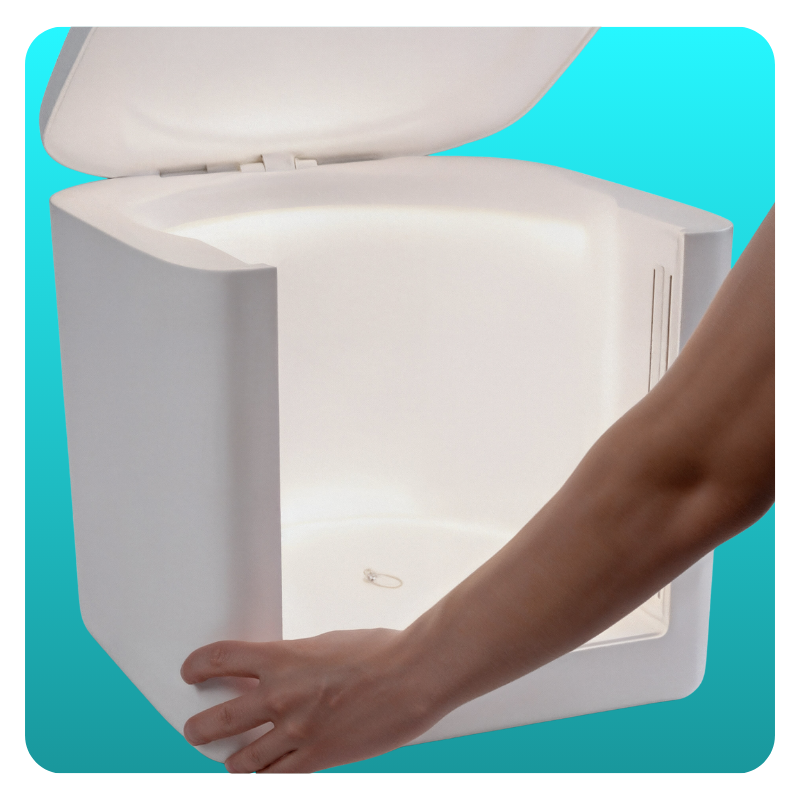
Place a piece on the Max turntable, hit the shutter in the GemIQ app, and the kit handles the rest — lighting, focus, exposure.
You can come back to this guide any time — your progress is saved on this device.